

Drag & drop files or folders here
'%20stroke='%232D2D33'%20stroke-width='3'/%3e%3cpath%20d='M9.86621%2012.8366L13.9744%208.91127L18.1435%2012.8976M13.8403%209.92308L13.9134%2019.0781'%20stroke='%232D2D33'%20stroke-width='3'%20stroke-linecap='round'%20stroke-linejoin='round'/%3e%3c/svg%3e) Upload
UploadTurn academic recordings into clear, structured text in just three simple steps.
Upload Recording
Upload lecture, seminar, or interview files, or paste links from platforms like YouTube. Supports common academic audio and video formats.
AI Transcription
AI converts speech to text, detects multiple speakers, and formats transcripts for easy reading and review.

Review and Export
Edit transcripts online, choose summary styles, then export or share results instantly.
Built for academic workflows, combining accuracy, flexibility, and online access.
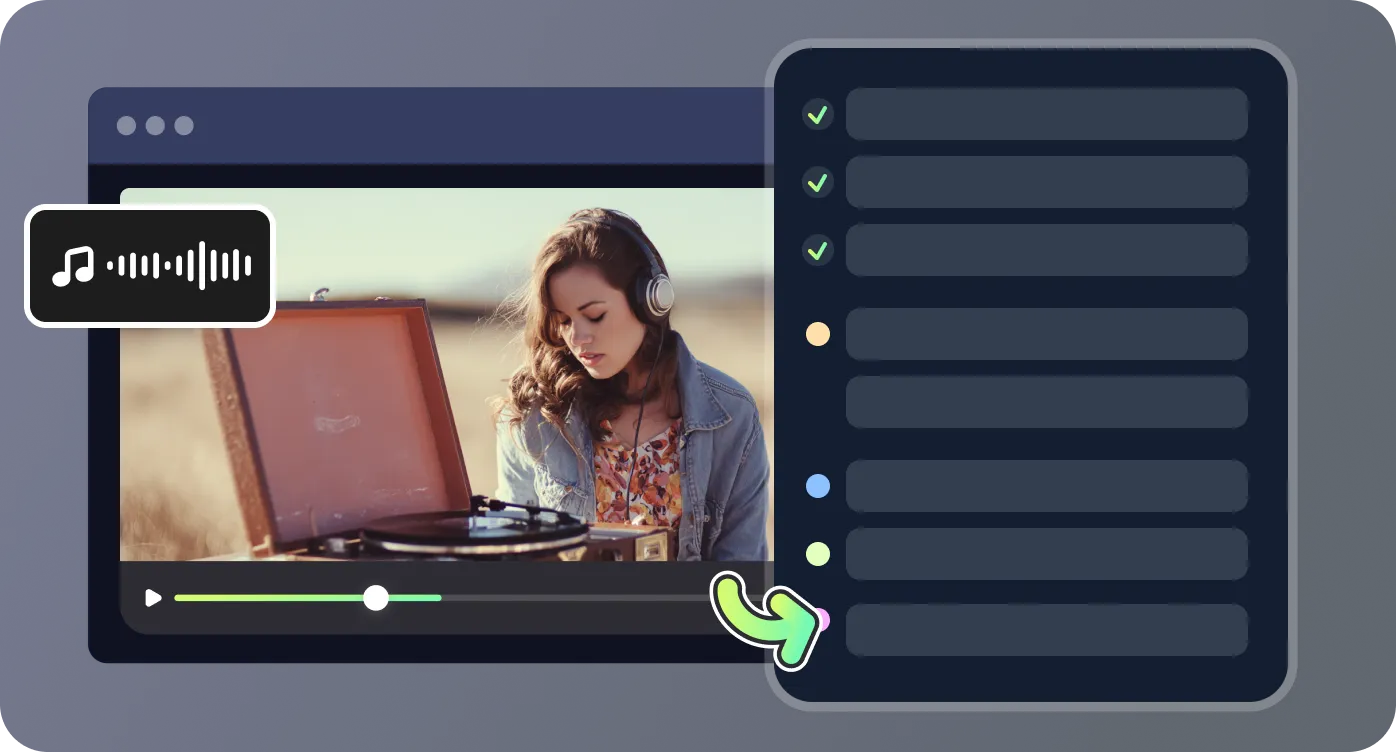
Advanced speech recognition handles lectures, interviews, and conference talks effectively. Speaker identification improves clarity in multi-voice recordings, while polished text modes help produce clean transcripts suitable for academic reference and sharing.
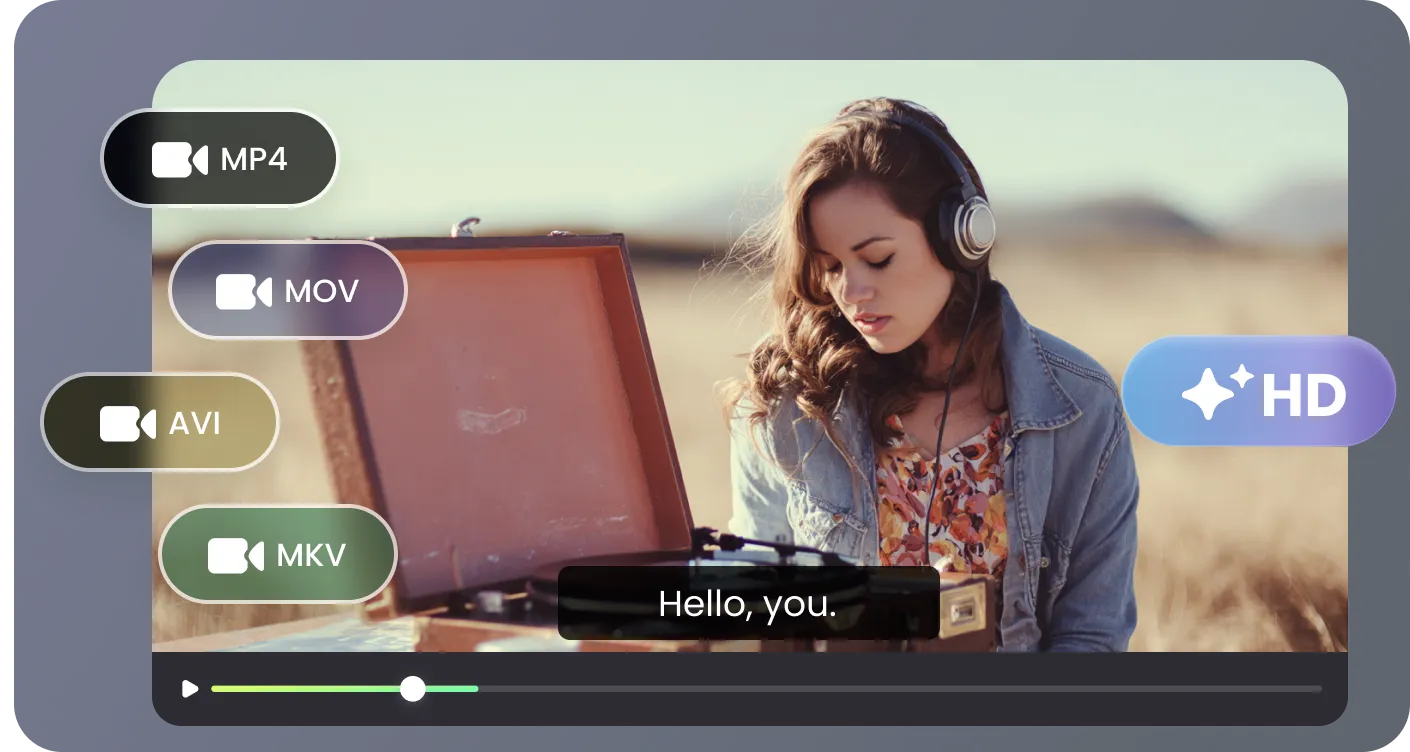
Upload recordings stored locally or paste URLs from major platforms such as YouTube, Facebook, or Instagram. This flexibility supports diverse academic transcription needs across teaching, research, and conferences.
Generate structured summaries designed for academic use, including detailed overviews for deep study and concise versions for quick reference. Complex discussions are distilled into clear, usable information.
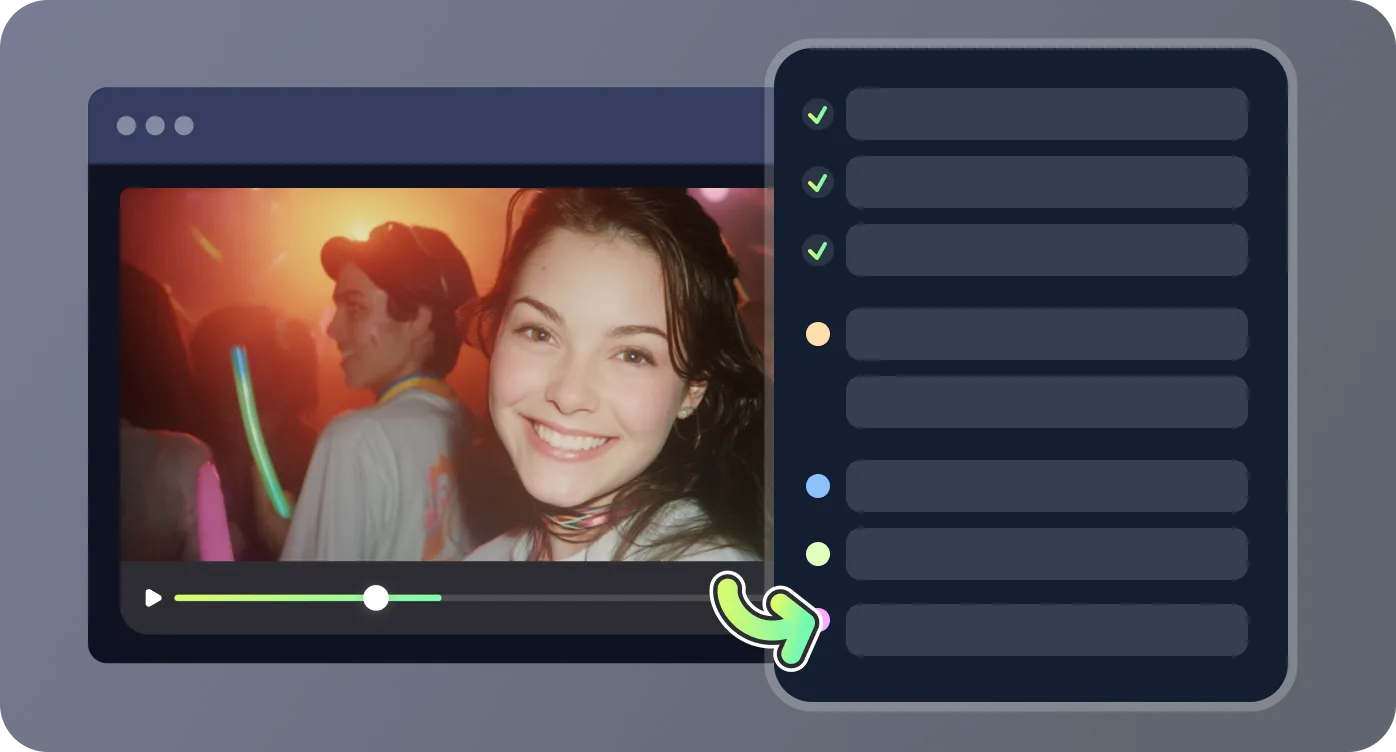
Refine transcripts directly in the browser, then export as clean text or subtitle files. Content can be shared with colleagues or integrated into research documents without additional tools.
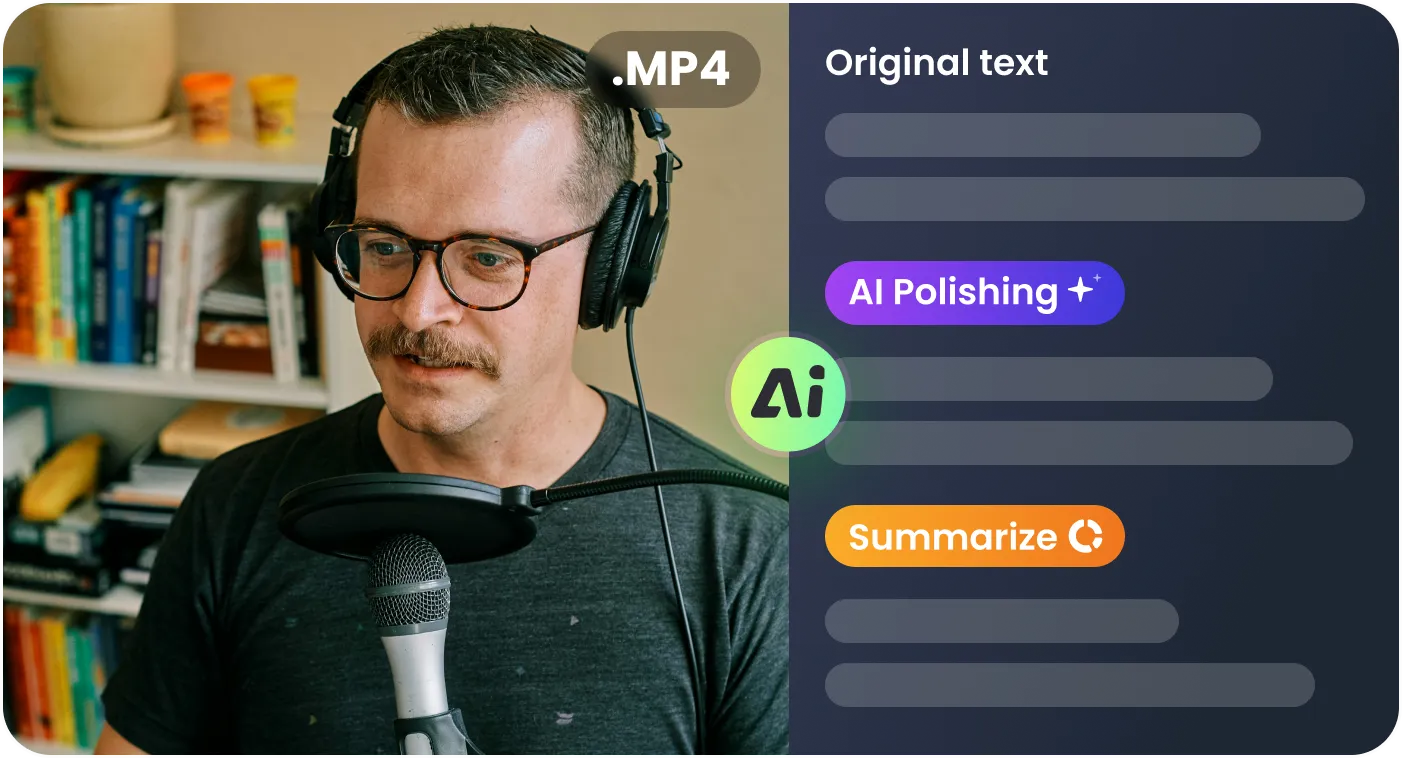
Designed for students, researchers, and educators across common academic scenarios.

As a postgraduate student, I record most lectures. RecCloud’s academic transcription speeds up my note-taking dramatically, and speaker detection makes group discussions easy to review before exams.

Research interview transcription used to take days. This AI tool produces structured text quickly, which fits perfectly into my qualitative analysis workflow and tight academic deadlines.

I attend conferences regularly, and this transcription software turns long keynote talks into clear notes I can share with my department. It saves hours without losing technical detail.

As a professor, transcribing seminars helps me prepare clearer course materials. The polished text output is suitable for publishing and institutional archiving.

Quick answers about academic transcription features and usage.

