
'%20stroke-opacity='0.2'%20stroke-width='2'/%3e%3cpath%20d='M3.11592%2019.2884C1.75802%2014.0938%204.86823%208.78202%2010.0628%207.42412L31.7476%201.75552C33.7413%201.23434%2035.8588%201.49254%2037.6689%202.47756L45.1886%206.5697C47.5462%207.85267%2049.2684%2010.0533%2049.9473%2012.6501L57.5913%2041.8917C58.9492%2047.0862%2055.839%2052.398%2050.6444%2053.7559L23.9954%2060.7222C18.8008%2062.0801%2013.489%2058.9699%2012.1311%2053.7754L3.11592%2019.2884Z'%20stroke='url(%23paint1_linear_54018_1330)'%20stroke-width='4'/%3e%3cpath%20d='M3.1208%2019.2884C1.7629%2014.0938%204.87311%208.78202%2010.0677%207.42412L31.7524%201.75552C33.7462%201.23434%2035.8636%201.49254%2037.6737%202.47756L45.1935%206.5697C47.5511%207.85267%2049.2733%2010.0533%2049.9522%2012.6501L57.5962%2041.8917C58.9541%2047.0862%2055.8439%2052.398%2050.6493%2053.7559L24.0002%2060.7222C18.8057%2062.0801%2013.4939%2058.9699%2012.136%2053.7754L3.1208%2019.2884Z'%20fill='%235B5B5B'/%3e%3cpath%20d='M31.7516%201.75597C33.7454%201.23478%2035.8633%201.49203%2037.6734%202.47705L45.1931%206.5696C47.505%207.82776%2049.2028%209.96938%2049.9079%2012.5007L41.6862%2014.6499C38.2233%2015.5551%2034.6819%2013.4821%2033.7765%2010.0193L31.625%201.78906L31.7516%201.75597Z'%20fill='%23CEFFD2'%20fill-opacity='0.3'/%3e%3cpath%20d='M38.6744%2029.5512C40.6539%2030.0946%2041.3029%2032.5771%2039.8425%2034.0198L31.0802%2042.6757C29.6198%2044.1184%2027.1453%2043.4391%2026.6261%2041.4531L23.5111%2029.5367C22.9919%2027.5506%2024.8174%2025.7473%2026.7969%2026.2907L38.6744%2029.5512Z'%20fill='url(%23paint2_linear_54018_1330)'/%3e%3cdefs%3e%3clinearGradient%20id='paint0_linear_54018_1330'%20x1='14.2197'%20y1='34.6499'%20x2='62.8873'%20y2='40.1141'%20gradientUnits='userSpaceOnUse'%3e%3cstop%20stop-color='%23D6FB72'/%3e%3cstop%20offset='1'%20stop-color='%2376F9B1'/%3e%3c/linearGradient%3e%3clinearGradient%20id='paint1_linear_54018_1330'%20x1='7.62353'%20y1='36.5319'%20x2='55.4562'%20y2='29.4896'%20gradientUnits='userSpaceOnUse'%3e%3cstop%20stop-color='%23D6FB72'/%3e%3cstop%20offset='1'%20stop-color='%2376F9B1'/%3e%3c/linearGradient%3e%3clinearGradient%20id='paint2_linear_54018_1330'%20x1='30.5755'%20y1='24.9296'%20x2='32.6408'%20y2='42.908'%20gradientUnits='userSpaceOnUse'%3e%3cstop%20stop-color='%23D6FB72'/%3e%3cstop%20offset='1'%20stop-color='%2376F9B1'/%3e%3c/linearGradient%3e%3c/defs%3e%3c/svg%3e)
Drag and Drop files to upload or
'%20stroke='%232D2D33'%20stroke-width='3'/%3e%3cpath%20d='M9.86621%2012.8366L13.9744%208.91127L18.1435%2012.8976M13.8403%209.92308L13.9134%2019.0781'%20stroke='%232D2D33'%20stroke-width='3'%20stroke-linecap='round'%20stroke-linejoin='round'/%3e%3c/svg%3e) Browse
BrowseNo complex setup. Just upload, review, and use the captions where you need them.
Upload Media
Add your video or audio file. The auto caption AI analyzes speech, timing, and speaker changes.
Review Text
Edit the generated captions, fix names or terms, and adjust line breaks for readability.
Export Captions
Export captions in SRT format or embed them into your video to save time on editing and publishing.
Built for people who need captions to work in real content, not just look good in demos.
This AI auto caption system is optimized for spoken language, so it handles fillers, pauses, and real conversation better than text-based models.
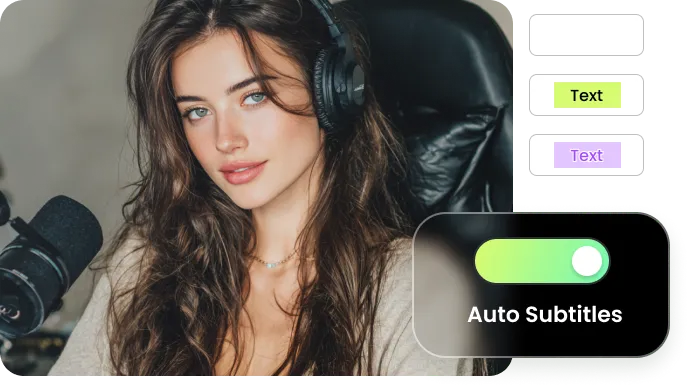
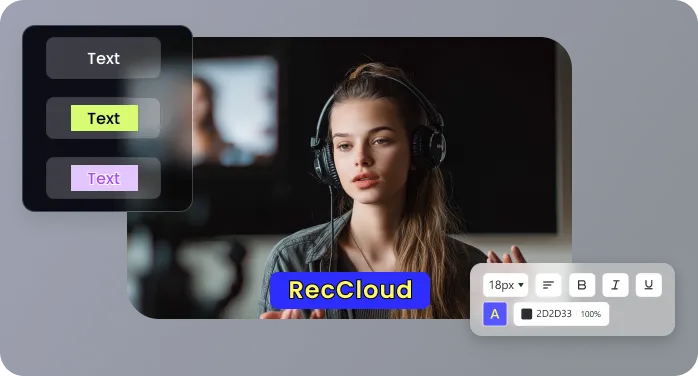
You’re not limited to the AI’s first draft. Every auto caption can be edited—correct speaker names, adjust timing, and refine wording—so it fits professional video projects perfectly.
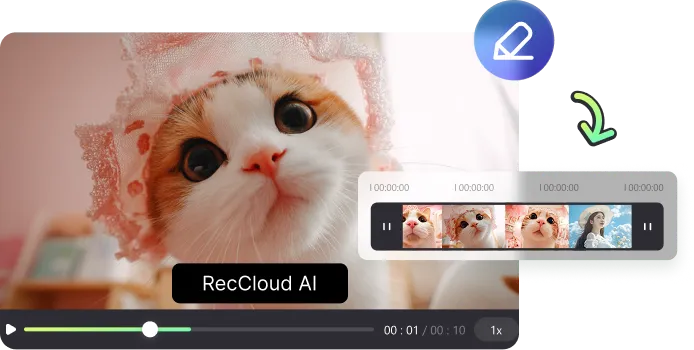
Captions are automatically matched to the audio, ensuring each line appears and disappears in sync with the speaker, not just as a block of text.
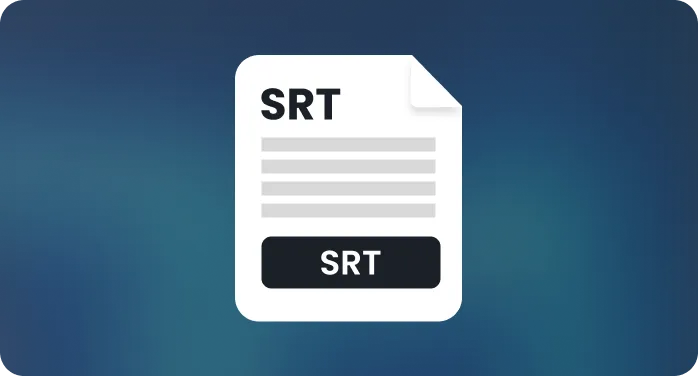
Export your finished captions in the exact format you need—SRT for YouTube or TXT for a simple transcript—without conversion hassles.
Process anything from a 30-second social clip to a multi-hour webinar or interview series. AI auto caption keeps timing precise, text clear, and speed consistent across every video.
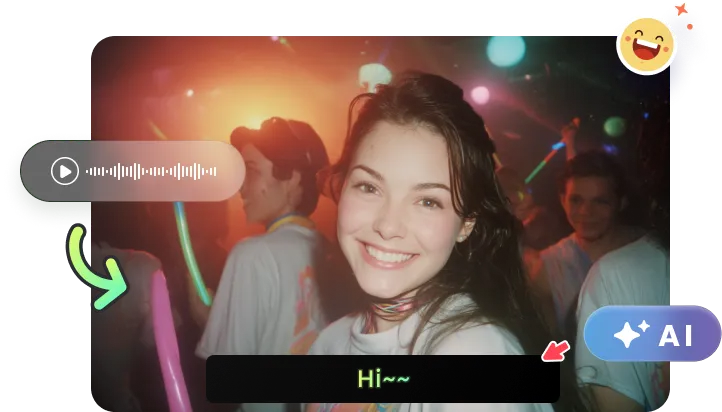
Real scenarios where automatic captions reduce editing and review time.

I produce weekly explainer videos for my YouTube channel. Before, cleaning up auto-captions was a chore—the AI would break sentences awkwardly. RecCloud’s tool gets the cadence right, so my subtitles actually read like natural speech. It saves me about an hour of editing per video.

For our agency, speed and client-ready quality are non-negotiable. We use this for everything from 30-second ads to 20-minute case studies. The accuracy on the first pass is consistently high, which means my team spends less time fixing errors and more time on strategic edits. It’s become our go-to for captioning.

As a non-native English speaker doing product reviews, clarity is everything. I use the auto caption generator to create a precise transcript first. Then, I use it to check my pronunciation and pacing. Seeing the words helps me refine my delivery for a global audience. It’s more than a subtitle tool—it’s a confidence check.

We create weekly video summaries for our leadership team from hour-long strategy meetings. Generating accurate, time-synced captions for such long recordings used to be a bottleneck. Now, we simply upload the file. The captions are ready in minutes, with a level of accuracy that allows us to publish or archive the videos without lengthy manual reviews, saving our department over half a day of work each week.

Your questions about automatic captioning, answered.

