No cameras. No actors. No editing software. Just your ideas.

Type Your Idea
Describe what you want the Short to be about. A few words like "funny dog fails" or a full paragraph—the AI works with both.
Generate Video
The AI writes a script, generates or sources relevant visuals, and creates a natural-sounding voiceover. Everything is assembled in the vertical 9:16 format.

Review & Post
Preview the finished Short. Swap any scene you don't like, adjust the text, or regenerate the voiceover. When you're happy, download and post.
Designed for creators who begin with text or images—not long videos.
Type a topic or paste a full script. The AI writes the narration, selects or generates matching visuals frame by frame, and assembles everything into a finished vertical video. No cameras, no footage libraries, no editing timeline—just your words turned into a YouTube Short.
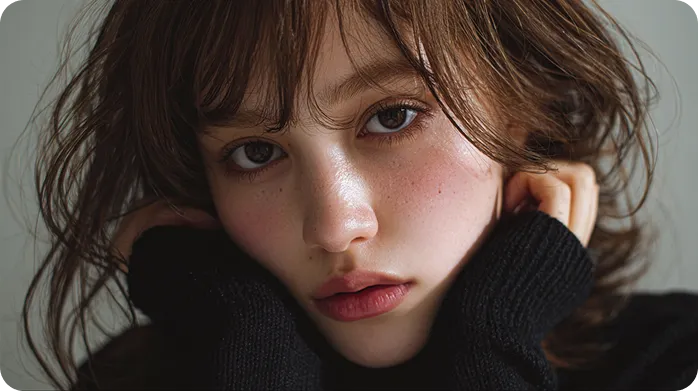
Add narration without touching a microphone. Choose from multiple AI voice profiles that deliver scripts with proper pacing and emotion. The voice syncs automatically to your visuals, and you can swap styles until the tone feels right.
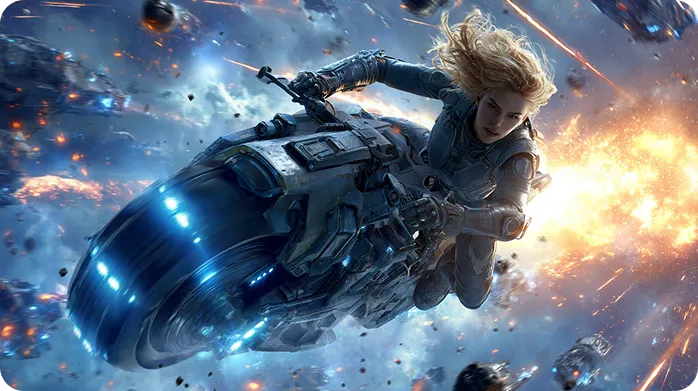
Upload product photos or illustrations. The AI arranges them into a structured 9:16 video with smart transitions and automatically positioned captions. Ideal for creators who have visuals but need help turning them into engaging content.
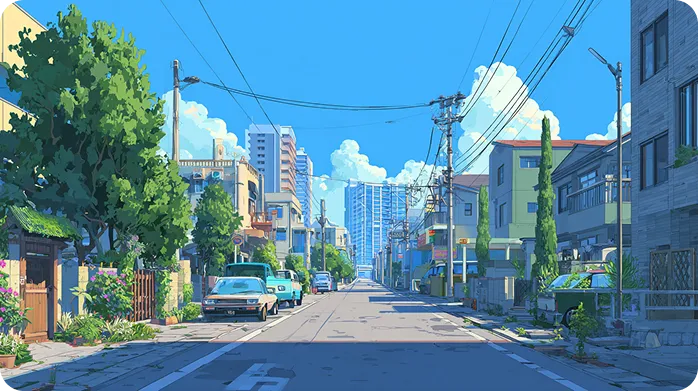
Don't like a scene? Regenerate it. Want a different voice? Swap it. Need to tweak the script? Edit it. The AI handles the heavy lifting, but you stay in the driver's seat—able to refine every element without touching professional software.
Common ways creators use this tool in real workflows.

Finally found RecCloud’s AI YouTube Shorts generator that actually understands my scripts. I paste in a short blog draft, choose a voice, and it automatically generates a vertical video with captions timed perfectly for mobile viewing. The transitions between scenes feel natural, and I can tweak text directly in the editor without touching a timeline.

I run an ecommerce channel and needed a fast way to turn product photos and descriptions into Shorts. With this tool, I upload 5–10 images, paste the product text, and within minutes I have a short, engaging video. It even suggests pacing for captions, so viewers can read without feeling rushed. This saves hours compared to manual editing.

As a marketing consultant, I create educational Shorts from bullet points or step-by-step guides. RecCloud formats each segment into vertical slides, adds narration, and automatically generates captions. I can reorder sections or highlight key phrases for emphasis, which keeps students engaged and improves retention.

I write short story scripts for YouTube, but filming isn’t an option for me. This AI YouTube Shorts generator lets me turn my text into complete vertical videos with voiceover and subtitles. I can adjust tone, pacing, and even swap background images, which makes each Short feel professional without any camera work.

Common questions about generating YouTube Shorts from text or images.


