
BGM
Turn written Arabic into spoken audio in three simple steps.
Add Text
Paste Arabic text, type directly in the editor, or upload a TXT file. The system reads the script and prepares it for Arabic speech generation.

Choose Voice
Select a voice and adjust speed to match your context—whether you need a steady narration, a slower reading pace, or natural conversational tone.
Export Audio
Generate the speech and download the audio file. The Arabic voice can be used in videos, slides, podcasts, or mobile apps.
Built for situations where written Arabic needs to become clear, usable audio.
Generated speech keeps a steady rhythm and clear pronunciation instead of sounding mechanical. This makes the Arabic text to speech output suitable for video narration, learning materials, product demos, or internal presentations where the audio needs to sound natural when played to others.
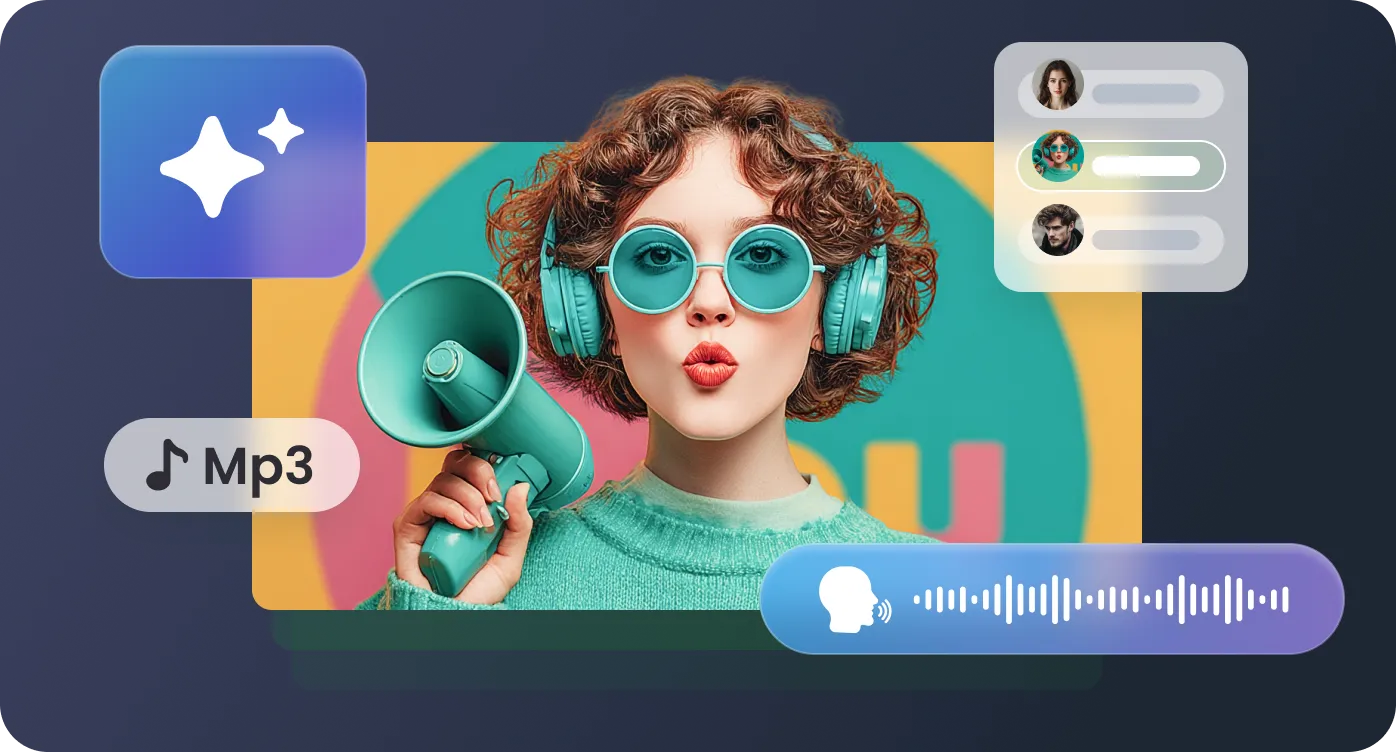
You can paste text, type directly in the editor, or upload a TXT file containing your script. Whether you are working with a few sentences, a lesson outline, or a full narration script, the system processes the Arabic text and prepares it for smooth spoken playback.
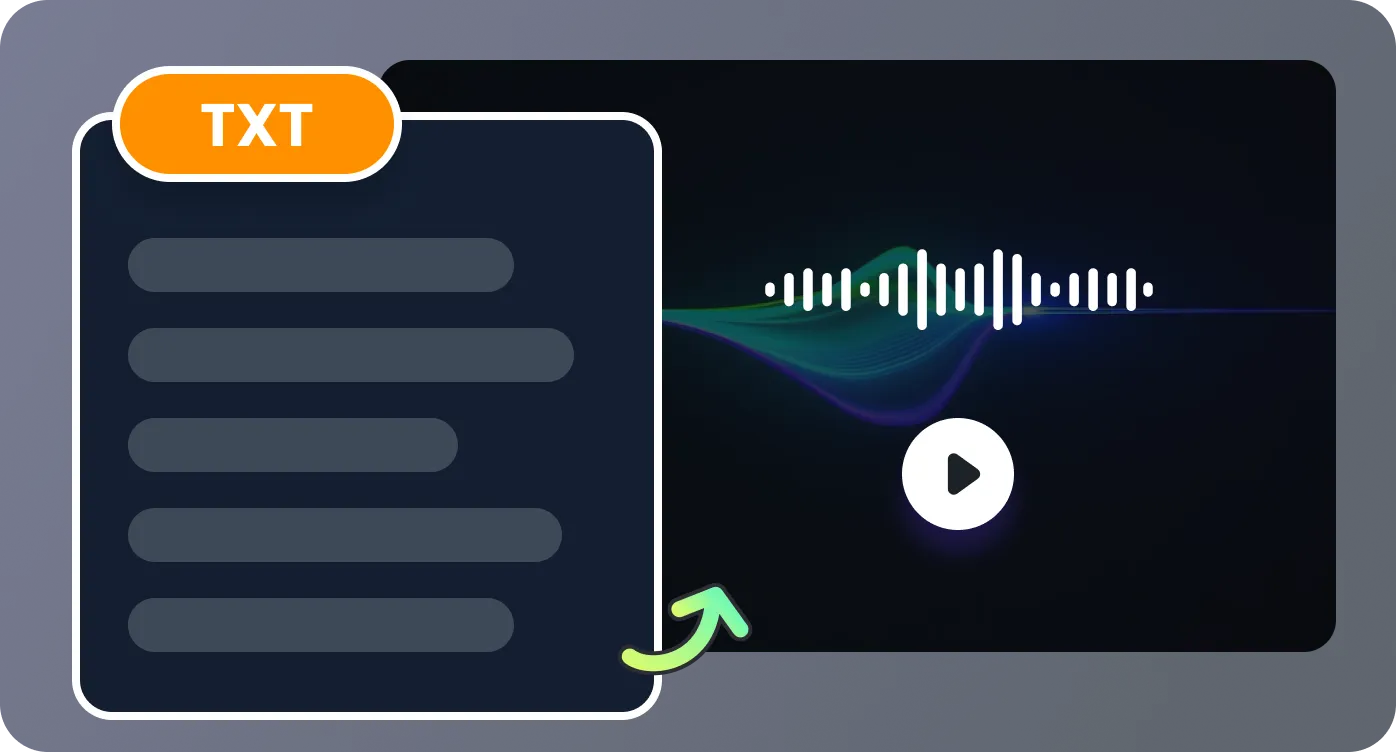
Adjust speaking speed to match how the audio will be used. Slower pacing works well for language learning or pronunciation practice, while normal speed is better for videos, presentations, and voiceovers that need a natural flow.
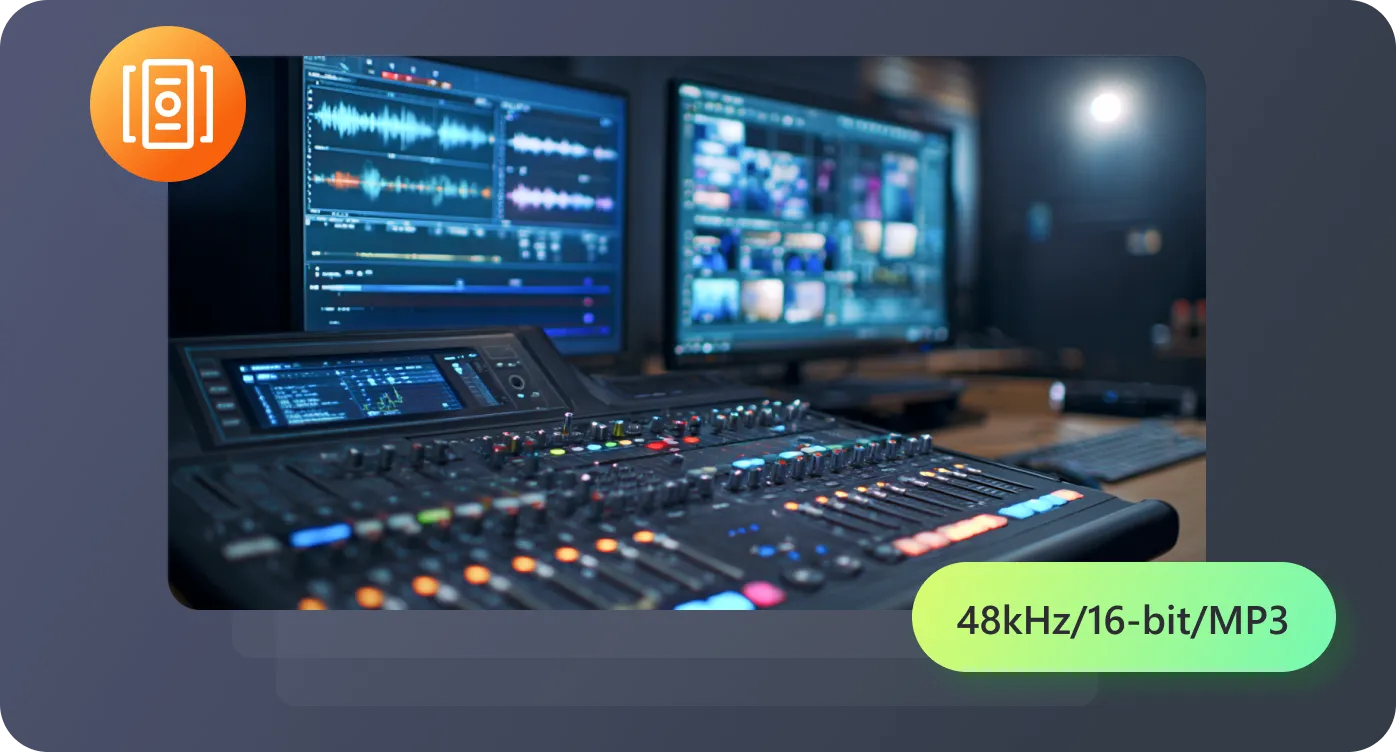
Once the speech is generated, download the audio file and place it directly into your video editor, slide deck, podcast timeline, or training materials. The text to speech Arabic output can be reused across different content formats without additional recording.
Real situations where written Arabic needs to become clear spoken audio.

I run a small YouTube channel where I teach basic Arabic phrases. Before finding this tool, I had to record every example myself, which took a lot of time to redo if I made mistakes. Now I paste my lesson sentences into the Arabic text to speech generator and download clean pronunciation clips for each section of the video. It saves a surprising amount of editing time.

Some of my clients produce short marketing videos aimed at Arabic-speaking audiences, but none of us speak the language. I usually receive a translated script and need a quick voice track to test the video flow before hiring a professional voice actor. This tool lets me generate Arabic narration in minutes, which makes the editing process much smoother.

I was looking for a reliable text to speech Arabic tool to add voice to a product walkthrough for our Middle East customers. I uploaded our translated script and generated a narration track that we could use directly in the demo video. The pacing sounded natural enough that we used it as the final version instead of recording a voiceover.

In our training department we often convert written instructions into audio so employees can review them during travel or between tasks. I tested several tools, but many struggled with longer passages. With this one I can paste full sections of our materials and generate consistent speech that our team can listen to on their phones.

Answers to common questions about Arabic voice generation.

'%3e%3cpath%20d='M7.1%2013.4C10.4689%2013.4%2013.2%2010.6242%2013.2%207.2C13.2%203.77583%2010.4689%201%207.1%201C3.73106%201%201%203.77583%201%207.2C1%2010.6242%203.73106%2013.4%207.1%2013.4Z'%20stroke='white'%20stroke-width='2'%20stroke-miterlimit='10'%20stroke-linecap='round'%20stroke-linejoin='round'/%3e%3cpath%20d='M13.5%2012.5L15%2014'%20stroke='white'%20stroke-width='2'%20stroke-miterlimit='10'%20stroke-linecap='round'%20stroke-linejoin='round'/%3e%3c/g%3e%3cdefs%3e%3cclipPath%20id='clip0_40348_278'%3e%3crect%20width='16'%20height='15'%20fill='white'/%3e%3c/clipPath%3e%3c/defs%3e%3c/svg%3e)


'/%3e%3cpath%20d='M4%206.33333L5.38333%208L8%204'%20stroke='%232D2D33'%20stroke-linecap='round'%20stroke-linejoin='round'/%3e%3cdefs%3e%3clinearGradient%20id='paint0_linear_59564_8366'%20x1='1.38174e-07'%20y1='6'%20x2='12.2188'%20y2='7.57508'%20gradientUnits='userSpaceOnUse'%3e%3cstop%20stop-color='%23D6FB72'/%3e%3cstop%20offset='1'%20stop-color='%2376F9B1'/%3e%3c/linearGradient%3e%3c/defs%3e%3c/svg%3e)
'%20fill='white'/%3e%3cellipse%20cx='2.79998'%20cy='2.79995'%20rx='2.79998'%20ry='2.79995'%20transform='matrix(0.965927%20-0.258816%200.258823%200.965925%2018.3749%2022)'%20fill='white'/%3e%3cpath%20d='M11%2010L27.5%2026.5'%20stroke='white'%20stroke-width='2'%20stroke-linecap='round'/%3e%3c/svg%3e)
