

Drag & drop files or folders here
'%20stroke='%232D2D33'%20stroke-width='3'/%3e%3cpath%20d='M9.86621%2012.8366L13.9744%208.91127L18.1435%2012.8976M13.8403%209.92308L13.9134%2019.0781'%20stroke='%232D2D33'%20stroke-width='3'%20stroke-linecap='round'%20stroke-linejoin='round'/%3e%3c/svg%3e) Upload
UploadTranscribe audio to text in three simple steps
Upload Audio
Select your audio file or recording. RecCloud supports MP3, WAV, and video formats for transcription.
Start Transcription
Initiate the audio to transcript process. The system quickly converts speech into readable text.
Review & Export
Check the transcription, make edits if needed, and download your transcript.
Reliable audio to text transcription for real-world needs
Stop replaying the same five seconds just to catch a word. RecCloud’s audio to transcript engine recognizes accents, filters background noise, and keeps up with fast speakers, producing clear audio to text transcription you can read immediately.
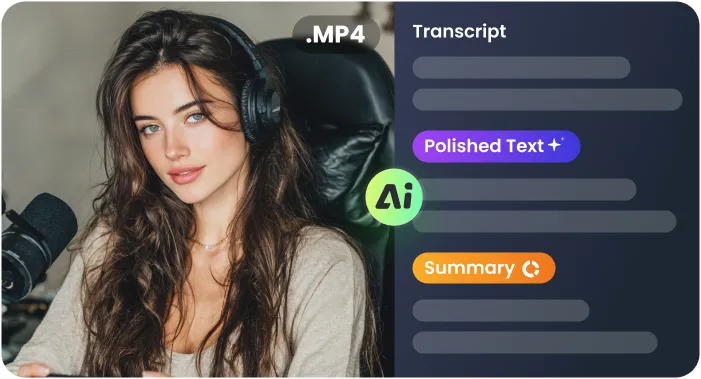
Transcribe audio to text even when the recording is long. From podcast episodes and full lectures to multi-hour interviews or webinars, upload the entire file and generate a complete transcript without splitting recordings.
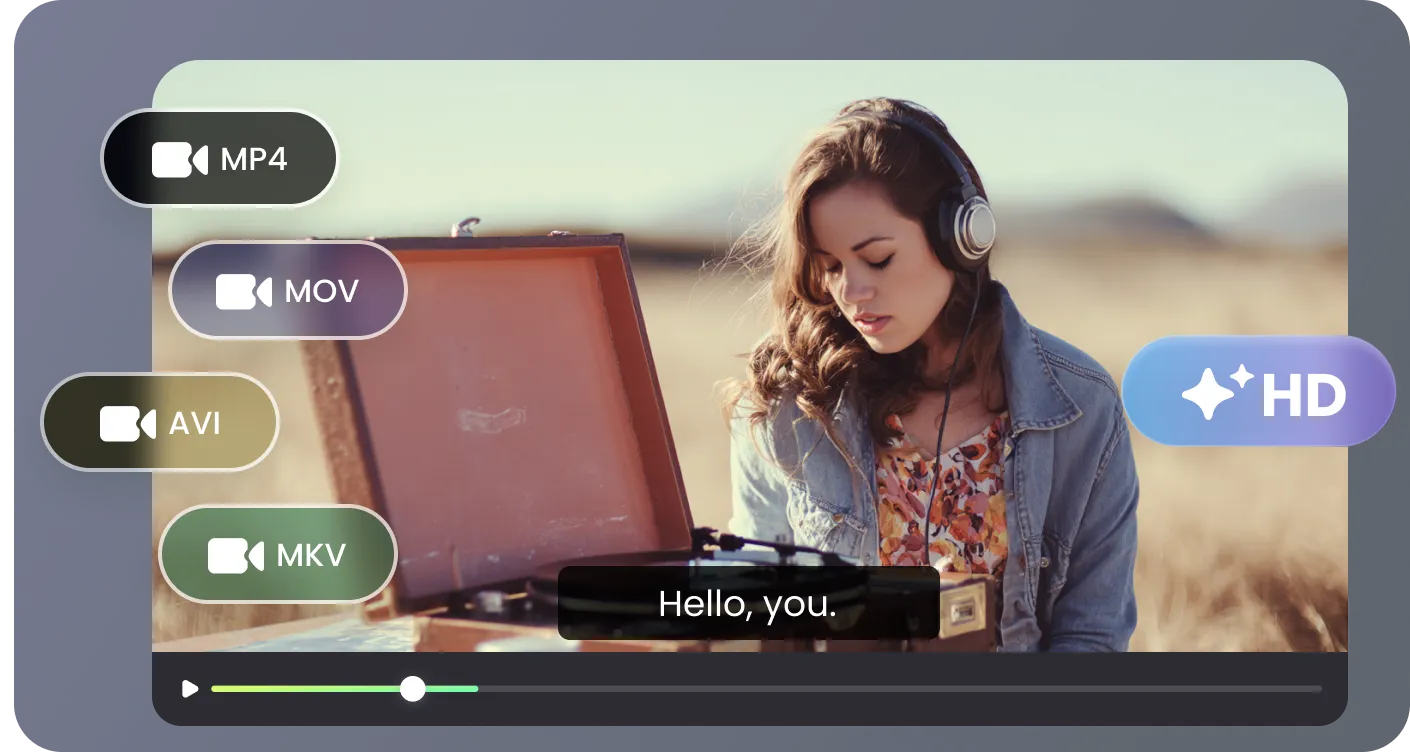
Once your audio becomes text, finding information is much easier. Scan the transcript, search keywords, and quickly locate important moments from meetings, podcasts, or recorded discussions.
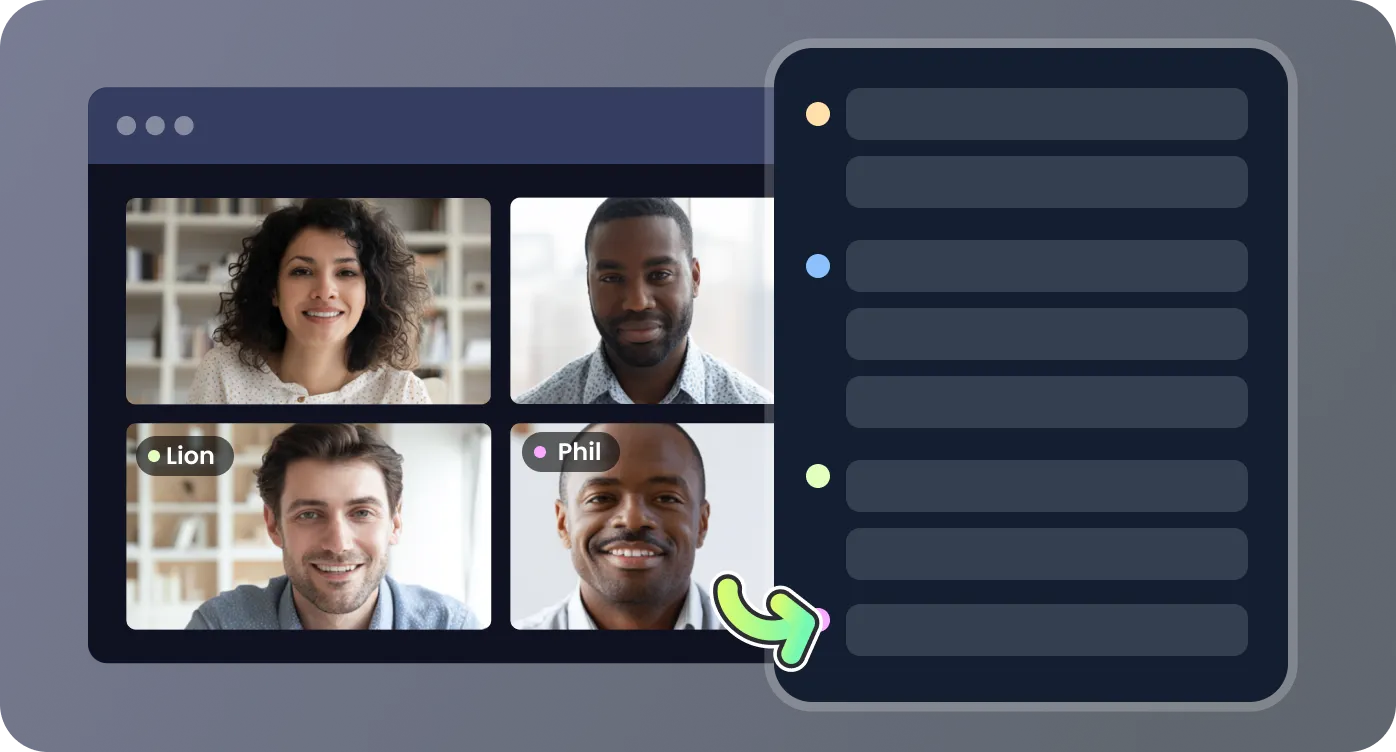
Meetings and interviews rarely involve just one voice. RecCloud identifies and separates different speakers in the audio to text transcription, helping you understand conversations and track who said what.
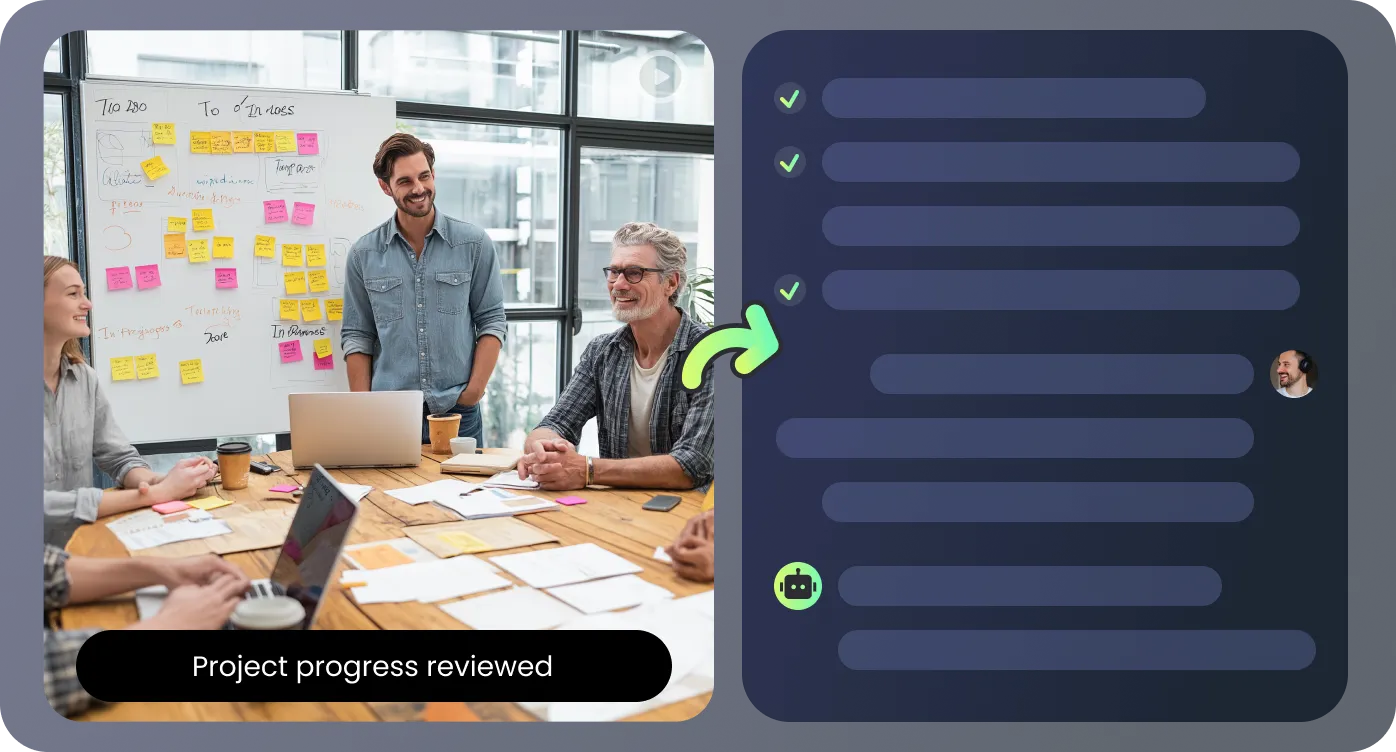
How people use RecCloud to convert audio to text

I often record strategy meetings with clients so I don’t miss any details, but reviewing audio used to take forever. With RecCloud, I upload the recording and get a full transcript I can skim in minutes. It’s much easier to pull action items or quote exactly what someone said without replaying the whole conversation.

As a researcher, I conduct a lot of recorded interviews. Before using an audio to transcript tool, I had to manually transcribe sections I wanted to analyze. Now I upload the audio and quickly get a text version I can search, annotate, and organize. It has made qualitative research much more manageable.

I record most of my lectures so I can review them later, especially before exams. RecCloud turns those recordings into readable notes that I can highlight and reorganize. Instead of listening to a one-hour lecture again, I scroll through the transcript and focus on the key parts I need to study.

For podcast production, having a transcript is incredibly useful. I use RecCloud to transcribe audio to text after recording each episode. It helps me create show notes, quote important moments for social media, and keep an archive of every interview we publish.

Answers to common questions about audio to transcript

