
BGM
Easily create natural-sounding audio from your English text using our AI-powered online tool.
Prepare Your Script
Type or paste your English text, or upload a TXT file. Use the built-in editor to format and organize your content for speech generation.

Choose Voice & Sound
Select from natural AI voice options, adjust speech settings, and optionally add background music to enhance your audio.

Download Your MP3
Instantly convert your English text to speech, preview the result, and download the final MP3 file for use in your projects.
Access advanced AI voices and powerful audio creation features in an easy online tool.
Generate expressive, human-like English speech using advanced neural models. Choose from various voices, accents, and speaking styles for professional audio.

Work with editing tools, including a flexible text field editor, translation, and the ability to insert pauses directly into your script for perfect pacing, making it easy to create clear, professional, and well-timed audio content.
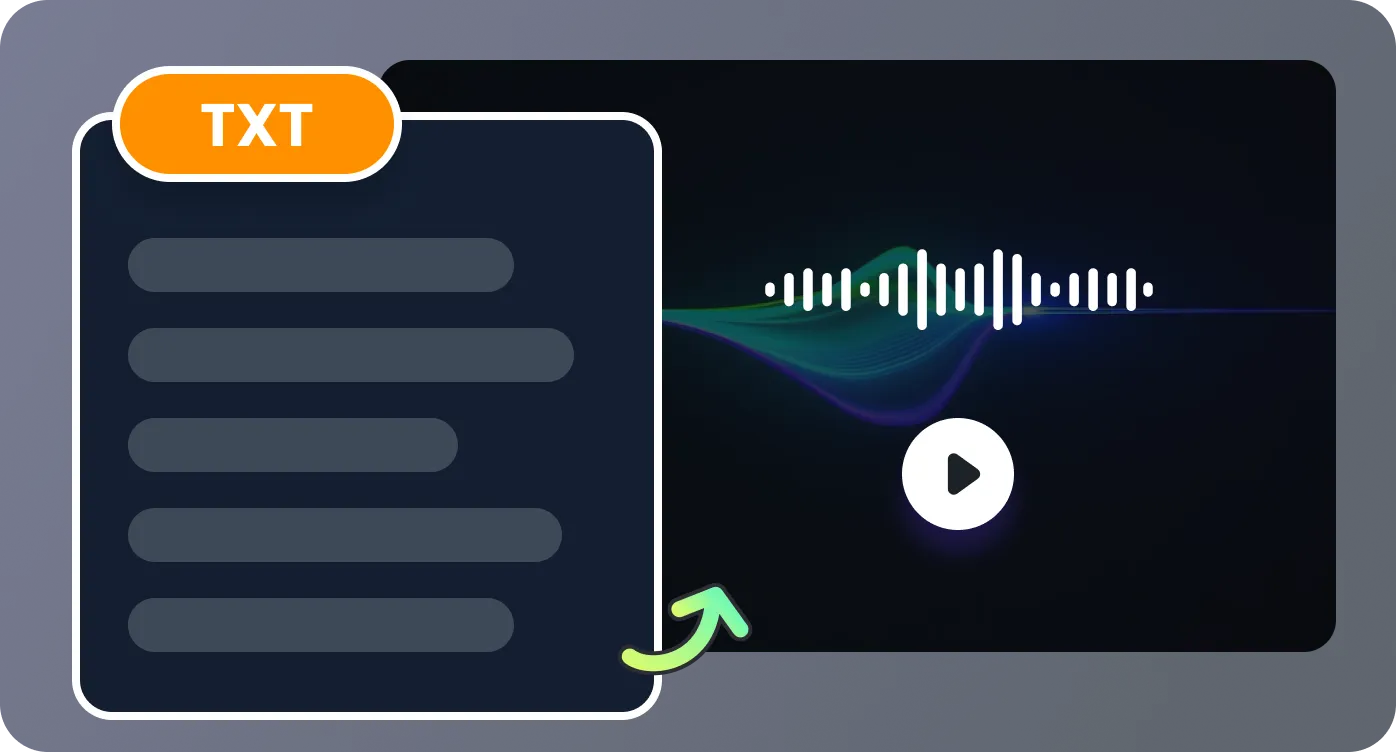
Add royalty-free background music tracks and sound effects. Adjust volume and pacing to create polished, professional audio files for any purpose.
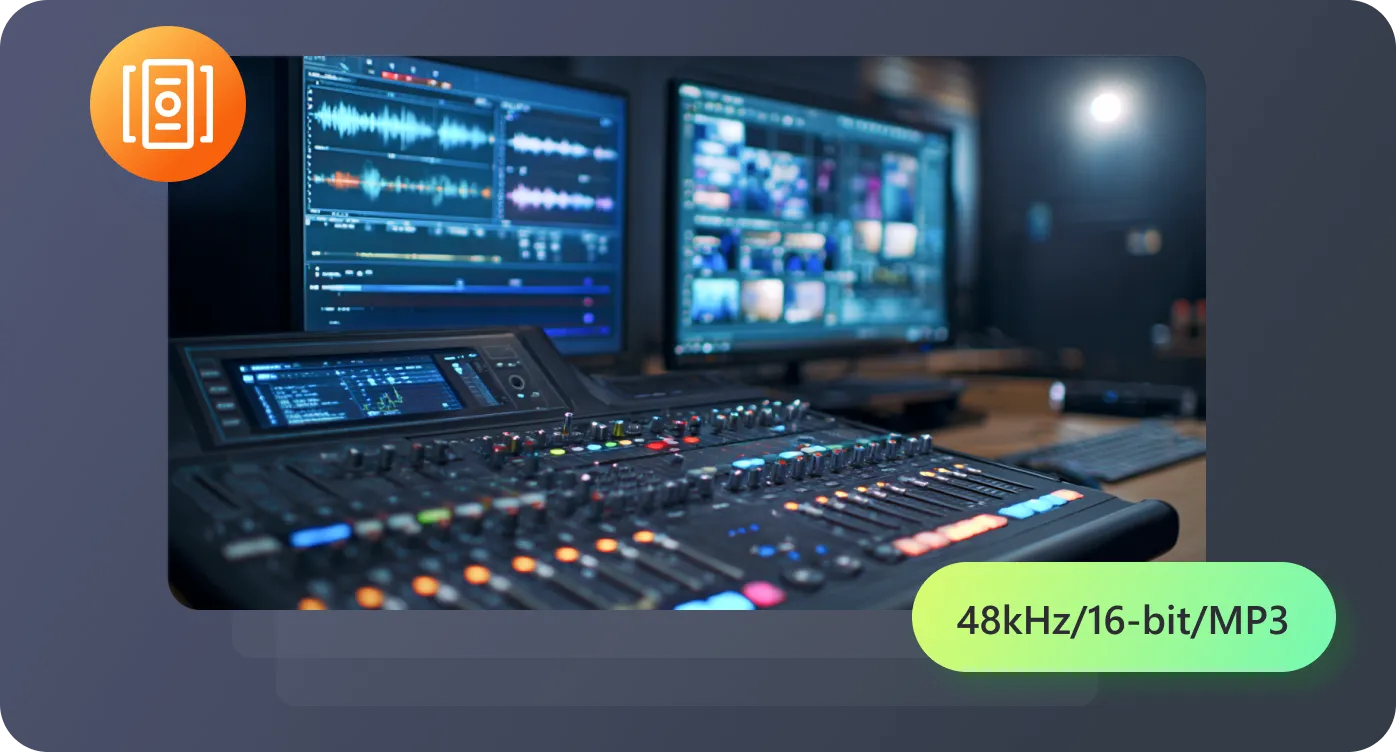
Work entirely in your browser with an intuitive script editor. Save projects, translate text, and manage usage through your account.
Create audio for e-learning, content, accessibility, and professional projects with ease.

This tool revolutionized my e-learning content. The natural voices and multi-speaker feature save me hours weekly. My students love the audio materials—it's a game-changer for online education.

As a YouTuber, I use this for all my narrations. The quality is professional and far more affordable than that of a voice actor. Adding background music streamlines my entire workflow.

An excellent accessibility tool. Converting documents to audio with clear, pleasant voices has significantly improved the digital experience for our users who rely on auditory information.

Our marketing agency relies on this for client voiceovers. The variety of voices matches any brand tone. The online platform enables seamless team collaboration from anywhere.

Find answers to common questions on turning English text into MP3 files.

'%3e%3cpath%20d='M7.1%2013.4C10.4689%2013.4%2013.2%2010.6242%2013.2%207.2C13.2%203.77583%2010.4689%201%207.1%201C3.73106%201%201%203.77583%201%207.2C1%2010.6242%203.73106%2013.4%207.1%2013.4Z'%20stroke='white'%20stroke-width='2'%20stroke-miterlimit='10'%20stroke-linecap='round'%20stroke-linejoin='round'/%3e%3cpath%20d='M13.5%2012.5L15%2014'%20stroke='white'%20stroke-width='2'%20stroke-miterlimit='10'%20stroke-linecap='round'%20stroke-linejoin='round'/%3e%3c/g%3e%3cdefs%3e%3cclipPath%20id='clip0_40348_278'%3e%3crect%20width='16'%20height='15'%20fill='white'/%3e%3c/clipPath%3e%3c/defs%3e%3c/svg%3e)


'/%3e%3cpath%20d='M4%206.33333L5.38333%208L8%204'%20stroke='%232D2D33'%20stroke-linecap='round'%20stroke-linejoin='round'/%3e%3cdefs%3e%3clinearGradient%20id='paint0_linear_59564_8366'%20x1='1.38174e-07'%20y1='6'%20x2='12.2188'%20y2='7.57508'%20gradientUnits='userSpaceOnUse'%3e%3cstop%20stop-color='%23D6FB72'/%3e%3cstop%20offset='1'%20stop-color='%2376F9B1'/%3e%3c/linearGradient%3e%3c/defs%3e%3c/svg%3e)
'%20fill='white'/%3e%3cellipse%20cx='2.79998'%20cy='2.79995'%20rx='2.79998'%20ry='2.79995'%20transform='matrix(0.965927%20-0.258816%200.258823%200.965925%2018.3749%2022)'%20fill='white'/%3e%3cpath%20d='M11%2010L27.5%2026.5'%20stroke='white'%20stroke-width='2'%20stroke-linecap='round'/%3e%3c/svg%3e)
