
'%20stroke-opacity='0.2'%20stroke-width='2'/%3e%3cpath%20d='M3.11592%2019.2884C1.75802%2014.0938%204.86823%208.78202%2010.0628%207.42412L31.7476%201.75552C33.7413%201.23434%2035.8588%201.49254%2037.6689%202.47756L45.1886%206.5697C47.5462%207.85267%2049.2684%2010.0533%2049.9473%2012.6501L57.5913%2041.8917C58.9492%2047.0862%2055.839%2052.398%2050.6444%2053.7559L23.9954%2060.7222C18.8008%2062.0801%2013.489%2058.9699%2012.1311%2053.7754L3.11592%2019.2884Z'%20stroke='url(%23paint1_linear_54018_1330)'%20stroke-width='4'/%3e%3cpath%20d='M3.1208%2019.2884C1.7629%2014.0938%204.87311%208.78202%2010.0677%207.42412L31.7524%201.75552C33.7462%201.23434%2035.8636%201.49254%2037.6737%202.47756L45.1935%206.5697C47.5511%207.85267%2049.2733%2010.0533%2049.9522%2012.6501L57.5962%2041.8917C58.9541%2047.0862%2055.8439%2052.398%2050.6493%2053.7559L24.0002%2060.7222C18.8057%2062.0801%2013.4939%2058.9699%2012.136%2053.7754L3.1208%2019.2884Z'%20fill='%235B5B5B'/%3e%3cpath%20d='M31.7516%201.75597C33.7454%201.23478%2035.8633%201.49203%2037.6734%202.47705L45.1931%206.5696C47.505%207.82776%2049.2028%209.96938%2049.9079%2012.5007L41.6862%2014.6499C38.2233%2015.5551%2034.6819%2013.4821%2033.7765%2010.0193L31.625%201.78906L31.7516%201.75597Z'%20fill='%23CEFFD2'%20fill-opacity='0.3'/%3e%3cpath%20d='M38.6744%2029.5512C40.6539%2030.0946%2041.3029%2032.5771%2039.8425%2034.0198L31.0802%2042.6757C29.6198%2044.1184%2027.1453%2043.4391%2026.6261%2041.4531L23.5111%2029.5367C22.9919%2027.5506%2024.8174%2025.7473%2026.7969%2026.2907L38.6744%2029.5512Z'%20fill='url(%23paint2_linear_54018_1330)'/%3e%3cdefs%3e%3clinearGradient%20id='paint0_linear_54018_1330'%20x1='14.2197'%20y1='34.6499'%20x2='62.8873'%20y2='40.1141'%20gradientUnits='userSpaceOnUse'%3e%3cstop%20stop-color='%23D6FB72'/%3e%3cstop%20offset='1'%20stop-color='%2376F9B1'/%3e%3c/linearGradient%3e%3clinearGradient%20id='paint1_linear_54018_1330'%20x1='7.62353'%20y1='36.5319'%20x2='55.4562'%20y2='29.4896'%20gradientUnits='userSpaceOnUse'%3e%3cstop%20stop-color='%23D6FB72'/%3e%3cstop%20offset='1'%20stop-color='%2376F9B1'/%3e%3c/linearGradient%3e%3clinearGradient%20id='paint2_linear_54018_1330'%20x1='30.5755'%20y1='24.9296'%20x2='32.6408'%20y2='42.908'%20gradientUnits='userSpaceOnUse'%3e%3cstop%20stop-color='%23D6FB72'/%3e%3cstop%20offset='1'%20stop-color='%2376F9B1'/%3e%3c/linearGradient%3e%3c/defs%3e%3c/svg%3e)
Drag and Drop files to upload or
'%20stroke='%232D2D33'%20stroke-width='3'/%3e%3cpath%20d='M9.86621%2012.8366L13.9744%208.91127L18.1435%2012.8976M13.8403%209.92308L13.9134%2019.0781'%20stroke='%232D2D33'%20stroke-width='3'%20stroke-linecap='round'%20stroke-linejoin='round'/%3e%3c/svg%3e) Browse
BrowseUpload your file, detect speech, and export subtitles you can copy or download as SRT
Upload Video
Import your file to extract subtitles from video. Supports common formats like MP4, MOV, and MKV.

Extract Text
The system detects speech and generates subtitles automatically. Review the transcript and adjust timestamps if needed.

Export or Copy
Download subtitles as an SRT file or copy the extracted text directly for editing, publishing, or translation.
Built for people who need usable text, not just captions stuck in a video
Extract subtitles from video with strong accuracy across different accents, speaking speeds, and audio conditions, reducing the need for manual fixes. You get a transcript that’s already close to publish-ready instead of something you have to rewrite from scratch.
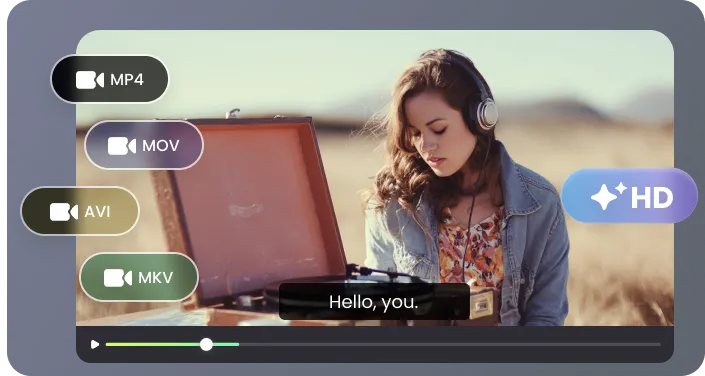
Download properly timed SRT files for platforms like YouTube or video editors, or copy the extracted subtitles as plain text for blogs, scripts, or documents. One extraction, multiple ways to reuse your content.
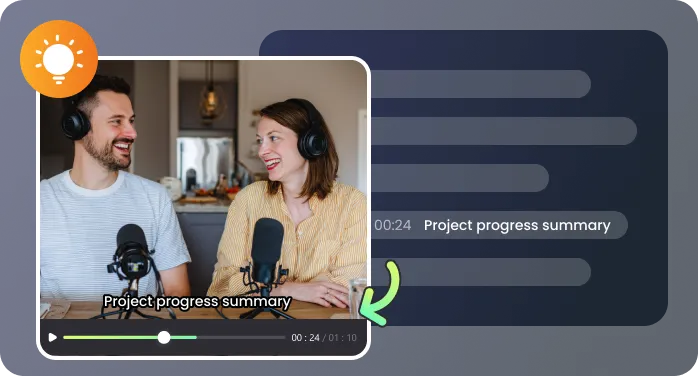
Upload MP4, MOV, MKV, and other common formats without converting files. Whether it’s a short clip or a full webinar, you can extract captions from video without splitting files or losing context.
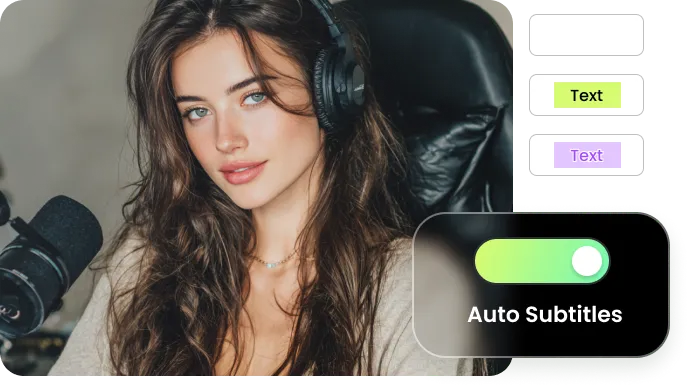
No editing skills required. Upload your video, extract subtitles, and export in a few clicks—no timeline tools, no technical setup, and no learning curve for first-time users.
Common situations where turning video into text saves time and effort

I run a small YouTube channel focused on tutorials, and captions used to take me longer than editing the video itself. Now I extract subtitles from video, fix a few lines, and upload. What used to take 2–3 hours is now about 20 minutes, and I finally stay consistent with publishing.

I host a weekly interview podcast and often need quotes for show notes and social posts. Before, I had to replay sections multiple times just to get wording right. Now I get a full transcript right after upload, and I can quickly scan, copy, and highlight key moments without slowing down my workflow.

As an online instructor, every lesson needs a transcript for accessibility and course materials. I use this to extract subtitles from video and export SRT files for my platform, plus copy the text into lesson summaries. It’s especially helpful for longer recordings where typing everything manually just isn’t realistic.

I manage video content for multiple clients, and subtitle delivery is always part of the job. This tool lets me generate clean subtitle files that I can directly import into Premiere or send to clients without extra formatting. It saves time on every project, especially when working with longer interviews or branded content.

Answers to common questions before you start extracting subtitles from video

