
'%20stroke-opacity='0.2'%20stroke-width='2'/%3e%3cpath%20d='M3.11592%2019.2884C1.75802%2014.0938%204.86823%208.78202%2010.0628%207.42412L31.7476%201.75552C33.7413%201.23434%2035.8588%201.49254%2037.6689%202.47756L45.1886%206.5697C47.5462%207.85267%2049.2684%2010.0533%2049.9473%2012.6501L57.5913%2041.8917C58.9492%2047.0862%2055.839%2052.398%2050.6444%2053.7559L23.9954%2060.7222C18.8008%2062.0801%2013.489%2058.9699%2012.1311%2053.7754L3.11592%2019.2884Z'%20stroke='url(%23paint1_linear_54018_1330)'%20stroke-width='4'/%3e%3cpath%20d='M3.1208%2019.2884C1.7629%2014.0938%204.87311%208.78202%2010.0677%207.42412L31.7524%201.75552C33.7462%201.23434%2035.8636%201.49254%2037.6737%202.47756L45.1935%206.5697C47.5511%207.85267%2049.2733%2010.0533%2049.9522%2012.6501L57.5962%2041.8917C58.9541%2047.0862%2055.8439%2052.398%2050.6493%2053.7559L24.0002%2060.7222C18.8057%2062.0801%2013.4939%2058.9699%2012.136%2053.7754L3.1208%2019.2884Z'%20fill='%235B5B5B'/%3e%3cpath%20d='M31.7516%201.75597C33.7454%201.23478%2035.8633%201.49203%2037.6734%202.47705L45.1931%206.5696C47.505%207.82776%2049.2028%209.96938%2049.9079%2012.5007L41.6862%2014.6499C38.2233%2015.5551%2034.6819%2013.4821%2033.7765%2010.0193L31.625%201.78906L31.7516%201.75597Z'%20fill='%23CEFFD2'%20fill-opacity='0.3'/%3e%3cpath%20d='M38.6744%2029.5512C40.6539%2030.0946%2041.3029%2032.5771%2039.8425%2034.0198L31.0802%2042.6757C29.6198%2044.1184%2027.1453%2043.4391%2026.6261%2041.4531L23.5111%2029.5367C22.9919%2027.5506%2024.8174%2025.7473%2026.7969%2026.2907L38.6744%2029.5512Z'%20fill='url(%23paint2_linear_54018_1330)'/%3e%3cdefs%3e%3clinearGradient%20id='paint0_linear_54018_1330'%20x1='14.2197'%20y1='34.6499'%20x2='62.8873'%20y2='40.1141'%20gradientUnits='userSpaceOnUse'%3e%3cstop%20stop-color='%23D6FB72'/%3e%3cstop%20offset='1'%20stop-color='%2376F9B1'/%3e%3c/linearGradient%3e%3clinearGradient%20id='paint1_linear_54018_1330'%20x1='7.62353'%20y1='36.5319'%20x2='55.4562'%20y2='29.4896'%20gradientUnits='userSpaceOnUse'%3e%3cstop%20stop-color='%23D6FB72'/%3e%3cstop%20offset='1'%20stop-color='%2376F9B1'/%3e%3c/linearGradient%3e%3clinearGradient%20id='paint2_linear_54018_1330'%20x1='30.5755'%20y1='24.9296'%20x2='32.6408'%20y2='42.908'%20gradientUnits='userSpaceOnUse'%3e%3cstop%20stop-color='%23D6FB72'/%3e%3cstop%20offset='1'%20stop-color='%2376F9B1'/%3e%3c/linearGradient%3e%3c/defs%3e%3c/svg%3e)
Drag and Drop files to upload or
'%20stroke='%232D2D33'%20stroke-width='3'/%3e%3cpath%20d='M9.86621%2012.8366L13.9744%208.91127L18.1435%2012.8976M13.8403%209.92308L13.9134%2019.0781'%20stroke='%232D2D33'%20stroke-width='3'%20stroke-linecap='round'%20stroke-linejoin='round'/%3e%3c/svg%3e) Browse
BrowseNo manual typing or timeline scrubbing. Just upload, review, and export what you need.
Upload File
Add your MKV file and let the system detect available subtitle tracks or speech automatically.

Review Subtitles
Preview extracted subtitles, make quick edits, and ensure timing and wording match your needs.

Export SRT
Download subtitles as SRT or copy text directly to use in translation, editing, or publishing workflows.
Built for people who need usable subtitles—not just raw text dumps
Extract subtitles from MKV while keeping timestamps intact, so your exported SRT stays perfectly in sync with the video—no manual adjustments needed.
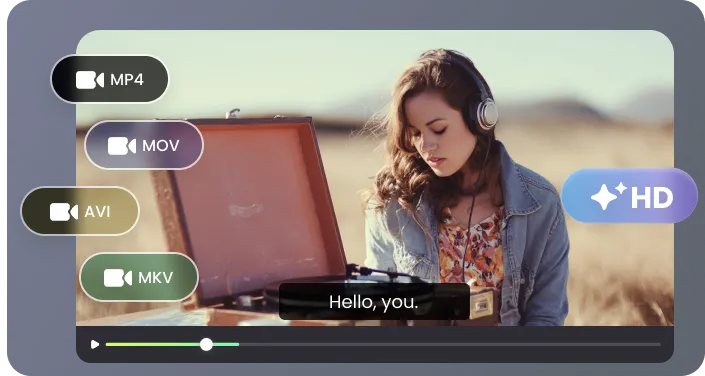
Clean up lines, fix errors, and adjust phrasing before exporting, then copy or download your subtitles for translation, editing, or publishing workflows.
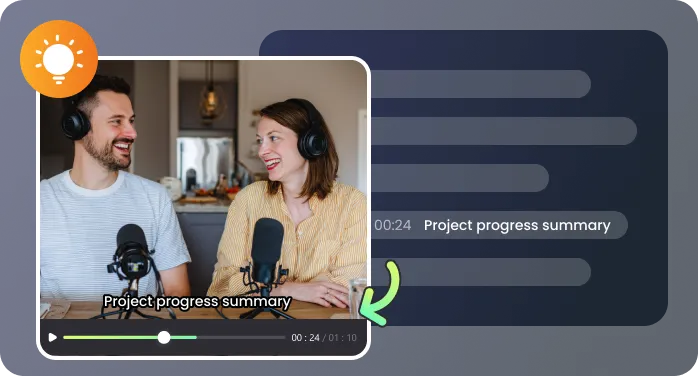
Whether your MKV has embedded subtitles or only audio, you can extract sub from MKV reliably and export usable text without extra tools.

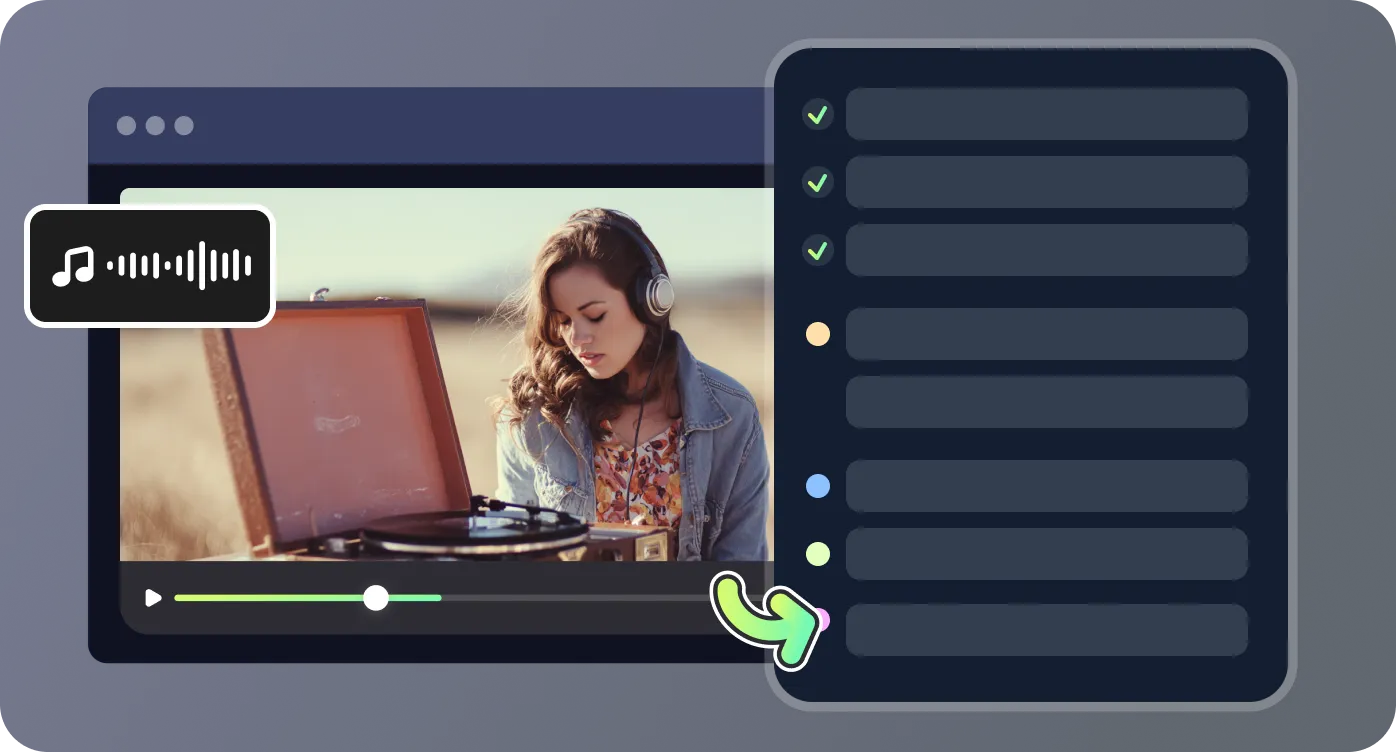
Process short clips or full-length movies, lectures, and recordings in one go, with SRT files ready for editors, players, or translation software.
Real use cases where subtitle extraction saves time

I had a batch of MKV interviews and needed clean transcripts for my documentary editing. This tool let me extract subtitles from MKV, correct speaker labels, and fix small timing errors before exporting. It saved me hours compared to manually typing everything.

I work with recorded webinars and often need to export subtitle from MKV for repurposing into blogs, training guides, and social media clips. Being able to preview and edit each line before download makes my workflow much faster and reduces errors.

Most tools I tried only dump raw text, which meant lots of cleanup afterward. Here I could extract sub from MKV, adjust line breaks, correct misspellings, and even remove filler words before sharing with my localization team. It’s a huge time-saver for multilingual projects.

I archive training videos and need subtitles in text form for searchable notes and internal documentation. With this tool, I can extract subtitles from MKV, check timing, and download SRT files in bulk. The process is smooth even for videos over two hours long.

Answers to common questions about extracting subtitles from MKV

