
BGM
Create natural Hebrew speech in three simple steps, directly from your browser.
Input Your Script
Type, paste, or upload Hebrew text into the input field. Add pauses if needed to improve pacing before voice generation.

Choose Natural Voice
Select a voice type from male, female, child, formal, casual, or more to match your content before generating natural Hebrew speech.

Generate & Export
Preview the audio, fine-tune speed and pauses, then export MP3 files for use in multimedia, learning, or storytelling projects.
Deliver clear, accurate Hebrew speech with a professional tone and versatile voice options.
Access multiple male and female voices with varied emotions and speech styles, from casual storytelling to formal lectures. Every voice is optimized for Hebrew pronunciation.
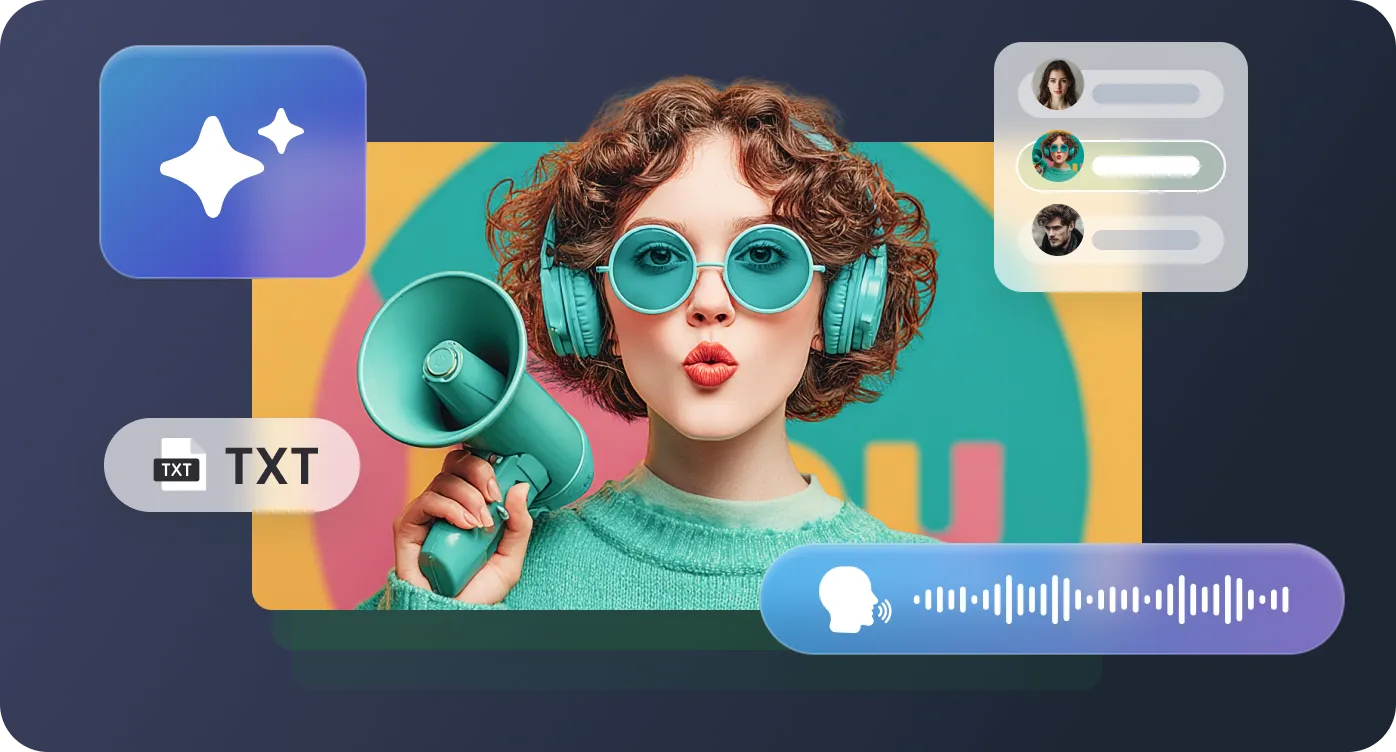
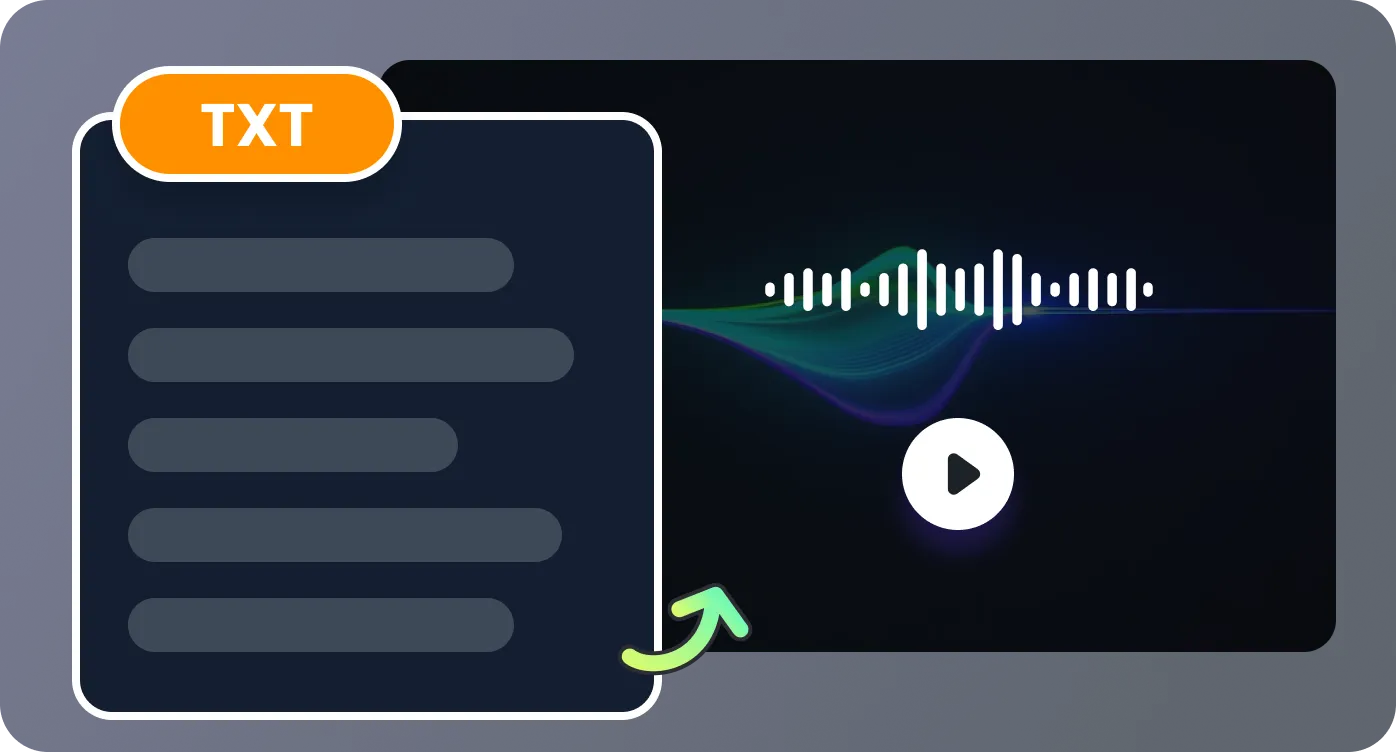
Refine your Hebrew text with Translate and Insert Pause features. Adjust pacing for natural delivery and ensure perfect alignment with your intended message.
Enhance Hebrew narration with built‑in background music. Choose from RecCloud’s curated library or upload your own tracks to match mood and pacing, creating immersive, professional‑quality audio for various creative or business projects.
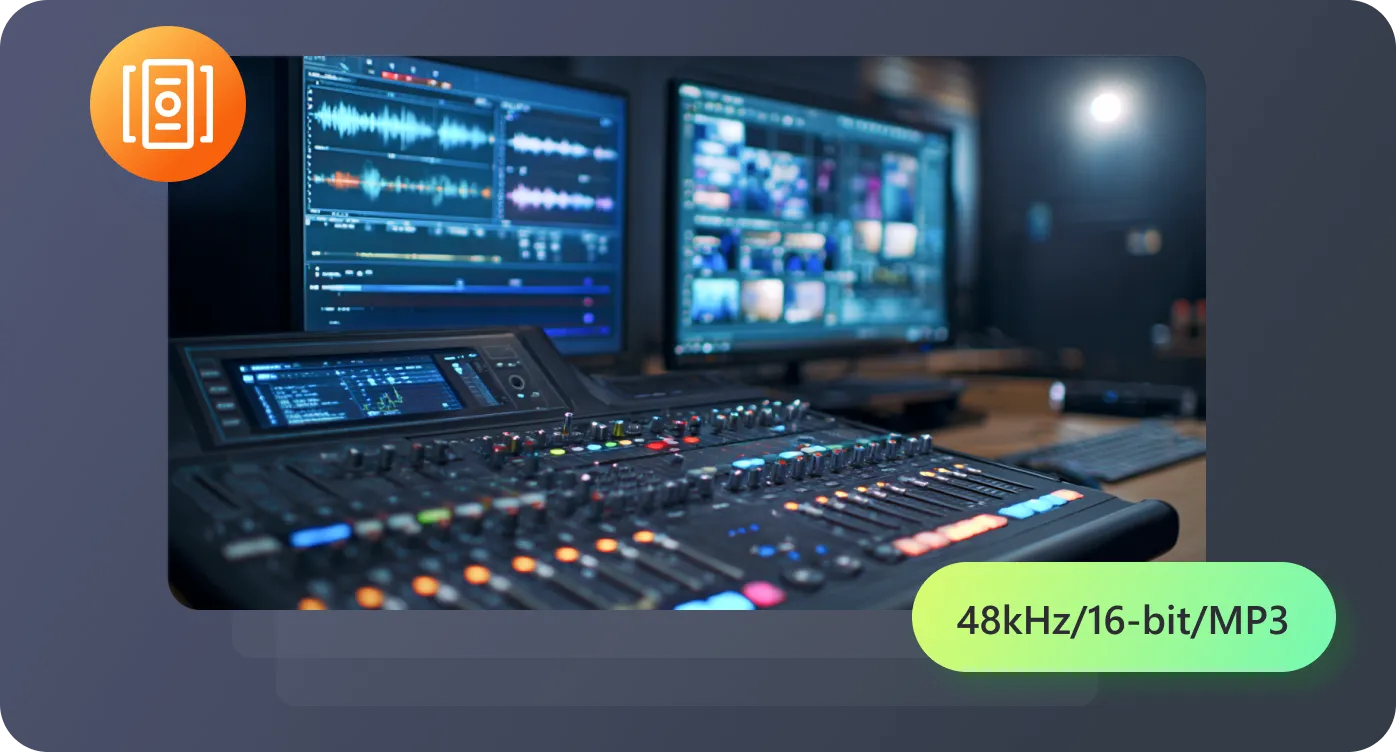
Work entirely in your browser—no installation needed. Simply upload scripts, preview results, and export high-quality MP3 files with a few clicks.
Generate Hebrew voices for creative, educational, and business projects with natural results.

The Hebrew voices sound very authentic. I used them to narrate an audiobook, and listeners gave highly positive feedback on the clarity, pronunciation, and natural tone throughout the narration.

I create Hebrew learning materials for my students. The clarity, pronunciation accuracy, and natural tone of the voices make lessons much more effective and engaging for every learner.

Using multiple voices for my Hebrew drama project added realism and depth. The Insert Pause feature improved pacing, making every scene feel dynamic, natural, and professional for listeners.

I integrated Hebrew narration into my company’s promo videos. The quality was excellent, and clients were impressed, thinking professional actors had recorded the audio.

Have questions about Hebrew Text-to-Speech? Find answers to common inquiries here.

'%3e%3cpath%20d='M7.1%2013.4C10.4689%2013.4%2013.2%2010.6242%2013.2%207.2C13.2%203.77583%2010.4689%201%207.1%201C3.73106%201%201%203.77583%201%207.2C1%2010.6242%203.73106%2013.4%207.1%2013.4Z'%20stroke='white'%20stroke-width='2'%20stroke-miterlimit='10'%20stroke-linecap='round'%20stroke-linejoin='round'/%3e%3cpath%20d='M13.5%2012.5L15%2014'%20stroke='white'%20stroke-width='2'%20stroke-miterlimit='10'%20stroke-linecap='round'%20stroke-linejoin='round'/%3e%3c/g%3e%3cdefs%3e%3cclipPath%20id='clip0_40348_278'%3e%3crect%20width='16'%20height='15'%20fill='white'/%3e%3c/clipPath%3e%3c/defs%3e%3c/svg%3e)


'/%3e%3cpath%20d='M4%206.33333L5.38333%208L8%204'%20stroke='%232D2D33'%20stroke-linecap='round'%20stroke-linejoin='round'/%3e%3cdefs%3e%3clinearGradient%20id='paint0_linear_59564_8366'%20x1='1.38174e-07'%20y1='6'%20x2='12.2188'%20y2='7.57508'%20gradientUnits='userSpaceOnUse'%3e%3cstop%20stop-color='%23D6FB72'/%3e%3cstop%20offset='1'%20stop-color='%2376F9B1'/%3e%3c/linearGradient%3e%3c/defs%3e%3c/svg%3e)
'%20fill='white'/%3e%3cellipse%20cx='2.79998'%20cy='2.79995'%20rx='2.79998'%20ry='2.79995'%20transform='matrix(0.965927%20-0.258816%200.258823%200.965925%2018.3749%2022)'%20fill='white'/%3e%3cpath%20d='M11%2010L27.5%2026.5'%20stroke='white'%20stroke-width='2'%20stroke-linecap='round'/%3e%3c/svg%3e)
