
BGM
Paste your script and turn it into Hindi speech you can immediately use in your project.
Add Text
Paste or type your Hindi script. The Hindi text to voice engine reads Devanagari text and converts it into spoken audio.

Choose Voice
Select a Hindi voice and adjust speed or tone depending on whether the audio is for a video narration, lesson, or announcement.
Download Audio
Generate the voice and download the Hindi speech file. Use it directly in videos, presentations, or audio projects.
Designed for people who need usable Hindi audio for real projects
The Hindi text to voice engine handles vowel lengths and conjunct consonants correctly, so words like "कृपया" and "स्वागत" sound like a native speaker said them. Pacing follows natural breath groups rather than robotic pauses, making longer narrations easier to listen to without fatigue.
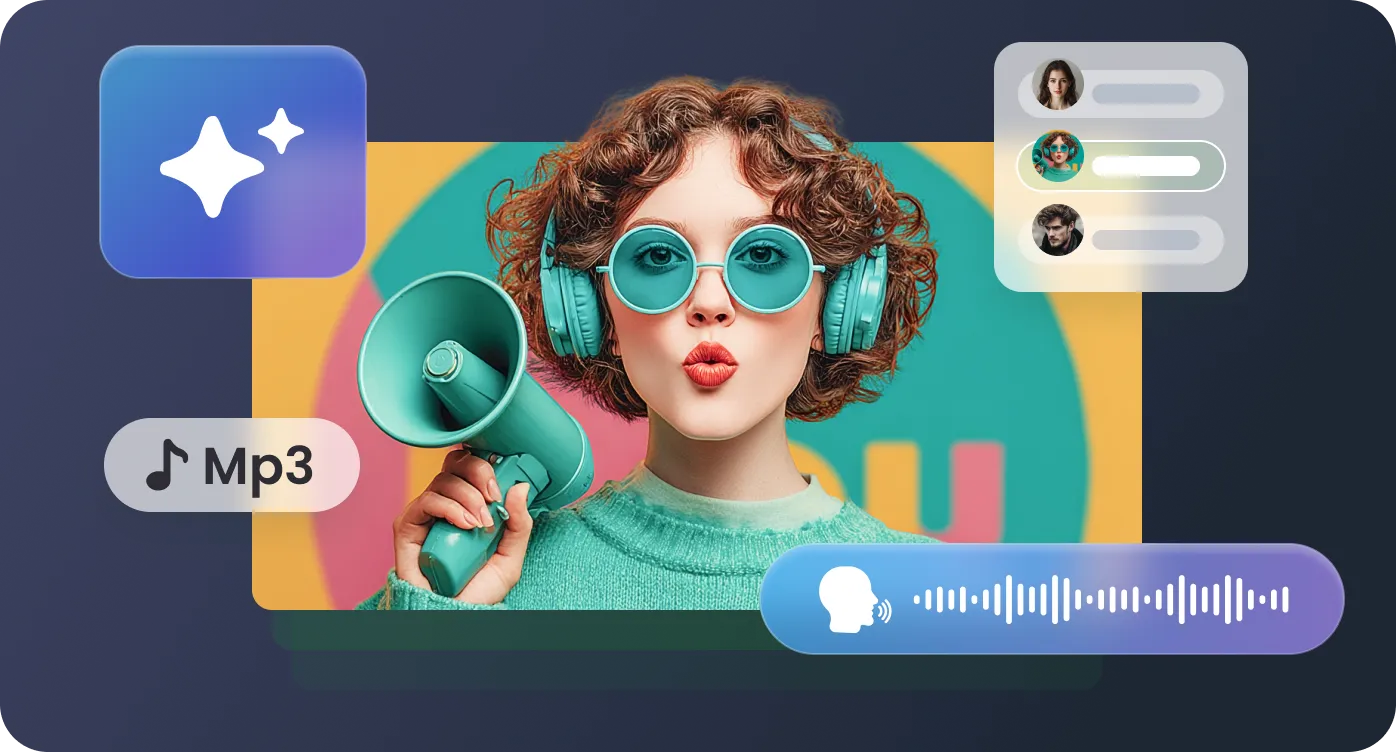
Paste a 2,000-word article, a product manual chapter, or a complete YouTube script. The system processes long Hindi text in one pass while maintaining consistent voice quality throughout. No need to cut content into separate files and stitch them together later.
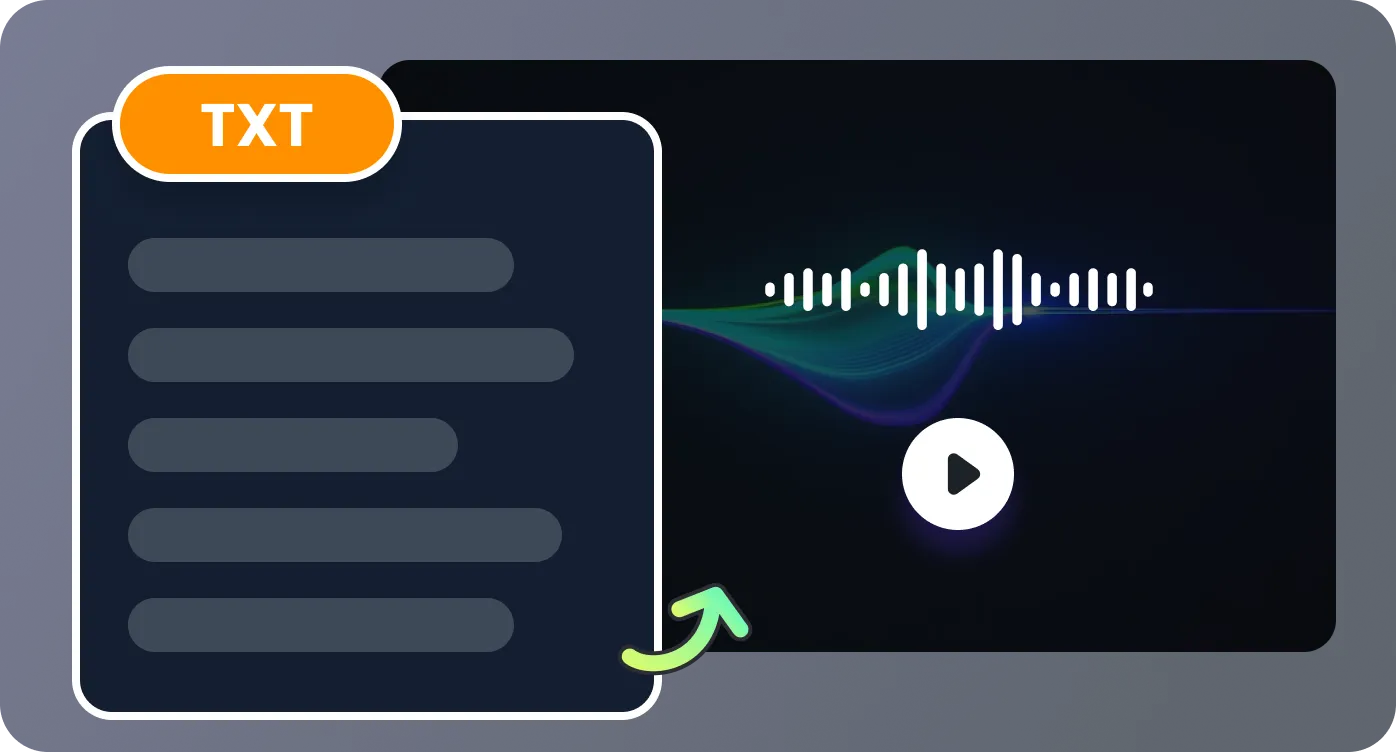
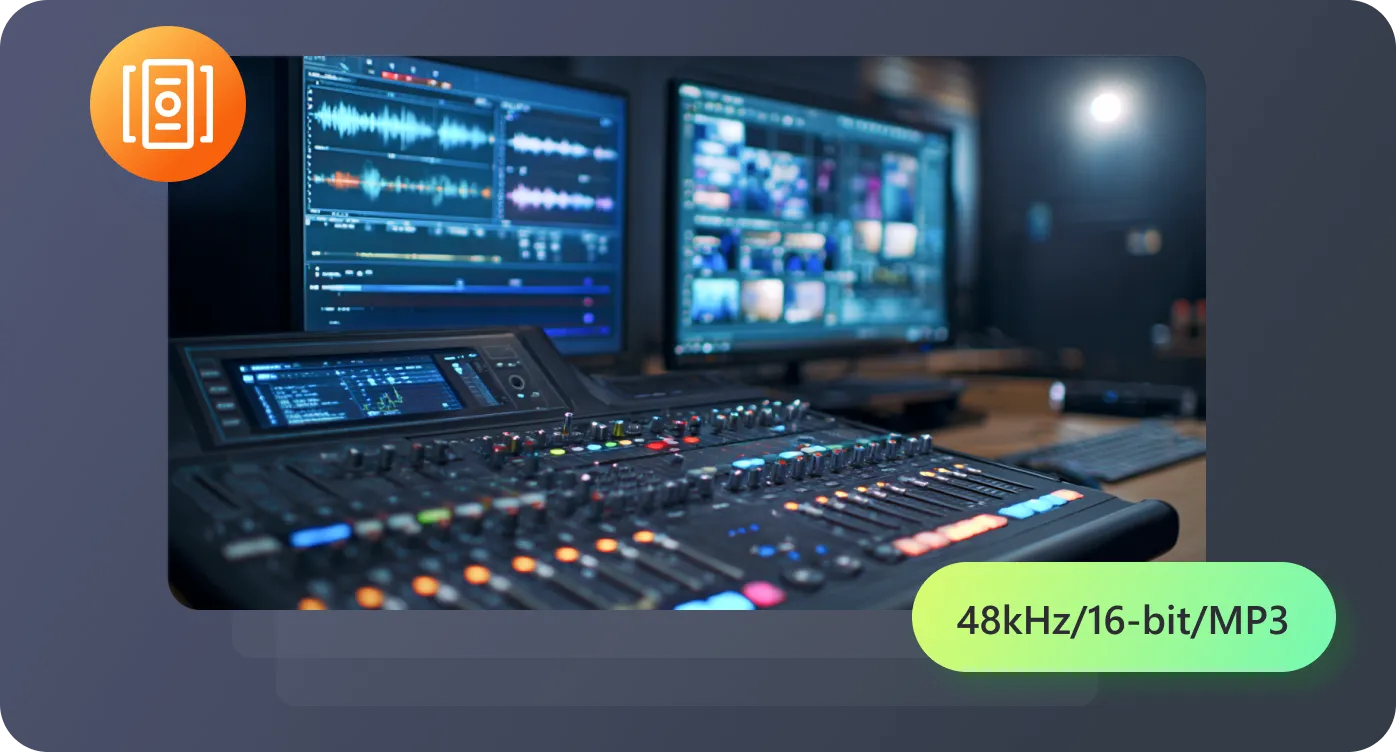
Export MP3 files that match standard video editing timelines. Audio aligns with script length so you can drop it into Premiere or Final Cut and line it up with visuals immediately. No extra trimming or time-stretching required.
Slow down to 0.7x for language learners following Hindi subtitles, or push to 1.4x for app tutorials where users want quick answers. The voice maintains clarity at both ends without sounding rushed or stretched.
Real situations where converting Hindi text into spoken audio saves time.

RecCloud’s Hindi text to voice feature has completely changed how I create lesson materials. I can type in paragraphs for my students and instantly generate clear narration. The pronunciation is accurate, and the pacing feels natural, which saves me hours of recording every week.

I use RecCloud to generate voiceovers for my YouTube travel videos. Typing the script in Hindi and getting spoken audio back lets me focus on editing and visuals without worrying about recording mistakes or background noise. It’s especially useful for longer narrations.

As a video editor, I often get scripts late at night. Using hindi text to voice, I can quickly convert those scripts into audio and test timing in my edits. The voices sound natural, and I don’t need to wake anyone with late-night recordings.

For my podcast, converting Hindi scripts into audio before recording helps me fine-tune phrasing and pacing. It’s a huge time saver and makes the final recording much smoother. I can hear exactly how listeners will experience the narration.

Questions people often have before generating Hindi voice from text

'%3e%3cpath%20d='M7.1%2013.4C10.4689%2013.4%2013.2%2010.6242%2013.2%207.2C13.2%203.77583%2010.4689%201%207.1%201C3.73106%201%201%203.77583%201%207.2C1%2010.6242%203.73106%2013.4%207.1%2013.4Z'%20stroke='white'%20stroke-width='2'%20stroke-miterlimit='10'%20stroke-linecap='round'%20stroke-linejoin='round'/%3e%3cpath%20d='M13.5%2012.5L15%2014'%20stroke='white'%20stroke-width='2'%20stroke-miterlimit='10'%20stroke-linecap='round'%20stroke-linejoin='round'/%3e%3c/g%3e%3cdefs%3e%3cclipPath%20id='clip0_40348_278'%3e%3crect%20width='16'%20height='15'%20fill='white'/%3e%3c/clipPath%3e%3c/defs%3e%3c/svg%3e)


'/%3e%3cpath%20d='M4%206.33333L5.38333%208L8%204'%20stroke='%232D2D33'%20stroke-linecap='round'%20stroke-linejoin='round'/%3e%3cdefs%3e%3clinearGradient%20id='paint0_linear_59564_8366'%20x1='1.38174e-07'%20y1='6'%20x2='12.2188'%20y2='7.57508'%20gradientUnits='userSpaceOnUse'%3e%3cstop%20stop-color='%23D6FB72'/%3e%3cstop%20offset='1'%20stop-color='%2376F9B1'/%3e%3c/linearGradient%3e%3c/defs%3e%3c/svg%3e)
'%20fill='white'/%3e%3cellipse%20cx='2.79998'%20cy='2.79995'%20rx='2.79998'%20ry='2.79995'%20transform='matrix(0.965927%20-0.258816%200.258823%200.965925%2018.3749%2022)'%20fill='white'/%3e%3cpath%20d='M11%2010L27.5%2026.5'%20stroke='white'%20stroke-width='2'%20stroke-linecap='round'/%3e%3c/svg%3e)
