

Drag & drop files or folders here
'%20stroke='%232D2D33'%20stroke-width='3'/%3e%3cpath%20d='M9.86621%2012.8366L13.9744%208.91127L18.1435%2012.8976M13.8403%209.92308L13.9134%2019.0781'%20stroke='%232D2D33'%20stroke-width='3'%20stroke-linecap='round'%20stroke-linejoin='round'/%3e%3c/svg%3e) Upload
UploadRecCloud simplifies audio/video transcription and summarization with a fast, browser-based workflow.

Upload Files
Instantly import files via drag & drop or URLs. Supports up to 4GB video and 500MB audio effortlessly.

AI Transcribes
Automatically detects speakers, creates transcripts in Original or Polished modes, and generates multiple summary styles.

Export Files
Make adjustments in the interactive text editor, then copy, download, or share summaries and transcripts instantly.
Experience next-level accuracy, customization, and usability with RecCloud’s online transcription platform.
RecCloud delivers high-accuracy transcriptions with clear speaker separation for multi-person meetings, lectures, and interviews, ensuring that key details are never lost and content remains well-structured for future review.
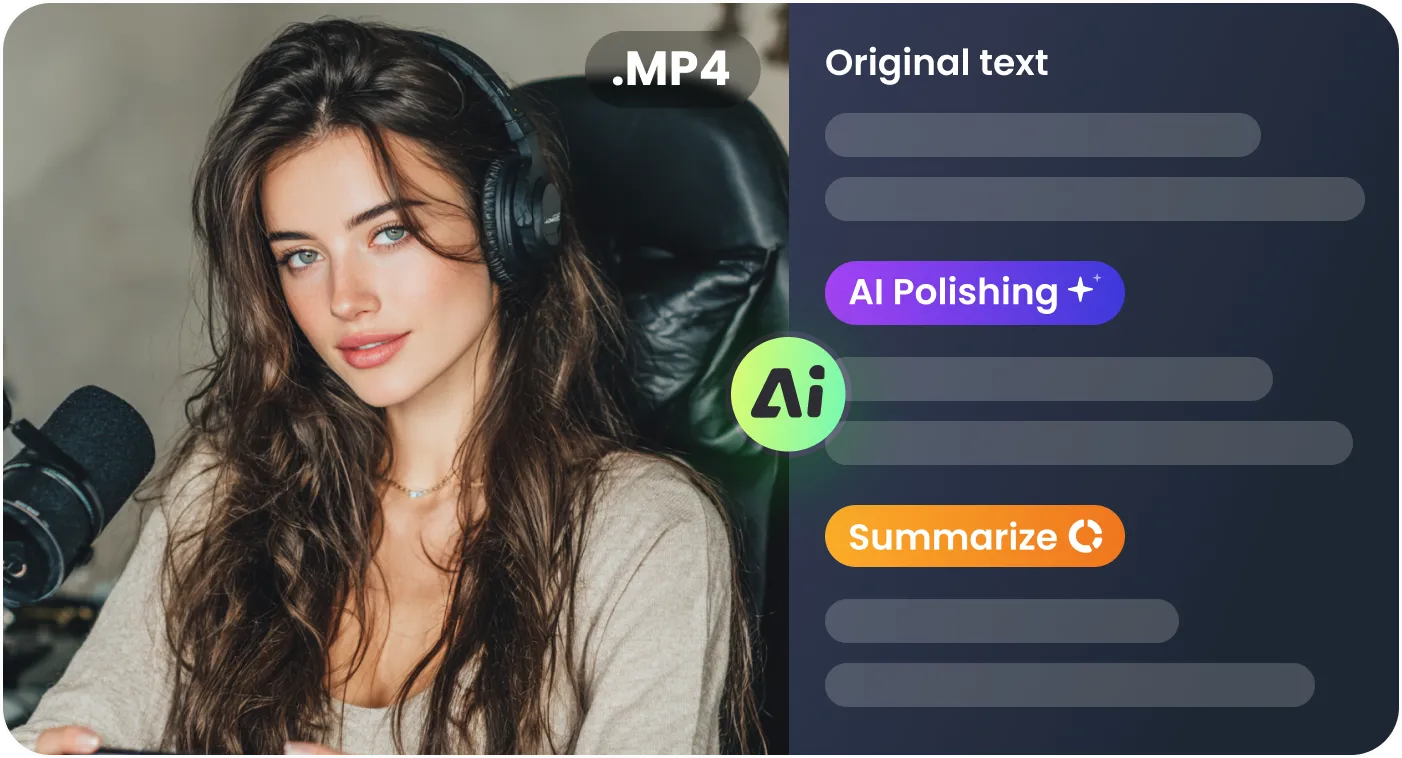
Choose from Detailed, Concise, Minutes, Specs, Business, or Speech styles to match your use case. Get summaries perfect for study notes, client meetings, or reports without manual formatting.
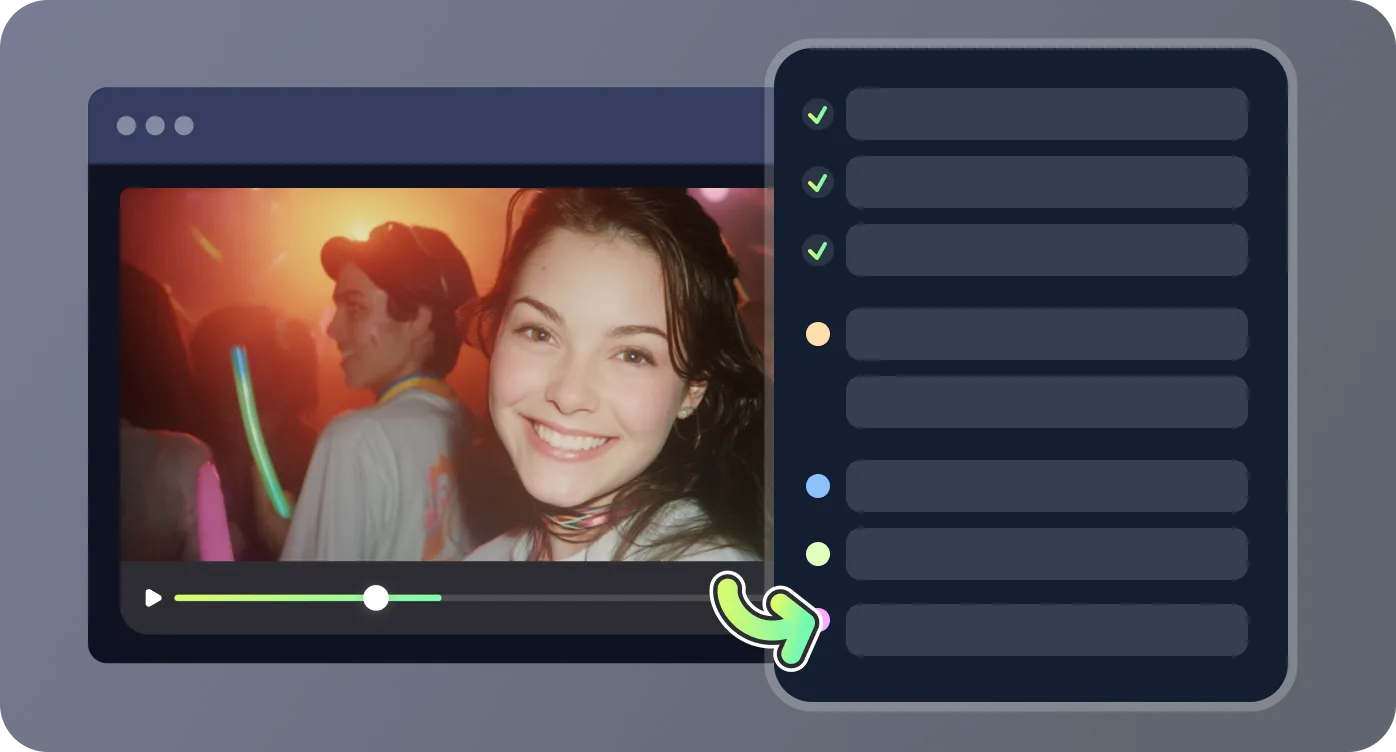
No downloads or installation required—just open RecCloud in your browser to transcribe and summarize. Works seamlessly across devices for ultimate convenience.
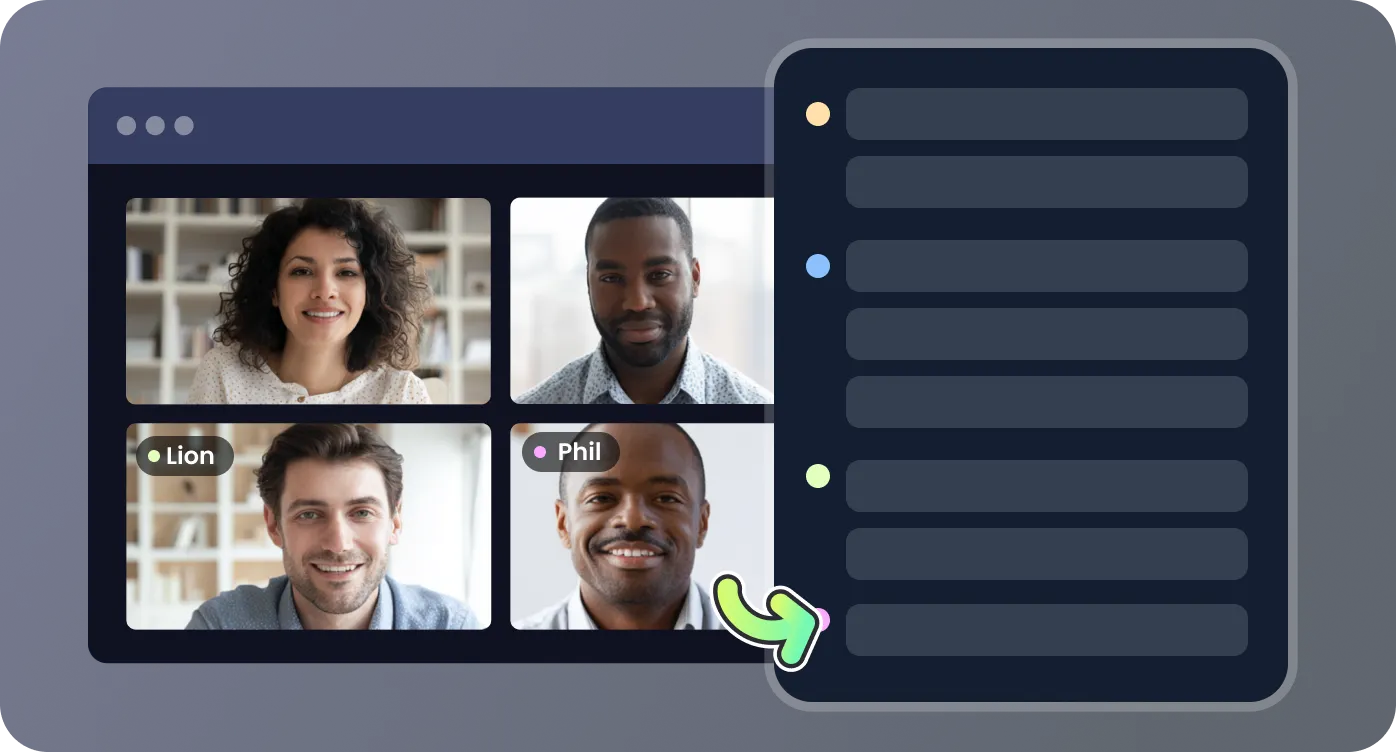
Download transcripts as text, export summaries to files, or copy directly to your clipboard. Options support sharing across apps and platforms without compatibility issues.
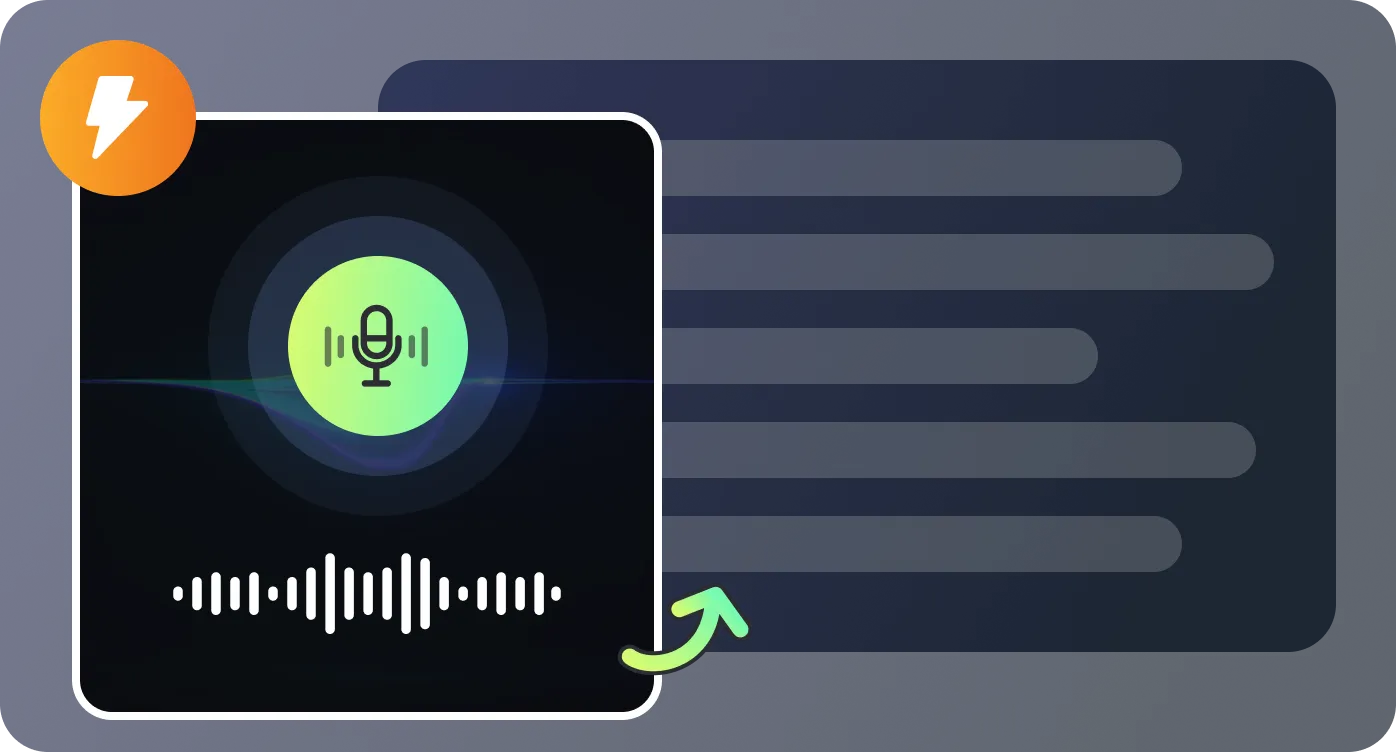
Apply RecCloud’s AI transcription to varied contexts, from business meetings to academic lectures.

RecCloud replaced Otter.ai for my remote team. Uploading meeting recordings from Zoom now leads to transcripts that are clearer than before, with speaker labels for accuracy. The integrated summaries cut our documentation time drastically, letting us respond to clients faster.

As a podcaster, I rely on RecCloud to turn audio into clean, editable transcripts in minutes. The AI polished mode helps me prepare show notes instantly, and being web-based means I can work on scripts anywhere without juggling software installs.

In university seminars I upload class recordings directly to RecCloud. It generates organized transcripts with speaker separation and concise summaries for quick revision. It’s not just faster—it’s more accurate than Otter.ai for diverse accents in our lectures.

Handling interviews for research used to take days of manual transcription. Now I upload files to RecCloud, edit the AI’s precise text output, and export ready-to-use documents. The multi-format summaries make it much easier to present findings to colleagues.

Common questions answered about RecCloud's AI transcription features.

