
'/%3e%3cpath%20d='M6.09082%200.541992C6.30173%200.567921%206.50319%200.684808%206.62695%200.892578L7.90625%203.03809C8.11622%203.38993%208.57563%203.50073%208.92188%203.28223L10.2803%202.42578C10.775%202.11331%2011.3887%202.48047%2011.4004%203.02051V3.05176C11.3993%203.10116%2011.3932%203.15167%2011.3818%203.20312L10.3643%207.21777C10.2424%207.75962%209.7618%208.14453%209.20703%208.14453H6V0.536133L6.09082%200.541992Z'%20fill='%23FF883F'%20fill-opacity='0.7'/%3e%3cdefs%3e%3clinearGradient%20id='paint0_linear_55383_6832'%20x1='0.600098'%20y1='4.34016'%20x2='8.39667'%20y2='9.17921'%20gradientUnits='userSpaceOnUse'%3e%3cstop%20stop-color='%23FFE4BC'/%3e%3cstop%20offset='1'%20stop-color='%23FFBF69'/%3e%3c/linearGradient%3e%3c/defs%3e%3c/svg%3e)
'%20stroke-opacity='0.2'%20stroke-width='2'/%3e%3cpath%20d='M3.11592%2019.2884C1.75802%2014.0938%204.86823%208.78202%2010.0628%207.42412L31.7476%201.75552C33.7413%201.23434%2035.8588%201.49254%2037.6689%202.47756L45.1886%206.5697C47.5462%207.85267%2049.2684%2010.0533%2049.9473%2012.6501L57.5913%2041.8917C58.9492%2047.0862%2055.839%2052.398%2050.6444%2053.7559L23.9954%2060.7222C18.8008%2062.0801%2013.489%2058.9699%2012.1311%2053.7754L3.11592%2019.2884Z'%20stroke='url(%23paint1_linear_54018_1330)'%20stroke-width='4'/%3e%3cpath%20d='M3.1208%2019.2884C1.7629%2014.0938%204.87311%208.78202%2010.0677%207.42412L31.7524%201.75552C33.7462%201.23434%2035.8636%201.49254%2037.6737%202.47756L45.1935%206.5697C47.5511%207.85267%2049.2733%2010.0533%2049.9522%2012.6501L57.5962%2041.8917C58.9541%2047.0862%2055.8439%2052.398%2050.6493%2053.7559L24.0002%2060.7222C18.8057%2062.0801%2013.4939%2058.9699%2012.136%2053.7754L3.1208%2019.2884Z'%20fill='%235B5B5B'/%3e%3cpath%20d='M31.7516%201.75597C33.7454%201.23478%2035.8633%201.49203%2037.6734%202.47705L45.1931%206.5696C47.505%207.82776%2049.2028%209.96938%2049.9079%2012.5007L41.6862%2014.6499C38.2233%2015.5551%2034.6819%2013.4821%2033.7765%2010.0193L31.625%201.78906L31.7516%201.75597Z'%20fill='%23CEFFD2'%20fill-opacity='0.3'/%3e%3cpath%20d='M38.6744%2029.5512C40.6539%2030.0946%2041.3029%2032.5771%2039.8425%2034.0198L31.0802%2042.6757C29.6198%2044.1184%2027.1453%2043.4391%2026.6261%2041.4531L23.5111%2029.5367C22.9919%2027.5506%2024.8174%2025.7473%2026.7969%2026.2907L38.6744%2029.5512Z'%20fill='url(%23paint2_linear_54018_1330)'/%3e%3cdefs%3e%3clinearGradient%20id='paint0_linear_54018_1330'%20x1='14.2197'%20y1='34.6499'%20x2='62.8873'%20y2='40.1141'%20gradientUnits='userSpaceOnUse'%3e%3cstop%20stop-color='%23D6FB72'/%3e%3cstop%20offset='1'%20stop-color='%2376F9B1'/%3e%3c/linearGradient%3e%3clinearGradient%20id='paint1_linear_54018_1330'%20x1='7.62353'%20y1='36.5319'%20x2='55.4562'%20y2='29.4896'%20gradientUnits='userSpaceOnUse'%3e%3cstop%20stop-color='%23D6FB72'/%3e%3cstop%20offset='1'%20stop-color='%2376F9B1'/%3e%3c/linearGradient%3e%3clinearGradient%20id='paint2_linear_54018_1330'%20x1='30.5755'%20y1='24.9296'%20x2='32.6408'%20y2='42.908'%20gradientUnits='userSpaceOnUse'%3e%3cstop%20stop-color='%23D6FB72'/%3e%3cstop%20offset='1'%20stop-color='%2376F9B1'/%3e%3c/linearGradient%3e%3c/defs%3e%3c/svg%3e)
Drag and Drop files to upload or
'%20stroke='%232D2D33'%20stroke-width='3'/%3e%3cpath%20d='M9.86621%2012.8366L13.9744%208.91127L18.1435%2012.8976M13.8403%209.92308L13.9134%2019.0781'%20stroke='%232D2D33'%20stroke-width='3'%20stroke-linecap='round'%20stroke-linejoin='round'/%3e%3c/svg%3e) Browse
BrowseFollow this process to upload your MP4, mark subtitles or logos, and download a cleaned video.
Upload File
Drag and drop your MP4, MOV, WEBM, MKV, or other supported formats into the upload area, or click “Browse” to select from your device.

Remove Subtitles
Choose whether you want to remove subtitles/text or watermark/logo, then drag the resizable selection box to snugly cover the unwanted overlay.

Export MP4
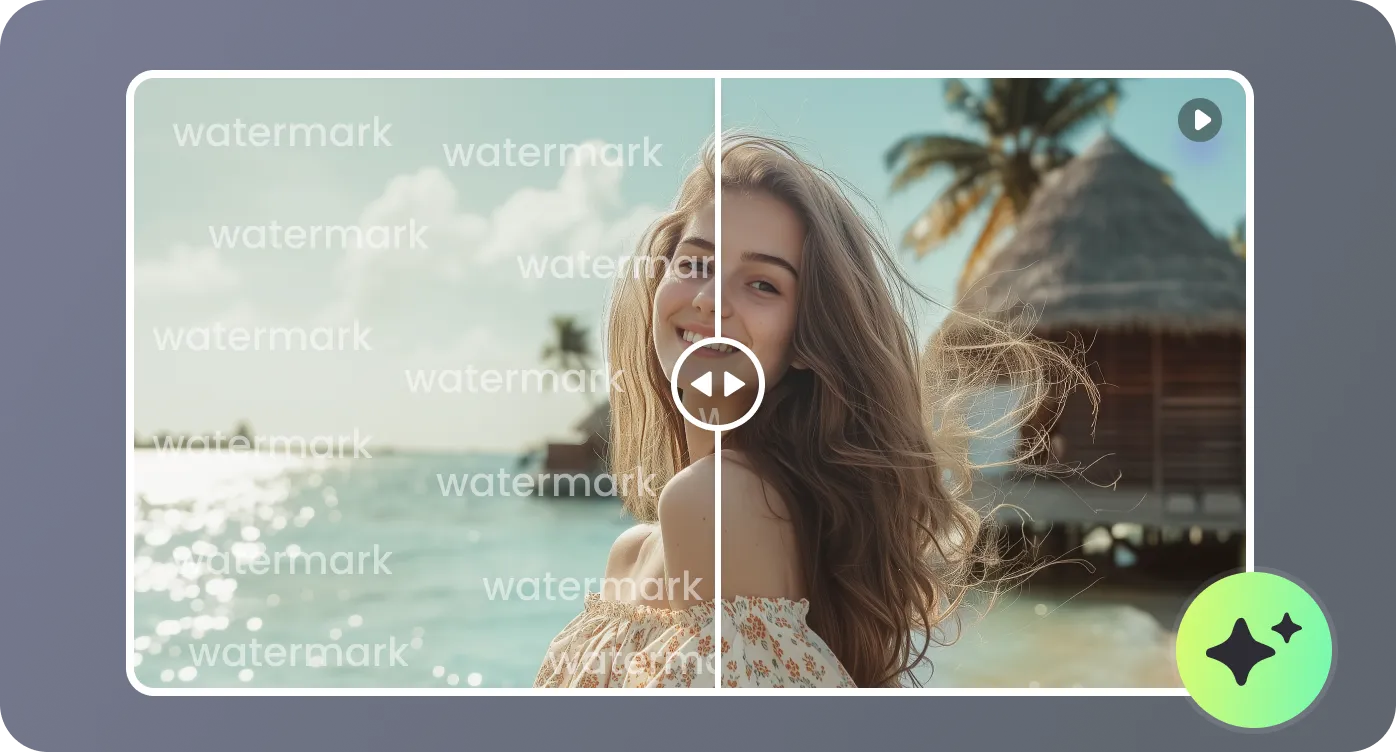
Preview 10 seconds to check removal results. Click "Remove Now" to confirm, compare Before/After, then download the final MP4.
Enjoy a browser‑based subtitle remover that combines AI accuracy, flexible quality modes, and intuitive controls.
Advanced AI analyzes each frame to intelligently reconstruct backgrounds where subtitles, text, or logos once appeared. Instead of crude blurring, it fills in missing areas to keep motion, textures, and colors coherent, delivering a more natural‑looking result across your entire video.
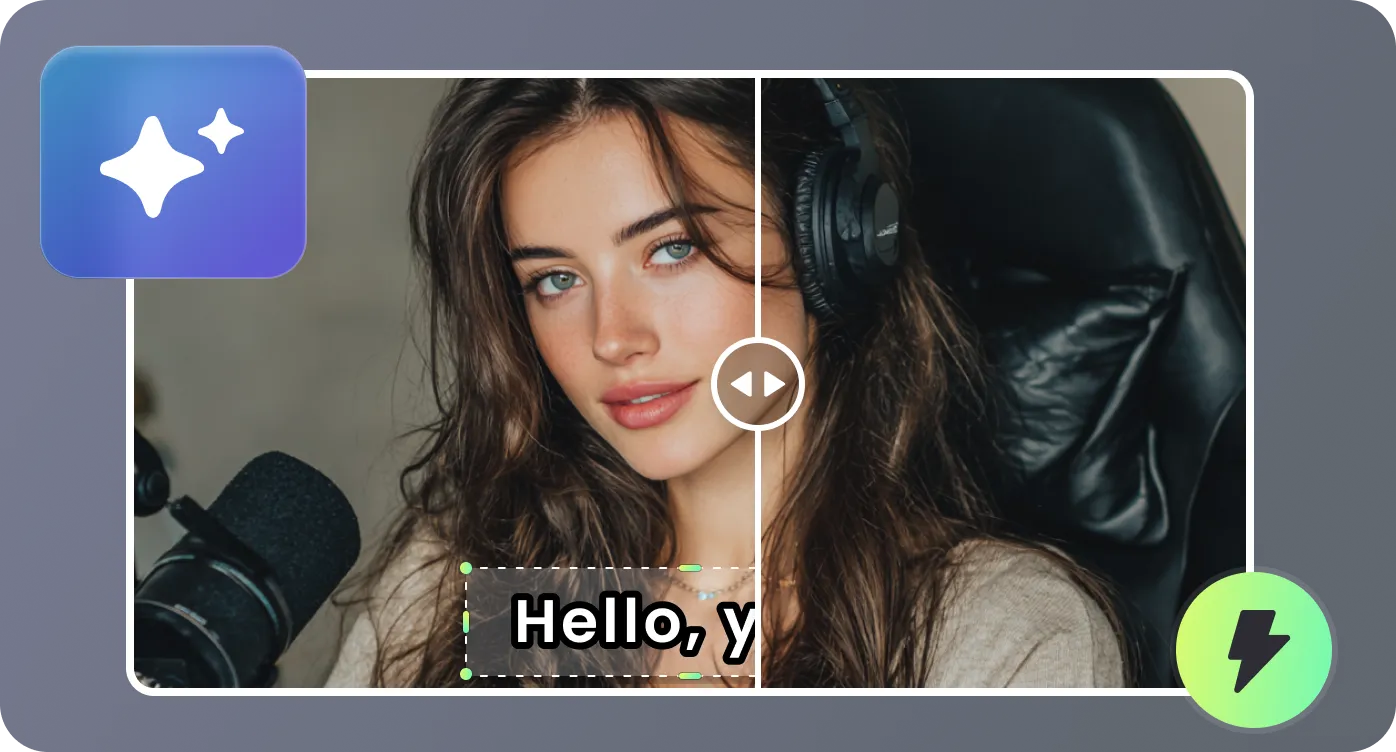
The adjustable selection box lets you precisely target only the on‑screen text or graphics you want gone. On‑screen tips help you match the box to the longest subtitle line for consistent coverage, reducing artifacts and preventing partially erased captions or chopped‑off edges during playback.
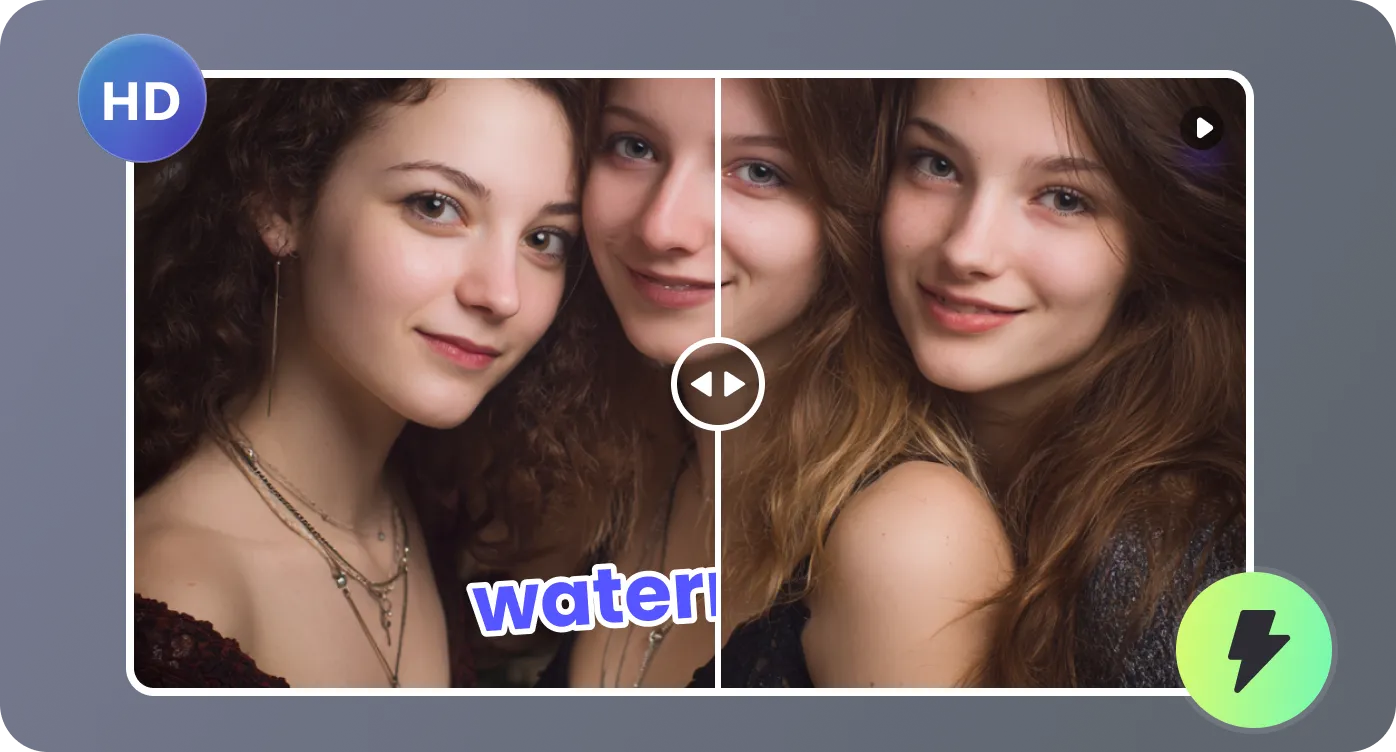
Two processing modes adapt to your footage: Fast mode prioritizes speed for simple or static backgrounds, ideal for quick cleanups and drafts. Best Quality mode handles busy, moving, or textured scenes, dedicating more processing power to produce smoother blends and fewer visible traces of removed elements.
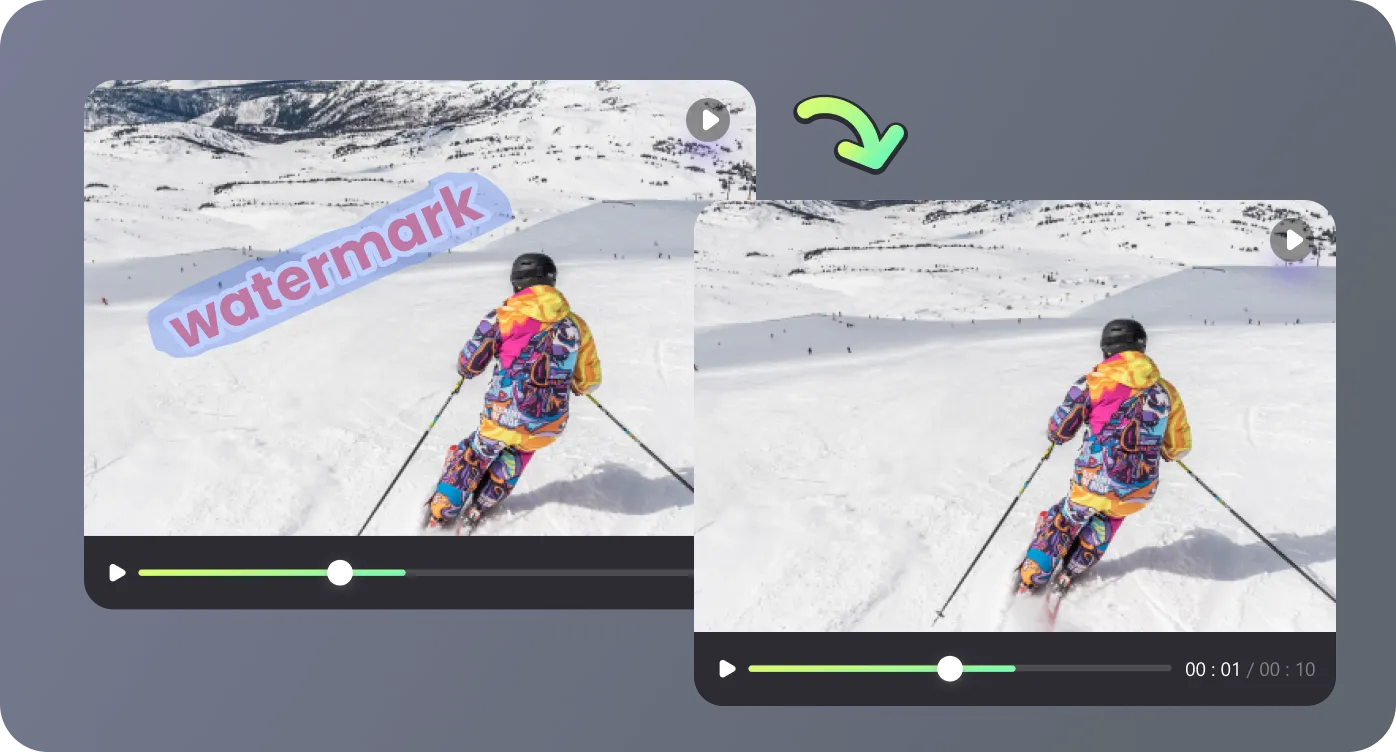
From upload to download, everything happens online without installing software or learning complicated editors. You can upload common formats, preview a 10‑second sample, compare Before and After views on a timeline, then export the final MP4, making professional‑looking cleanup accessible to non‑editors and experts alike.
Apply this tool wherever you need clean, distraction‑free MP4 videos without burned‑in subtitles or logos.

I publish a lot of YouTube content and needed a way to reuse older videos on Shorts without cluttered captions. This tool removed my burned‑in subtitles while preserving the background surprisingly well. The Fast mode is perfect when I just need quick edits for social platforms.

As a freelance editor, I’m often handed MP4s with subtitles or logos already baked into the footage. Instead of asking clients for source files, I run them through this online remover. The Best Quality mode has saved several projects when I had no access to original timelines.

Our company updates policies frequently, but re‑recording all training videos is unrealistic. Using this subtitle remover, we cleaned outdated burned‑in captions and replaced them with new overlays. The before‑and‑after comparison made it easy to verify everything looked correct before exporting.

I’m not a professional editor, yet I managed to remove old watermarks and text from our product demos in a single afternoon. The selection box and 10‑second preview gave me confidence before committing to full processing. The final MP4 downloads looked polished enough for our website and ads.

Find quick answers about formats, quality, privacy, and how this online subtitle remover works on your MP4 videos.

