
'/%3e%3cpath%20d='M6.09082%200.541992C6.30173%200.567921%206.50319%200.684808%206.62695%200.892578L7.90625%203.03809C8.11622%203.38993%208.57563%203.50073%208.92188%203.28223L10.2803%202.42578C10.775%202.11331%2011.3887%202.48047%2011.4004%203.02051V3.05176C11.3993%203.10116%2011.3932%203.15167%2011.3818%203.20312L10.3643%207.21777C10.2424%207.75962%209.7618%208.14453%209.20703%208.14453H6V0.536133L6.09082%200.541992Z'%20fill='%23FF883F'%20fill-opacity='0.7'/%3e%3cdefs%3e%3clinearGradient%20id='paint0_linear_55383_6832'%20x1='0.600098'%20y1='4.34016'%20x2='8.39667'%20y2='9.17921'%20gradientUnits='userSpaceOnUse'%3e%3cstop%20stop-color='%23FFE4BC'/%3e%3cstop%20offset='1'%20stop-color='%23FFBF69'/%3e%3c/linearGradient%3e%3c/defs%3e%3c/svg%3e)
'%20stroke-opacity='0.2'%20stroke-width='2'/%3e%3cpath%20d='M3.11592%2019.2884C1.75802%2014.0938%204.86823%208.78202%2010.0628%207.42412L31.7476%201.75552C33.7413%201.23434%2035.8588%201.49254%2037.6689%202.47756L45.1886%206.5697C47.5462%207.85267%2049.2684%2010.0533%2049.9473%2012.6501L57.5913%2041.8917C58.9492%2047.0862%2055.839%2052.398%2050.6444%2053.7559L23.9954%2060.7222C18.8008%2062.0801%2013.489%2058.9699%2012.1311%2053.7754L3.11592%2019.2884Z'%20stroke='url(%23paint1_linear_54018_1330)'%20stroke-width='4'/%3e%3cpath%20d='M3.1208%2019.2884C1.7629%2014.0938%204.87311%208.78202%2010.0677%207.42412L31.7524%201.75552C33.7462%201.23434%2035.8636%201.49254%2037.6737%202.47756L45.1935%206.5697C47.5511%207.85267%2049.2733%2010.0533%2049.9522%2012.6501L57.5962%2041.8917C58.9541%2047.0862%2055.8439%2052.398%2050.6493%2053.7559L24.0002%2060.7222C18.8057%2062.0801%2013.4939%2058.9699%2012.136%2053.7754L3.1208%2019.2884Z'%20fill='%235B5B5B'/%3e%3cpath%20d='M31.7516%201.75597C33.7454%201.23478%2035.8633%201.49203%2037.6734%202.47705L45.1931%206.5696C47.505%207.82776%2049.2028%209.96938%2049.9079%2012.5007L41.6862%2014.6499C38.2233%2015.5551%2034.6819%2013.4821%2033.7765%2010.0193L31.625%201.78906L31.7516%201.75597Z'%20fill='%23CEFFD2'%20fill-opacity='0.3'/%3e%3cpath%20d='M38.6744%2029.5512C40.6539%2030.0946%2041.3029%2032.5771%2039.8425%2034.0198L31.0802%2042.6757C29.6198%2044.1184%2027.1453%2043.4391%2026.6261%2041.4531L23.5111%2029.5367C22.9919%2027.5506%2024.8174%2025.7473%2026.7969%2026.2907L38.6744%2029.5512Z'%20fill='url(%23paint2_linear_54018_1330)'/%3e%3cdefs%3e%3clinearGradient%20id='paint0_linear_54018_1330'%20x1='14.2197'%20y1='34.6499'%20x2='62.8873'%20y2='40.1141'%20gradientUnits='userSpaceOnUse'%3e%3cstop%20stop-color='%23D6FB72'/%3e%3cstop%20offset='1'%20stop-color='%2376F9B1'/%3e%3c/linearGradient%3e%3clinearGradient%20id='paint1_linear_54018_1330'%20x1='7.62353'%20y1='36.5319'%20x2='55.4562'%20y2='29.4896'%20gradientUnits='userSpaceOnUse'%3e%3cstop%20stop-color='%23D6FB72'/%3e%3cstop%20offset='1'%20stop-color='%2376F9B1'/%3e%3c/linearGradient%3e%3clinearGradient%20id='paint2_linear_54018_1330'%20x1='30.5755'%20y1='24.9296'%20x2='32.6408'%20y2='42.908'%20gradientUnits='userSpaceOnUse'%3e%3cstop%20stop-color='%23D6FB72'/%3e%3cstop%20offset='1'%20stop-color='%2376F9B1'/%3e%3c/linearGradient%3e%3c/defs%3e%3c/svg%3e)
Drag and Drop files to upload or
'%20stroke='%232D2D33'%20stroke-width='3'/%3e%3cpath%20d='M9.86621%2012.8366L13.9744%208.91127L18.1435%2012.8976M13.8403%209.92308L13.9134%2019.0781'%20stroke='%232D2D33'%20stroke-width='3'%20stroke-linecap='round'%20stroke-linejoin='round'/%3e%3c/svg%3e) Browse
BrowseTransform your footage into clean masterpieces with our AI workflow.
Add Video
Drag and drop your MP4, MOV, or WEBM files directly into the browser to begin the quick removal process and prepare your footage for AI analysis.

Adjust Area
Adjust the resizable selection box to tightly cover the words or subtitles you want to disappear, ensuring the AI focuses on the exact target area.

Process
Choose your preferred quality mode and hit the Remove Now button to generate a clean version of your video, then save the final result to your device.
Experience unmatched speed and precision as our algorithm seamlessly fills backgrounds.
Our sophisticated artificial intelligence doesn't just blur the content; it intelligently reconstructs the background behind the removed text to ensure every frame looks natural and professional, even in complex scenes. You get a seamless result that preserves visual integrity.

Choose between Fast mode for quick turnarounds on simple backgrounds or Best Quality mode for intricate environments. This flexibility allows you to prioritize either time or perfection based on your project needs, ensuring the cleanest possible visual experience for all viewers.
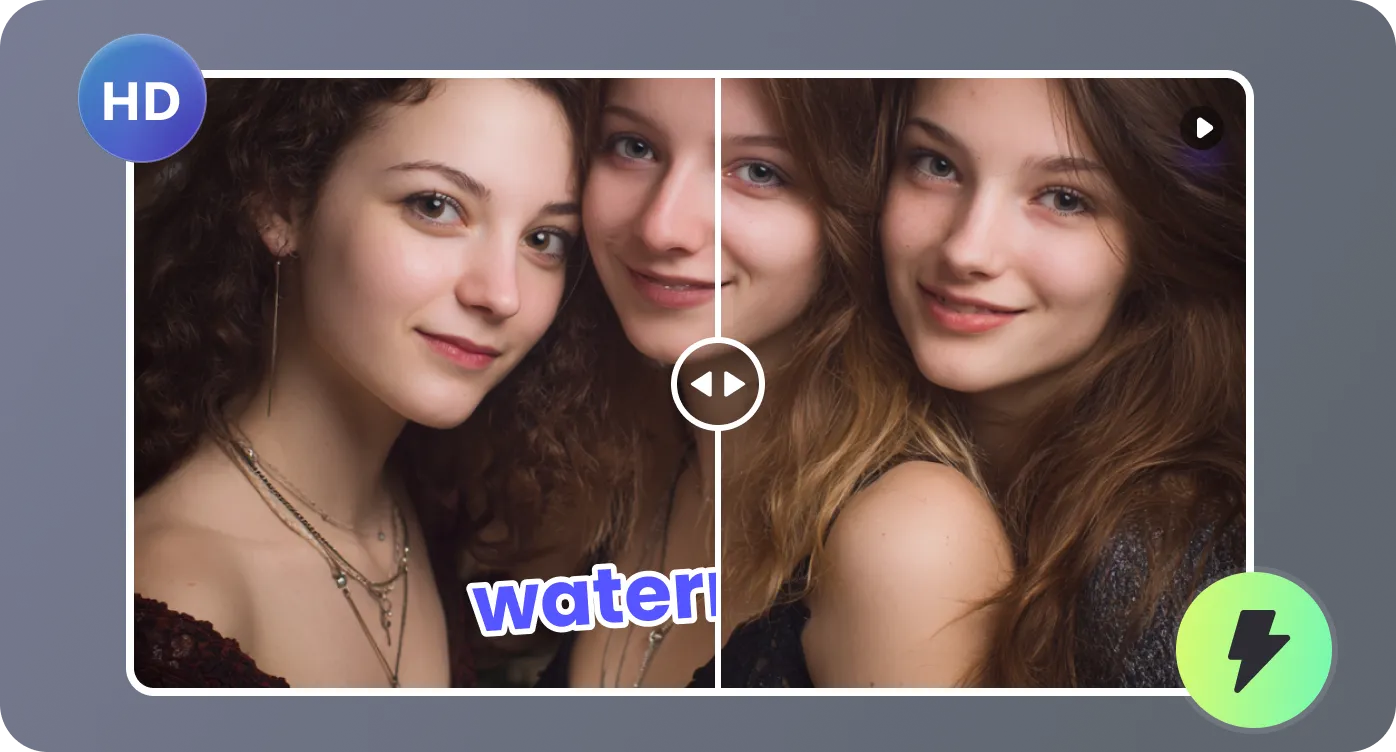
Never wait until the end to see the results of your edits. Our platform offers a convenient ten-second preview feature that lets you check removal quality before committing to the full process. This saves time and ensures you are satisfied with the selection and quality mode.
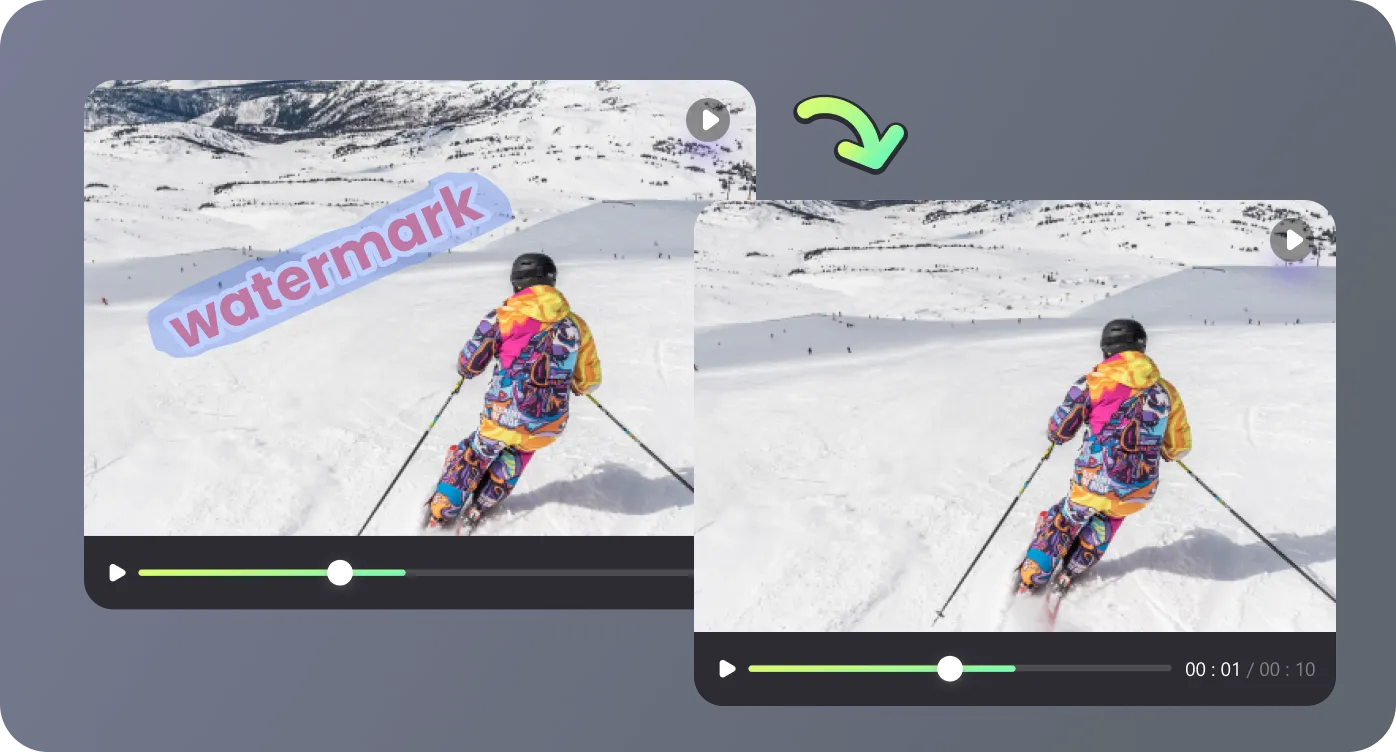
We support a wide range of popular formats including MP4, MOV, and MKV for maximum compatibility across different devices. With a generous upload limit of up to 4 GB, you can handle high-resolution professional clips easily, making this a versatile choice for every creator.
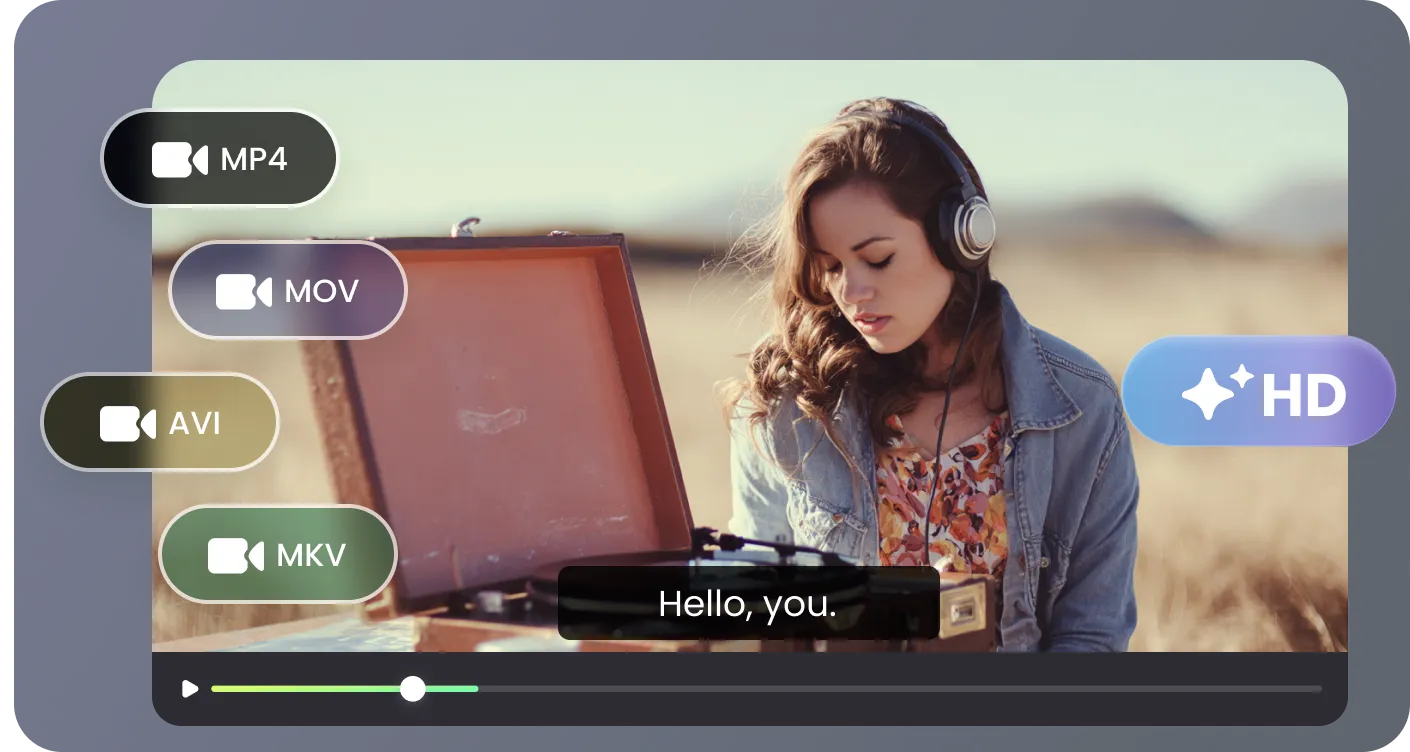
Discover how our versatile tool cleans up visual content across your digital projects.

I needed to remove words from video for a marketing campaign and this tool was a lifesaver. The AI background filling is so much better than the blurry messes I have seen elsewhere. It saved me hours of manual masking in professional editors. I highly recommend this solution.

As a YouTuber, I often have old clips with baked-in text that I want to reuse. This website makes it incredibly easy to just select the area and let the AI do its magic. The Best Quality mode handled a complex moving background perfectly. It is now my go-to resource for clips.

I was skeptical at first, but the results were surprisingly clean and seamless for an online tool. Being able to preview the first ten seconds is a great feature that builds a lot of trust. I used it to remove some distracting timestamps from family videos and it worked perfectly.

This is the fastest way to remove words from video without installing heavy software on my computer. I often work on the go, so a browser-based tool that supports large 4 GB files is exactly what I need. The interface is intuitive, and the step-by-step process is very clear.

Get all the answers you need to start cleaning your videos efficiently right now.

