

Drag & drop files or folders here
'%20stroke='%232D2D33'%20stroke-width='3'/%3e%3cpath%20d='M9.86621%2012.8366L13.9744%208.91127L18.1435%2012.8976M13.8403%209.92308L13.9134%2019.0781'%20stroke='%232D2D33'%20stroke-width='3'%20stroke-linecap='round'%20stroke-linejoin='round'/%3e%3c/svg%3e) Browse
BrowseFrom upload to export, extract subtitles without technical setup
Upload File
Add your video or audio. The subtitle extractor detects speech and prepares it for transcription

Review Text
Check the generated subtitles, fix wording, and adjust timing if needed

Export File
Download subtitles as SRT or other formats, ready for editing, translation, or publishing
Built for people who need usable subtitles, not just transcripts
This subtitle extractor doesn’t just give you raw text—it structures subtitles with proper segmentation and timing so you can export SRT files that are immediately usable. Whether you’re uploading to YouTube, editing in Premiere, or handing files to a translator, you don’t need to reformat or rebuild subtitles from scratch.
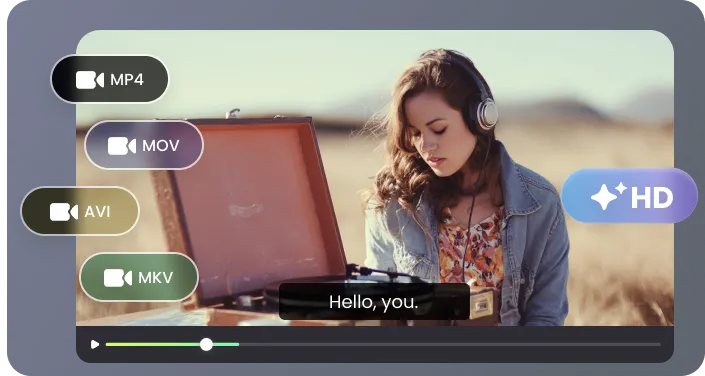
From interviews and meetings to screen recordings and YouTube content, this tool handles audio that isn’t perfectly clean. It can process overlapping speech, background noise, and uneven volume, making it practical for everyday files rather than only studio-quality recordings.
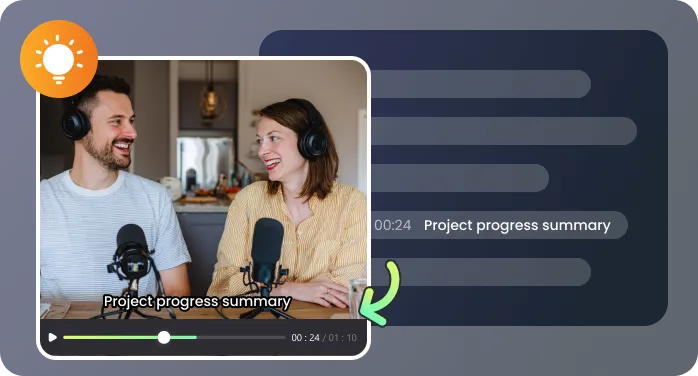
You can review subtitles before exporting, correct names or terminology, and adjust timing without switching tools. This is especially useful when accuracy matters, such as client deliverables, educational content, or multilingual projects where small errors create extra work later.

Upload MP4, MKV, MOV, or audio files directly in your browser and extract subtitles without installing software or dealing with compatibility issues. You can also generate subtitles in different languages or translate them when needed, making it easier to reuse content across regions and platforms.
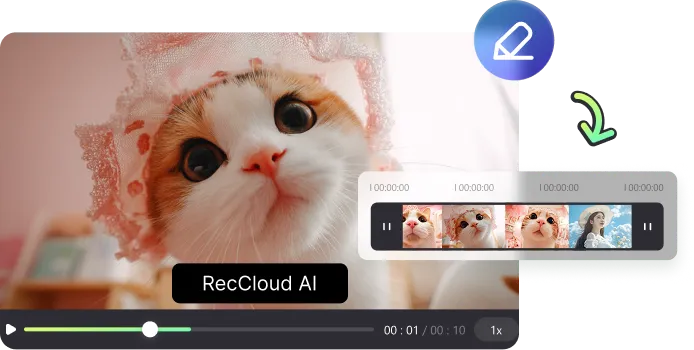
Used by creators, teams, and individuals who need subtitles they can actually work with

I used this subtitle extractor to pull captions from over 3 hours of interview footage for a documentary. Normally I’d spend a full day typing and syncing subtitles, but this cut it down to reviewing and fixing a few lines. The ability to export clean SRT files meant I could drop them straight into Premiere without extra formatting

I manage weekly video production for a small media team, and we constantly need to extract subtitles from video for YouTube uploads. Before, we had to juggle multiple tools. Now I upload the file, review the text, and export—everything happens in one place, which keeps our turnaround time tight

I create online courses and record long lessons, often over an hour each. What helped me most was being able to go back into the subtitles, fix terminology, and adjust phrasing before exporting. It’s much easier than editing raw transcripts, especially when I need clean captions for students

I work with MKV recordings from internal system demos, and extracting subtitles used to require converting files or using command-line tools. With this, I just upload the file and get usable subtitles in minutes. It’s simple enough that even non-technical teammates can handle it without my help

Subtitle extraction questions, answered before you start

