
BGM
From your text to a ready-to-use MP3 audio file

Paste or Type Your Text
Enter the written content you want to convert into an audio format into the editor.

Select a Natural Voice
Choose from different lifelike voices and adjust the speaking speed to fit your listening preference.

Download Your MP3
Get a high-quality audio file instantly, ready for playback on any device or platform.
Where your text transforms into clear, usable audio
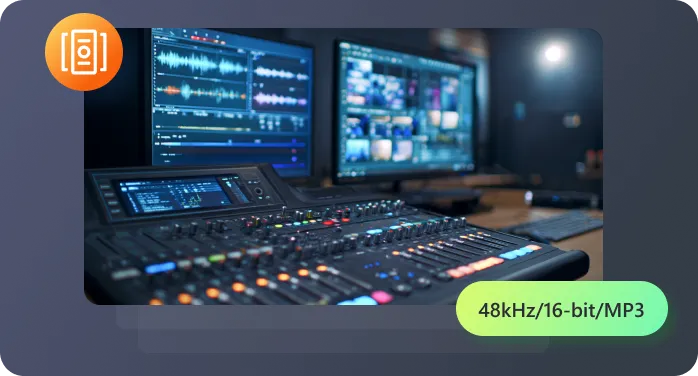
Experience the difference with voices that have rhythm and inflection. This makes listening for extended periods—like to a converted article or report—comfortable and engaging, not robotic.
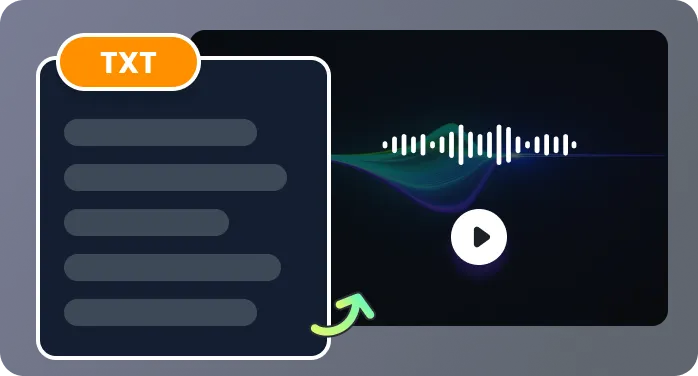
Adjust more than just speed. Select voice tones and preview pronunciation to get the exact sound you need for your text-to-audio project.
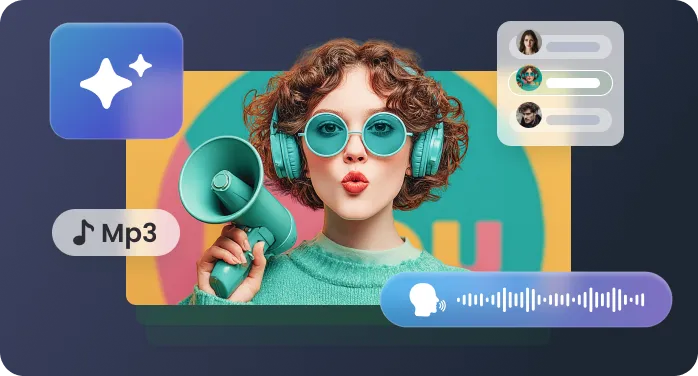
Save time on tasks like proofreading or creating study materials. Converting text into MP3 becomes a streamlined step, not a distracting detour.
We process your text securely and do not store or reuse it. This is essential when you use a text to MP3 converter for sensitive documents or proprietary scripts.
Launch the online text-to-MP3 converter directly in your browser—no downloads. Begin your first text-to-speech conversion immediately to test the voices, with no sign-up required. Your content is processed securely for single-session use.
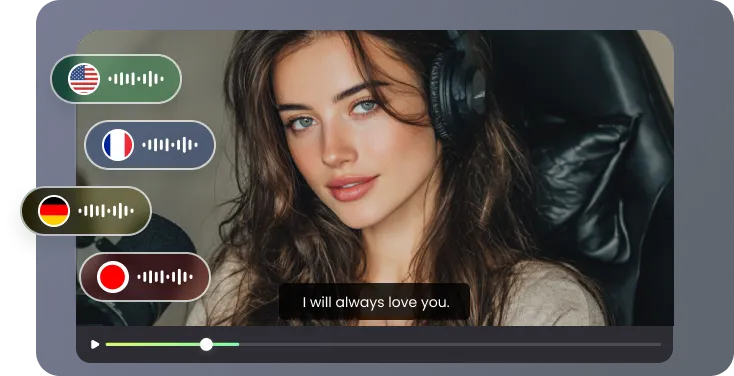
Turn documents, articles, and notes into audio for these everyday uses.

I manage a small team and write a lot of internal documentation. Instead of requiring everyone to read lengthy updates, I use RecCloud to convert the key points into a short MP3 summary. This ensures clarity, saves meeting time, and lets my team listen during their own workflow. It’s become our standard for asynchronous communication.

As a novelist, I use the tool to listen to my draft chapters. Hearing the dialogue and narrative pace aloud, versus reading silently, exposes rhythm issues I’d otherwise miss. Converting my text to speech is now a critical step in my editing process before sending anything to my editor.

My eyes get tired from screen time. I now paste online articles and research papers I need to review into the converter to create audio files. I listen to them on walks. It’s made consuming long-form content sustainable for me and has doubled the amount I can get through in a week compared to just reading.

I create a lot of tutorial content. Before recording the final video, I use the text-to-MP3 function to convert my script. Listening to it helps me tighten the language to sound more natural when spoken and get an accurate timing. It’s an indispensable prep tool that improves my final recordings.

Answers to common questions about creating MP3 from your written text

'%3e%3cpath%20d='M7.1%2013.4C10.4689%2013.4%2013.2%2010.6242%2013.2%207.2C13.2%203.77583%2010.4689%201%207.1%201C3.73106%201%201%203.77583%201%207.2C1%2010.6242%203.73106%2013.4%207.1%2013.4Z'%20stroke='white'%20stroke-width='2'%20stroke-miterlimit='10'%20stroke-linecap='round'%20stroke-linejoin='round'/%3e%3cpath%20d='M13.5%2012.5L15%2014'%20stroke='white'%20stroke-width='2'%20stroke-miterlimit='10'%20stroke-linecap='round'%20stroke-linejoin='round'/%3e%3c/g%3e%3cdefs%3e%3cclipPath%20id='clip0_40348_278'%3e%3crect%20width='16'%20height='15'%20fill='white'/%3e%3c/clipPath%3e%3c/defs%3e%3c/svg%3e)


'/%3e%3cpath%20d='M4%206.33333L5.38333%208L8%204'%20stroke='%232D2D33'%20stroke-linecap='round'%20stroke-linejoin='round'/%3e%3cdefs%3e%3clinearGradient%20id='paint0_linear_59564_8366'%20x1='1.38174e-07'%20y1='6'%20x2='12.2188'%20y2='7.57508'%20gradientUnits='userSpaceOnUse'%3e%3cstop%20stop-color='%23D6FB72'/%3e%3cstop%20offset='1'%20stop-color='%2376F9B1'/%3e%3c/linearGradient%3e%3c/defs%3e%3c/svg%3e)
'%20fill='white'/%3e%3cellipse%20cx='2.79998'%20cy='2.79995'%20rx='2.79998'%20ry='2.79995'%20transform='matrix(0.965927%20-0.258816%200.258823%200.965925%2018.3749%2022)'%20fill='white'/%3e%3cpath%20d='M11%2010L27.5%2026.5'%20stroke='white'%20stroke-width='2'%20stroke-linecap='round'/%3e%3c/svg%3e)
