
'%20stroke-opacity='0.2'%20stroke-width='2'/%3e%3cpath%20d='M3.11592%2019.2884C1.75802%2014.0938%204.86823%208.78202%2010.0628%207.42412L31.7476%201.75552C33.7413%201.23434%2035.8588%201.49254%2037.6689%202.47756L45.1886%206.5697C47.5462%207.85267%2049.2684%2010.0533%2049.9473%2012.6501L57.5913%2041.8917C58.9492%2047.0862%2055.839%2052.398%2050.6444%2053.7559L23.9954%2060.7222C18.8008%2062.0801%2013.489%2058.9699%2012.1311%2053.7754L3.11592%2019.2884Z'%20stroke='url(%23paint1_linear_54018_1330)'%20stroke-width='4'/%3e%3cpath%20d='M3.1208%2019.2884C1.7629%2014.0938%204.87311%208.78202%2010.0677%207.42412L31.7524%201.75552C33.7462%201.23434%2035.8636%201.49254%2037.6737%202.47756L45.1935%206.5697C47.5511%207.85267%2049.2733%2010.0533%2049.9522%2012.6501L57.5962%2041.8917C58.9541%2047.0862%2055.8439%2052.398%2050.6493%2053.7559L24.0002%2060.7222C18.8057%2062.0801%2013.4939%2058.9699%2012.136%2053.7754L3.1208%2019.2884Z'%20fill='%235B5B5B'/%3e%3cpath%20d='M31.7516%201.75597C33.7454%201.23478%2035.8633%201.49203%2037.6734%202.47705L45.1931%206.5696C47.505%207.82776%2049.2028%209.96938%2049.9079%2012.5007L41.6862%2014.6499C38.2233%2015.5551%2034.6819%2013.4821%2033.7765%2010.0193L31.625%201.78906L31.7516%201.75597Z'%20fill='%23CEFFD2'%20fill-opacity='0.3'/%3e%3cpath%20d='M38.6744%2029.5512C40.6539%2030.0946%2041.3029%2032.5771%2039.8425%2034.0198L31.0802%2042.6757C29.6198%2044.1184%2027.1453%2043.4391%2026.6261%2041.4531L23.5111%2029.5367C22.9919%2027.5506%2024.8174%2025.7473%2026.7969%2026.2907L38.6744%2029.5512Z'%20fill='url(%23paint2_linear_54018_1330)'/%3e%3cdefs%3e%3clinearGradient%20id='paint0_linear_54018_1330'%20x1='14.2197'%20y1='34.6499'%20x2='62.8873'%20y2='40.1141'%20gradientUnits='userSpaceOnUse'%3e%3cstop%20stop-color='%23D6FB72'/%3e%3cstop%20offset='1'%20stop-color='%2376F9B1'/%3e%3c/linearGradient%3e%3clinearGradient%20id='paint1_linear_54018_1330'%20x1='7.62353'%20y1='36.5319'%20x2='55.4562'%20y2='29.4896'%20gradientUnits='userSpaceOnUse'%3e%3cstop%20stop-color='%23D6FB72'/%3e%3cstop%20offset='1'%20stop-color='%2376F9B1'/%3e%3c/linearGradient%3e%3clinearGradient%20id='paint2_linear_54018_1330'%20x1='30.5755'%20y1='24.9296'%20x2='32.6408'%20y2='42.908'%20gradientUnits='userSpaceOnUse'%3e%3cstop%20stop-color='%23D6FB72'/%3e%3cstop%20offset='1'%20stop-color='%2376F9B1'/%3e%3c/linearGradient%3e%3c/defs%3e%3c/svg%3e)
Drag and Drop files to upload or
'%20stroke='%232D2D33'%20stroke-width='3'/%3e%3cpath%20d='M9.86621%2012.8366L13.9744%208.91127L18.1435%2012.8976M13.8403%209.92308L13.9134%2019.0781'%20stroke='%232D2D33'%20stroke-width='3'%20stroke-linecap='round'%20stroke-linejoin='round'/%3e%3c/svg%3e) Browse
BrowseExtract exactly what’s said in a YouTube video and turn it into something you can work with right away.

Add Link
Paste a YouTube URL to transcribe from YouTube and capture the full spoken content as text.
Check Accuracy
Review the generated text, correct names or unclear phrases, and make sure everything matches the original audio.
Download Text
Export your transcription as a usable file for notes, writing, or documentation.
Designed for users who care about capturing spoken content accurately and making it usable.
Transcribe from YouTube with a focus on preserving what’s actually said—full sentences, context, and meaning. Whether it’s explanations, discussions, or detailed walkthroughs, the transcription reflects the original speech closely, reducing the need to replay sections just to confirm wording.
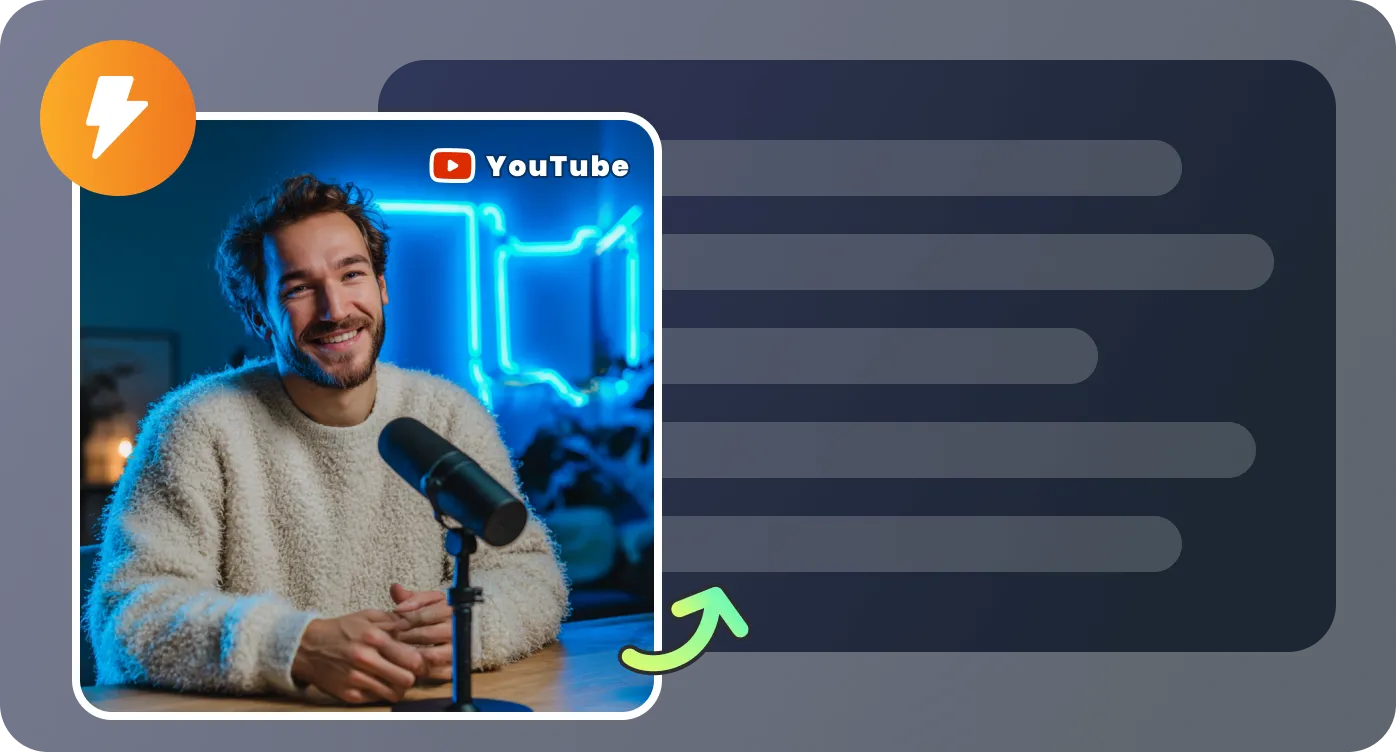
Handles interviews, podcasts, and multi-speaker videos where dialogue can overlap or shift quickly. The text is organized in a way that helps you follow the flow of conversation and understand who is speaking, instead of dealing with confusing or fragmented captions.
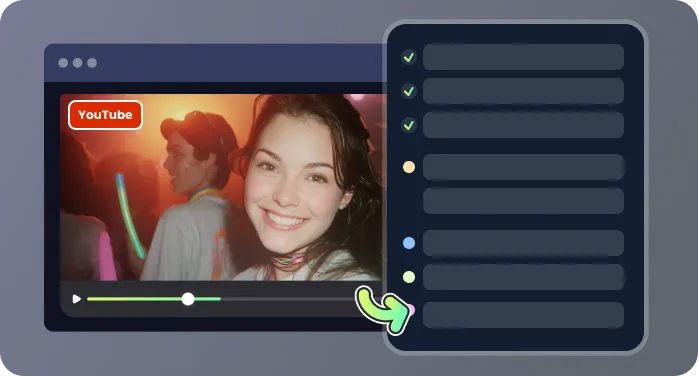
Instead of raw, broken captions, you get text that already reads like written content. Sentences are more complete and logically grouped, so you spend less time fixing structure and more time using the transcription for notes, writing, or analysis.
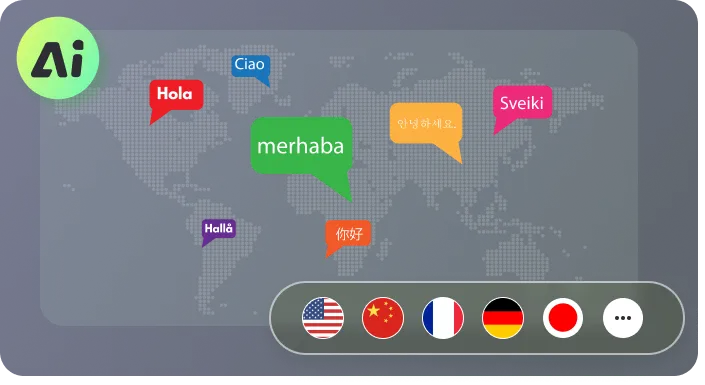
Export your transcription as a usable text file and apply it directly to your workflow—whether you're summarizing a webinar, drafting content, or documenting key points from long YouTube videos without splitting or reprocessing them.
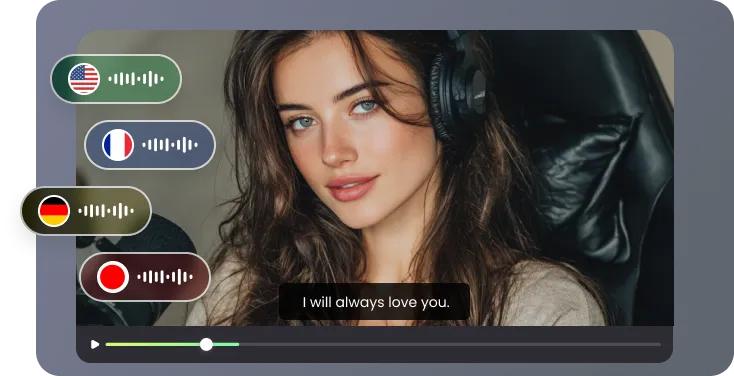
Common situations where extracting spoken content matters more than watching.

I often need to transcribe from YouTube interviews for long-form articles. What I like here is that the text actually reflects how people speak, so I don’t have to constantly replay sections to confirm wording. It speeds up my writing process a lot.

I deal with recorded webinars weekly, and manually pulling notes was taking too long. Now I transcribe from YouTube and quickly scan the text to identify key points, decisions, and action items without sitting through the entire recording again.

For studying, this has been a big help. I can turn lecture videos into text and highlight important parts directly. It’s much easier than trying to take notes while watching, especially when the material is dense.

I use it when creating content from video sources. Being able to transcribe from YouTube and then reshape that into structured writing saves me hours compared to starting from scratch. The text is clean enough that I can jump straight into editing.

What people usually want to know before they transcribe from YouTube

