

Drag & drop files or folders here
'%20stroke='%232D2D33'%20stroke-width='3'/%3e%3cpath%20d='M9.86621%2012.8366L13.9744%208.91127L18.1435%2012.8976M13.8403%209.92308L13.9134%2019.0781'%20stroke='%232D2D33'%20stroke-width='3'%20stroke-linecap='round'%20stroke-linejoin='round'/%3e%3c/svg%3e) Upload
UploadTurn your M4A audio into text and summaries in just a few simple steps.

Upload M4A File
Drag and drop your M4A audio file or click Browse to upload it from your device.
Get Transcript
The system automatically converts the M4A audio to text with timestamps and optional speaker labels.

Review and Export
Edit the transcript, generate an AI summary, and export or share the results.
Built to make M4A transcription accurate, flexible, and easy to manage.
Convert M4A files to text quickly without long waiting times. The transcription starts processing as soon as the file is uploaded. Spoken content is turned into readable text with timestamps. This helps you review and navigate audio efficiently.

Choose between a raw transcript and an AI-polished version. The polished mode improves readability while keeping the original meaning. This is useful for notes, documents, or publishing. You get text that’s ready to use.
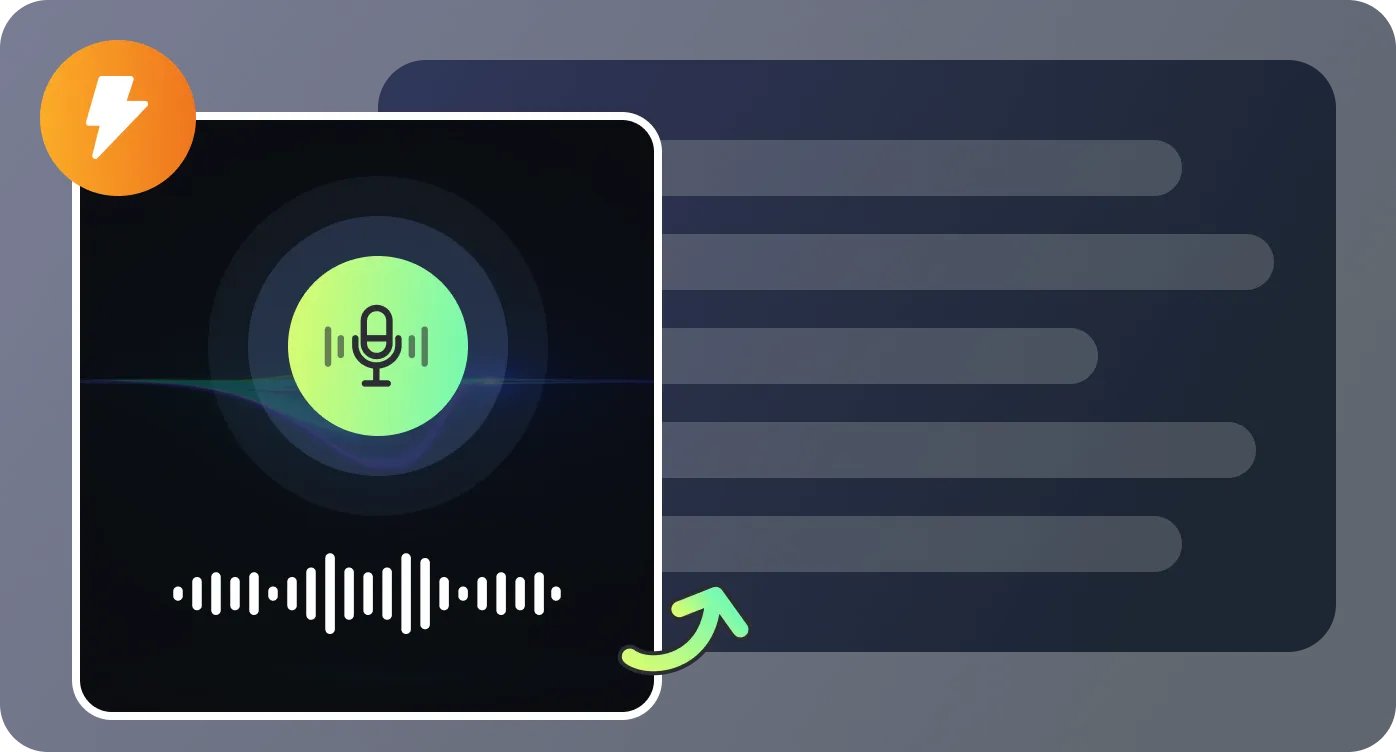
Generate summaries in multiple styles, such as concise overviews or meeting-style notes. The AI highlights key points instead of copying every sentence. This saves time when working with long M4A recordings. You can switch summary styles anytime.
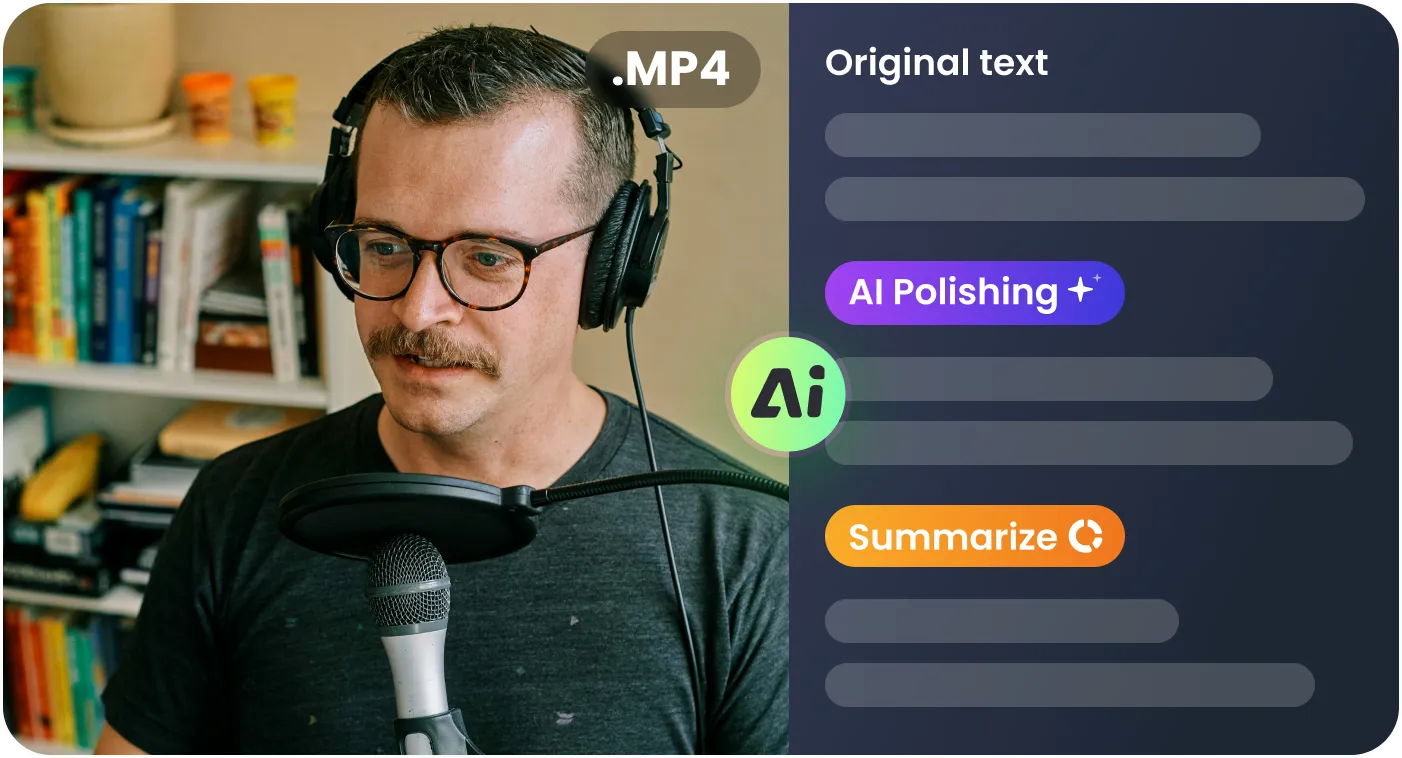
Edit transcripts directly in the editor to fix wording or formatting. Download or copy the text for external use. Share results with teammates or clients in a few clicks. Everything stays in one workflow.

Designed for real situations where M4A audio needs to become usable text.

I often record interviews in M4A, and this tool makes it easy to turn them into clean transcripts for my research.

Uploading M4A meeting files and getting transcripts with timestamps saves our team a lot of time.

The AI-polished text helps me quickly turn raw M4A audio into readable articles.

Being able to transcribe M4A files and export them instantly fits perfectly into my production workflow.

Common questions about converting M4A audio files into text.

