

Drag & drop files or folders here. Batch upload with Business VIP
'%20stroke='%232D2D33'%20stroke-width='3'/%3e%3cpath%20d='M9.86621%2012.8366L13.9744%208.91127L18.1435%2012.8976M13.8403%209.92308L13.9134%2019.0781'%20stroke='%232D2D33'%20stroke-width='3'%20stroke-linecap='round'%20stroke-linejoin='round'/%3e%3c/svg%3e) Upload
UploadUpload once. Get usable text without manual transcription.
Upload Video
Add a local file or paste a video link. The system analyzes the speech in your video and prepares it for processing.
Extract the Script
Our speech recognition engine processes the audio and converts dialogue into a clean, readable transcript. It handles different speakers and accents reliably.

Export & Use
Download the extracted script, or generate a summary from the text. Use it for articles, captions, course materials, or internal documentation.
Built for people who actually need usable scripts.
Manually pausing and typing through a 45-minute video can take hours. This video script extractor converts spoken dialogue into text automatically, so you can focus on editing instead of transcribing.
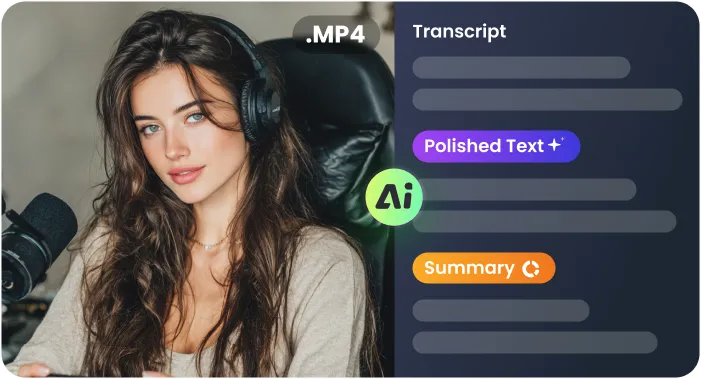
Extracted scripts can be reshaped into blog posts, email newsletters, LinkedIn articles, or social captions. Instead of rewatching and rewriting, you start with ready-to-edit text.
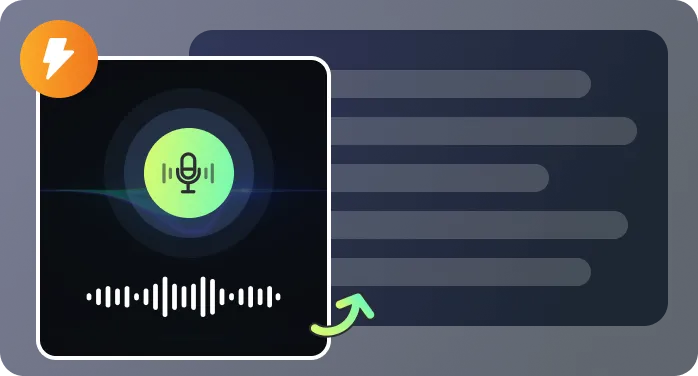
Use the generated transcript to create subtitle files for social media or training videos. A single extraction supports both written content and caption workflows.
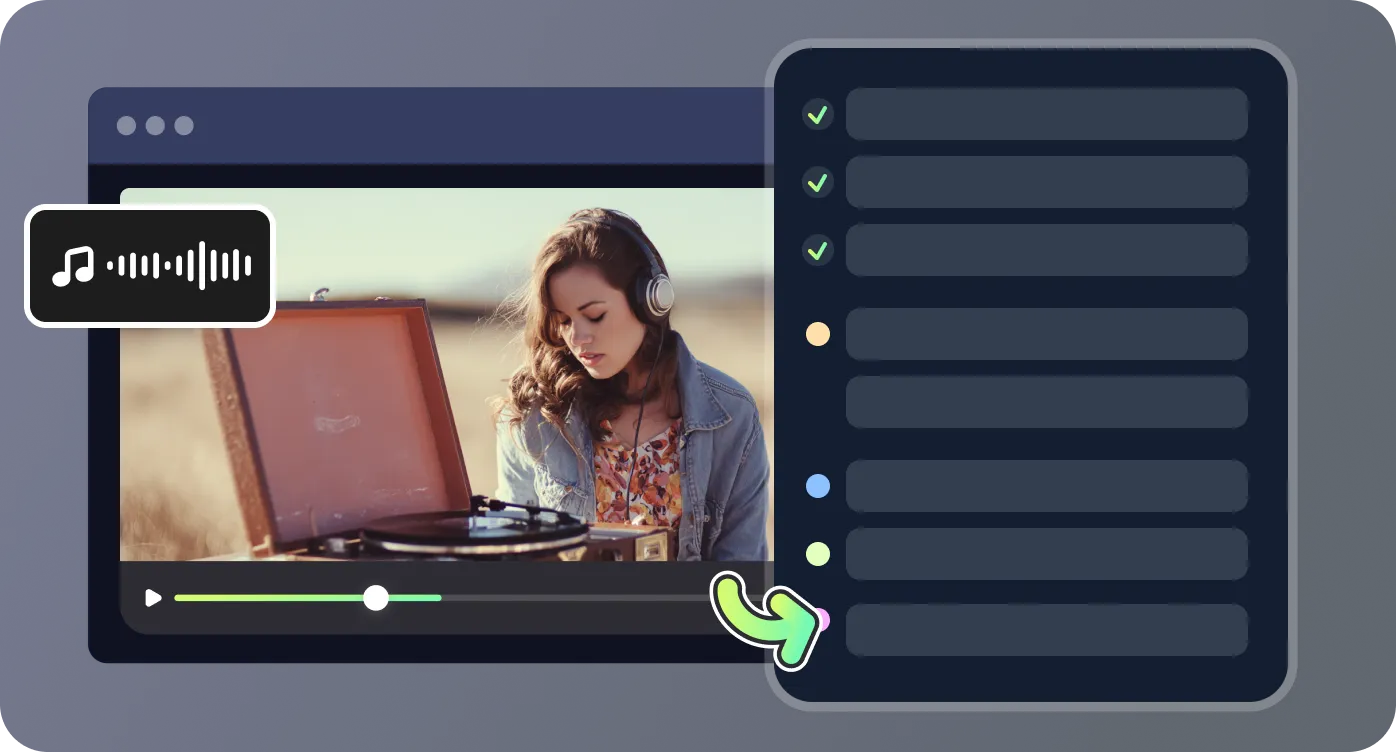
Interviews, webinars, screen recordings with background noise, and multi-speaker discussions are processed reliably. Speaker separation helps keep the final script clear and usable.

The transcript isn’t delivered as a wall of text. It’s organized into readable paragraphs, making it easy to scan, edit, store, and search later when you need a specific quote.

See where turning video into text actually saves time.

I run a small YouTube channel reviewing productivity tools. I used to pause every few seconds to type out key sections for my blog, especially when pulling exact quotes. With this video script extractor, I upload the finished video and get a full transcript in minutes. Last week I turned a 28-minute review into a 1,500-word article in one afternoon instead of spreading it over two days.

As a corporate trainer, I record two-hour compliance workshops for remote teams across different states. We’re required to keep written documentation of what’s covered. This tool lets me extract scripts from the recordings and clean them up into structured manuals. The speaker labeling is especially helpful when there’s Q&A between me and participants.

I manage post-production for three business podcasts. Clients expect transcripts published alongside each episode for SEO and accessibility. The video script extractor gives me a solid draft with clear paragraph breaks, so I only spend about 10–15 minutes polishing instead of outsourcing transcription. It also makes pulling highlight quotes much easier.

We conduct weekly user research interviews over Zoom and store the recordings for analysis. Before, someone on the team had to sit through each 60-minute session to document insights. Now we upload the file and review the generated script together, tagging key statements directly in the text. It’s cut our documentation time by more than half.

Quick answers about using the video script extractor.

