

Drag & drop files or folders here
'%20stroke='%232D2D33'%20stroke-width='3'/%3e%3cpath%20d='M9.86621%2012.8366L13.9744%208.91127L18.1435%2012.8976M13.8403%209.92308L13.9134%2019.0781'%20stroke='%232D2D33'%20stroke-width='3'%20stroke-linecap='round'%20stroke-linejoin='round'/%3e%3c/svg%3e) Upload
UploadGenerate transcripts and summaries instantly with AI from uploads, recordings, or media links.
Upload Content
Upload up to 4 GB video or 500 MB audio, or record meetings, lectures, and webinars right in your browser with one‑click controls.

AI Transcription
Get raw and polished transcripts with automatic speaker identification, ensuring clear readability and well‑structured conversation tracking.
Summarize & Export
Produce summaries in multiple styles, bullet‑point key ideas, and auto FAQs, then export in DOCX or TXT formats.
Experience fast, accurate, and versatile transcription with AI tools designed for diverse professional and personal uses.
Enjoy two free 20‑minute sessions every day with full access to uploads, browser recordings, and media link imports on any device—start instantly without sign‑up barriers.

Edit transcripts inline, perform global Find & Replace, click‑to‑seek within media, and copy sections instantly for efficient review and content refinement.
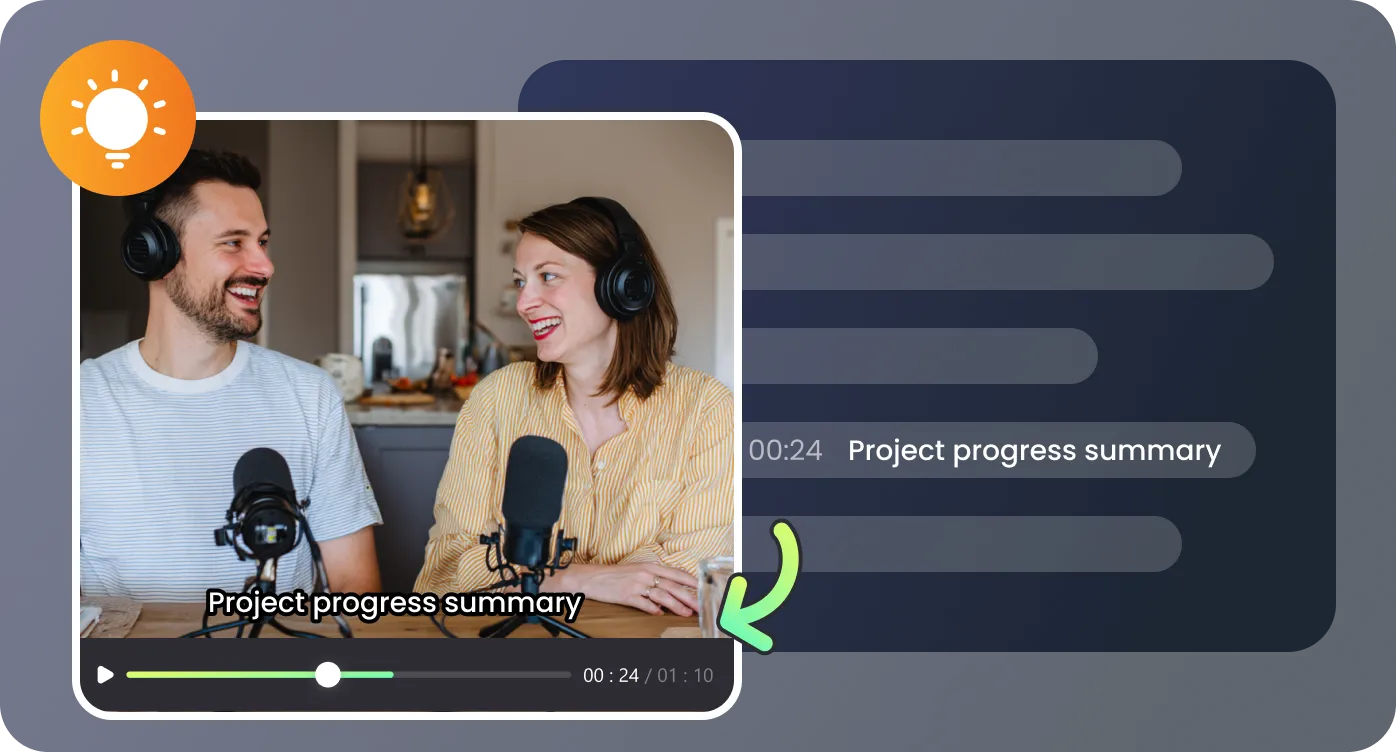
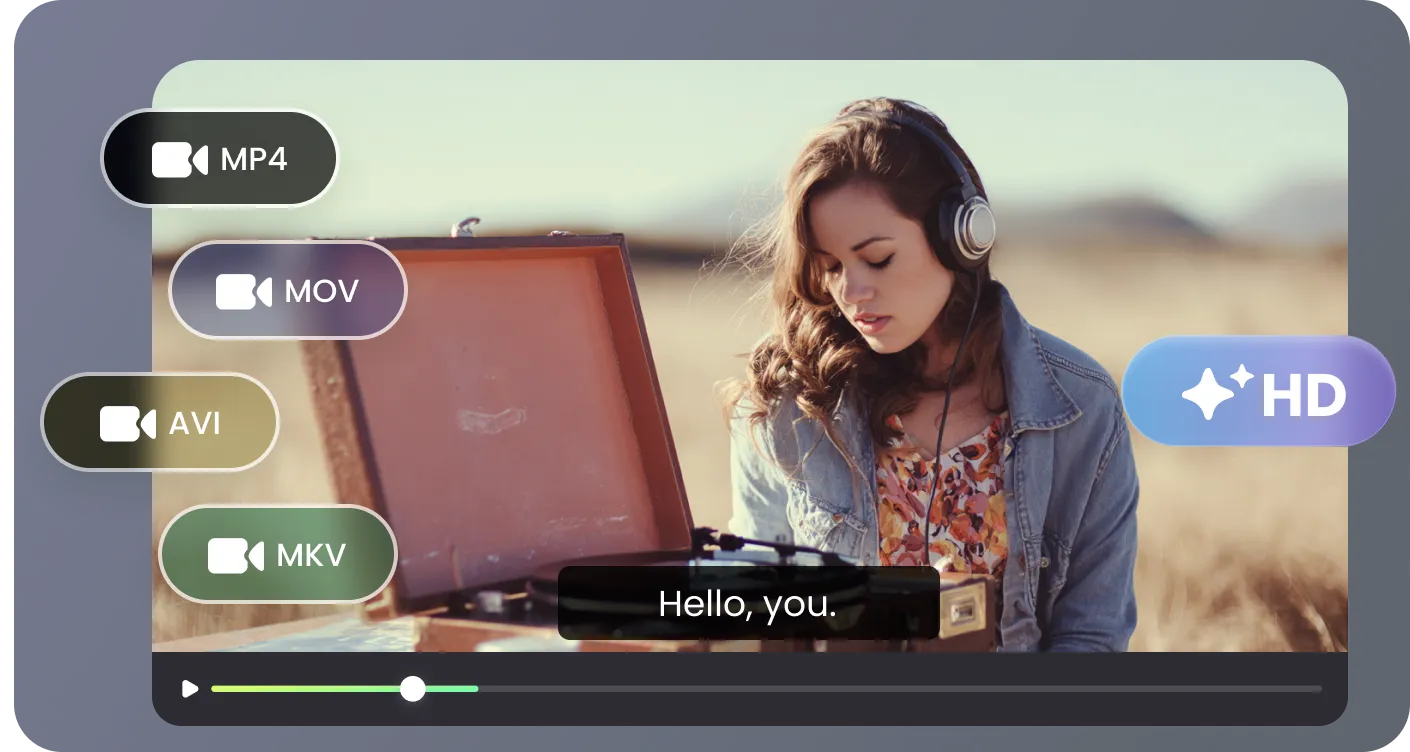
Works with mp4, mkv, mov, webm, mp3, wav formats plus media links from YouTube, Facebook, and Instagram, supporting both offline and online content workflows.
Generate structured summaries in six styles, concise key points, and automatically generated FAQs to clarify and highlight essential details.
Adapt RecCloud to meetings, lectures, research, marketing, or personal projects with streamlined AI transcription.

Recording lectures directly in browser ensures I never miss critical points. Detailed transcripts, polished summaries, and FAQs make study effortless, while free daily sessions remove any access barriers.

Managing corporate webinars used to be time‑consuming. RecCloud delivers accurate transcripts with speaker labels, concise summaries, and instant exports, saving our team hours every week.

Content repurposing is simple with RecCloud. Videos become ready‑to‑use summaries, key points, and FAQs for social channels, boosting engagement and reducing preparation time.

From interviews to global meetings, RecCloud’s structured output improves collaboration, speeds knowledge sharing, and ensures nothing important ever gets lost.

Common questions about RecCloud’s free AI Video to Word transcription tool.

