
'%20stroke-opacity='0.2'%20stroke-width='2'/%3e%3cpath%20d='M3.11592%2019.2884C1.75802%2014.0938%204.86823%208.78202%2010.0628%207.42412L31.7476%201.75552C33.7413%201.23434%2035.8588%201.49254%2037.6689%202.47756L45.1886%206.5697C47.5462%207.85267%2049.2684%2010.0533%2049.9473%2012.6501L57.5913%2041.8917C58.9492%2047.0862%2055.839%2052.398%2050.6444%2053.7559L23.9954%2060.7222C18.8008%2062.0801%2013.489%2058.9699%2012.1311%2053.7754L3.11592%2019.2884Z'%20stroke='url(%23paint1_linear_54018_1330)'%20stroke-width='4'/%3e%3cpath%20d='M3.1208%2019.2884C1.7629%2014.0938%204.87311%208.78202%2010.0677%207.42412L31.7524%201.75552C33.7462%201.23434%2035.8636%201.49254%2037.6737%202.47756L45.1935%206.5697C47.5511%207.85267%2049.2733%2010.0533%2049.9522%2012.6501L57.5962%2041.8917C58.9541%2047.0862%2055.8439%2052.398%2050.6493%2053.7559L24.0002%2060.7222C18.8057%2062.0801%2013.4939%2058.9699%2012.136%2053.7754L3.1208%2019.2884Z'%20fill='%235B5B5B'/%3e%3cpath%20d='M31.7516%201.75597C33.7454%201.23478%2035.8633%201.49203%2037.6734%202.47705L45.1931%206.5696C47.505%207.82776%2049.2028%209.96938%2049.9079%2012.5007L41.6862%2014.6499C38.2233%2015.5551%2034.6819%2013.4821%2033.7765%2010.0193L31.625%201.78906L31.7516%201.75597Z'%20fill='%23CEFFD2'%20fill-opacity='0.3'/%3e%3cpath%20d='M38.6744%2029.5512C40.6539%2030.0946%2041.3029%2032.5771%2039.8425%2034.0198L31.0802%2042.6757C29.6198%2044.1184%2027.1453%2043.4391%2026.6261%2041.4531L23.5111%2029.5367C22.9919%2027.5506%2024.8174%2025.7473%2026.7969%2026.2907L38.6744%2029.5512Z'%20fill='url(%23paint2_linear_54018_1330)'/%3e%3cdefs%3e%3clinearGradient%20id='paint0_linear_54018_1330'%20x1='14.2197'%20y1='34.6499'%20x2='62.8873'%20y2='40.1141'%20gradientUnits='userSpaceOnUse'%3e%3cstop%20stop-color='%23D6FB72'/%3e%3cstop%20offset='1'%20stop-color='%2376F9B1'/%3e%3c/linearGradient%3e%3clinearGradient%20id='paint1_linear_54018_1330'%20x1='7.62353'%20y1='36.5319'%20x2='55.4562'%20y2='29.4896'%20gradientUnits='userSpaceOnUse'%3e%3cstop%20stop-color='%23D6FB72'/%3e%3cstop%20offset='1'%20stop-color='%2376F9B1'/%3e%3c/linearGradient%3e%3clinearGradient%20id='paint2_linear_54018_1330'%20x1='30.5755'%20y1='24.9296'%20x2='32.6408'%20y2='42.908'%20gradientUnits='userSpaceOnUse'%3e%3cstop%20stop-color='%23D6FB72'/%3e%3cstop%20offset='1'%20stop-color='%2376F9B1'/%3e%3c/linearGradient%3e%3c/defs%3e%3c/svg%3e)
Drag and Drop files to upload or
'%20stroke='%232D2D33'%20stroke-width='3'/%3e%3cpath%20d='M9.86621%2012.8366L13.9744%208.91127L18.1435%2012.8976M13.8403%209.92308L13.9134%2019.0781'%20stroke='%232D2D33'%20stroke-width='3'%20stroke-linecap='round'%20stroke-linejoin='round'/%3e%3c/svg%3e) Browse
BrowseMake professional captions fast with our online AI tool. Create, edit, translate, and style subtitles.
Paste Link
Insert your YouTube link. AI instantly detects speech, transcribes it, and prepares editable captions with no extra setup.
Edit Captions
Adjust text, timecodes, and fix repeated words using the simple editor with instant preview to ensure captions fit perfectly.
Style & Export
Customize fonts, colors, and positions. Translate into multiple languages, then export as MP4 or SRT for quick publishing.
Fast, accurate subtitles with strong customization — AI handles transcription, translation, and styling.
Our cutting-edge AI automatically detects speech and produces precise subtitles with correct timecodes, reducing manual editing. Whether your video has multiple speakers or varied accents, the tool adapts to deliver clean and intelligible captions.
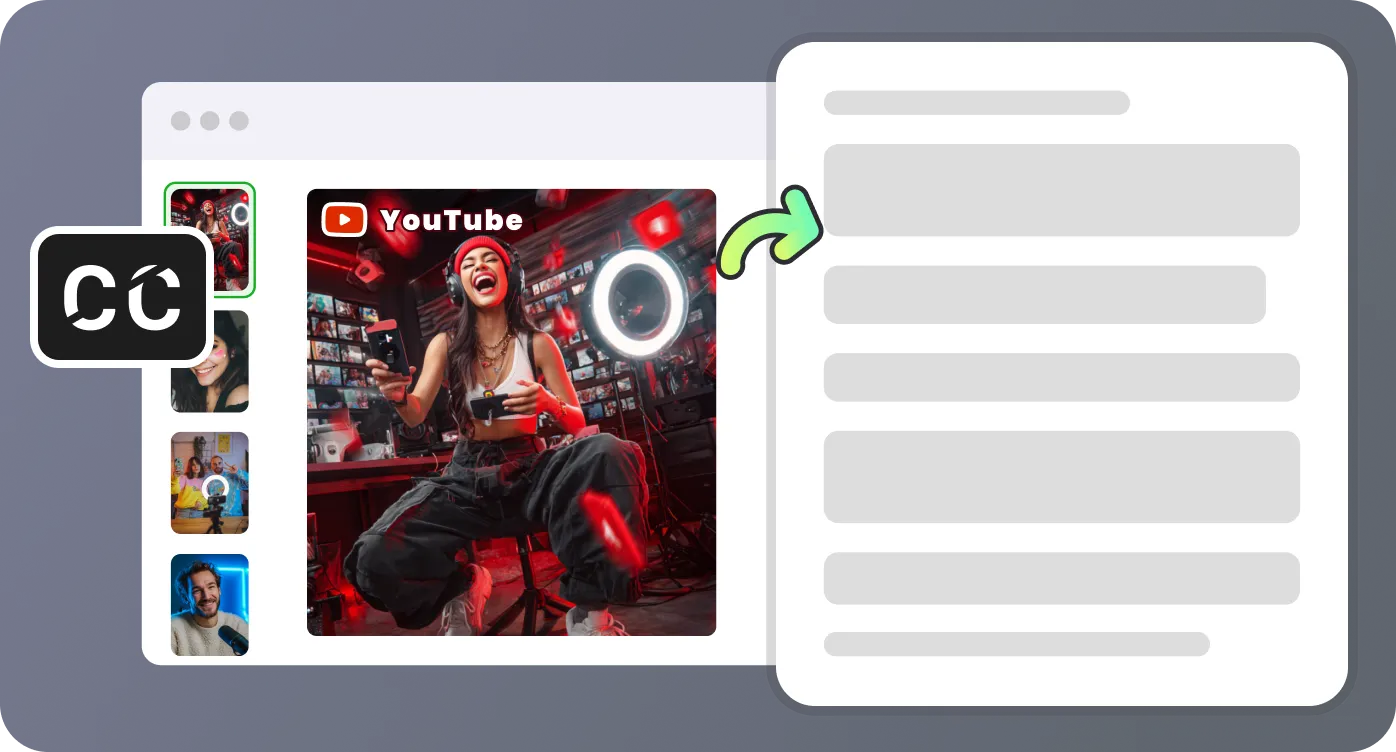
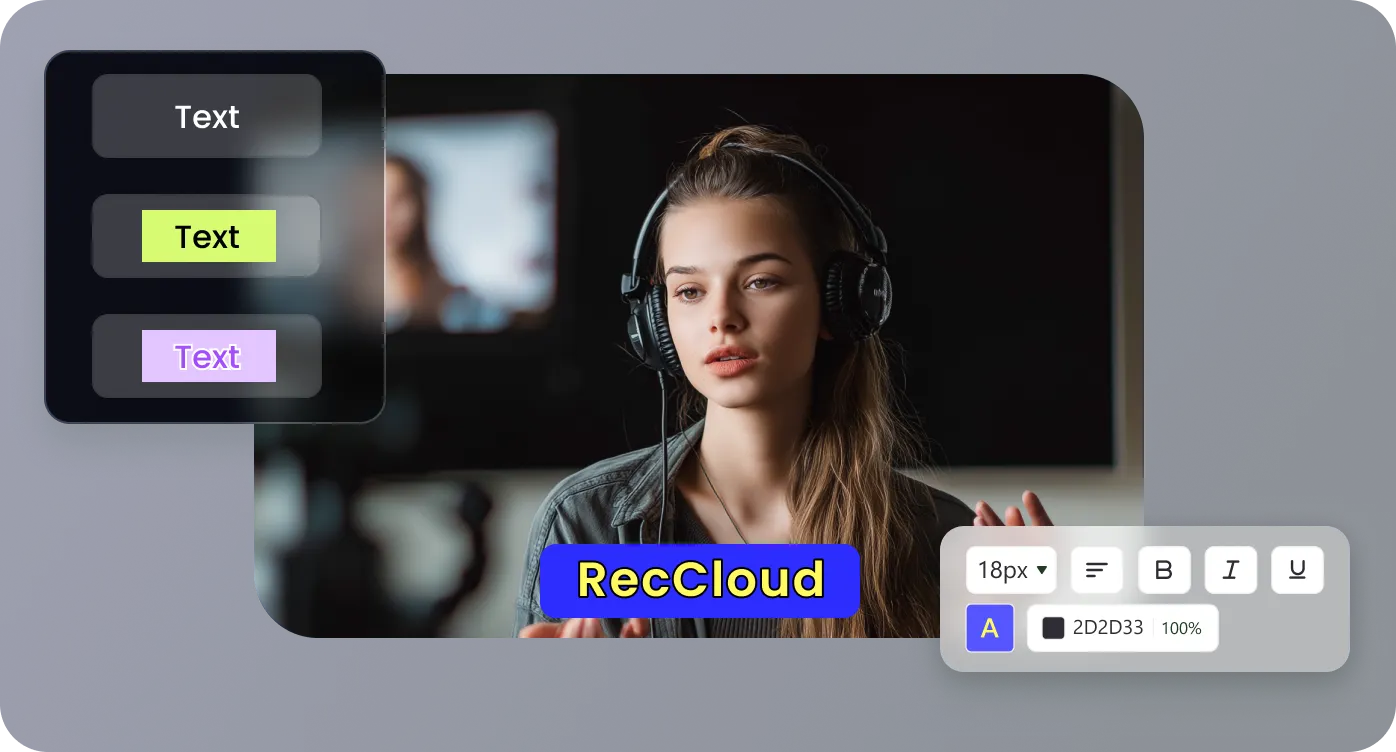
Customize fonts, sizes, colors, positions, and outlines to match your brand style. Choose from preset designs or create unique caption looks that stand out in any professional context or platform where you publish your YouTube videos.
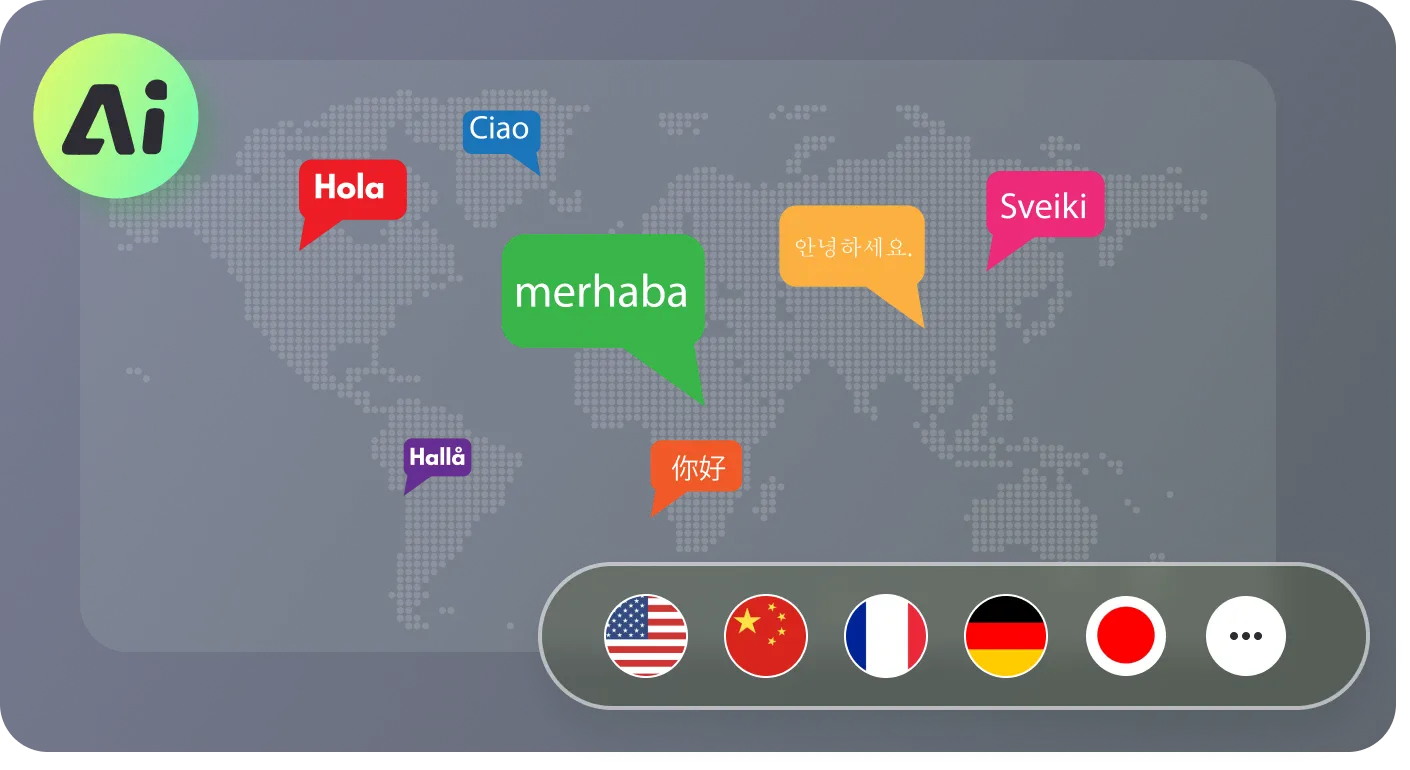
Expand your audience with side-by-side subtitles in multiple languages. Translate captions into English, Chinese, Spanish, Portuguese, and more directly inside the app, keeping your workflow entirely online without additional translation tools.
Download your captions as MP4 videos with burned-in text, or export clean subtitle files like SRT for external editors. This flexibility saves time and ensures compatibility with major video platforms and localization services.
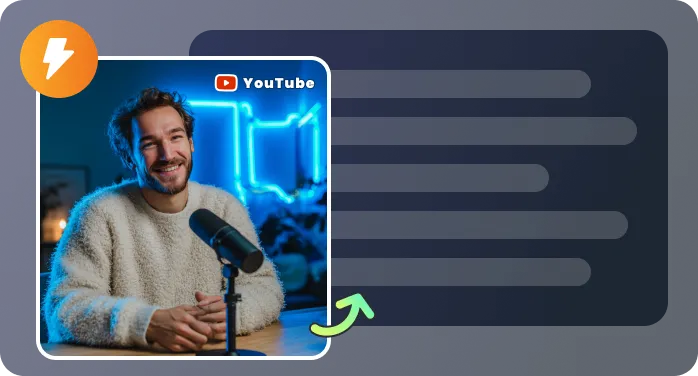
Create captions easily to reach more people worldwide.

RecCloud’s YouTube subtitle generator has transformed my workflow. I upload a video, and within minutes I have professional captions ready. The editing interface is intuitive, the translations are spot-on, and styling options make my content look polished. My audience engagement has grown.

I record lectures and post them online, but creating accurate captions used to take hours. With this AI tool, the process is effortless. My students love the bilingual subtitles, and I love the saved time. It's now an essential part of my teaching toolkit.

This service allowed our campaigns to reach non-English-speaking customers. Captions match perfectly, translations keep brand tone intact, and exporting as SRT made sharing with partners easy. A must-have for any marketer aiming for global impact.

I’ve tried many caption tools, but none match the speed and accuracy of RecCloud. The previews help me fine-tune quickly, and the styling presets make visual upgrades simple. It’s boosted both my viewer satisfaction and overall channel growth.

Answers to key questions on creating and managing YouTube captions.

