
'%20stroke-opacity='0.2'%20stroke-width='2'/%3e%3cpath%20d='M3.11592%2019.2884C1.75802%2014.0938%204.86823%208.78202%2010.0628%207.42412L31.7476%201.75552C33.7413%201.23434%2035.8588%201.49254%2037.6689%202.47756L45.1886%206.5697C47.5462%207.85267%2049.2684%2010.0533%2049.9473%2012.6501L57.5913%2041.8917C58.9492%2047.0862%2055.839%2052.398%2050.6444%2053.7559L23.9954%2060.7222C18.8008%2062.0801%2013.489%2058.9699%2012.1311%2053.7754L3.11592%2019.2884Z'%20stroke='url(%23paint1_linear_54018_1330)'%20stroke-width='4'/%3e%3cpath%20d='M3.1208%2019.2884C1.7629%2014.0938%204.87311%208.78202%2010.0677%207.42412L31.7524%201.75552C33.7462%201.23434%2035.8636%201.49254%2037.6737%202.47756L45.1935%206.5697C47.5511%207.85267%2049.2733%2010.0533%2049.9522%2012.6501L57.5962%2041.8917C58.9541%2047.0862%2055.8439%2052.398%2050.6493%2053.7559L24.0002%2060.7222C18.8057%2062.0801%2013.4939%2058.9699%2012.136%2053.7754L3.1208%2019.2884Z'%20fill='%235B5B5B'/%3e%3cpath%20d='M31.7516%201.75597C33.7454%201.23478%2035.8633%201.49203%2037.6734%202.47705L45.1931%206.5696C47.505%207.82776%2049.2028%209.96938%2049.9079%2012.5007L41.6862%2014.6499C38.2233%2015.5551%2034.6819%2013.4821%2033.7765%2010.0193L31.625%201.78906L31.7516%201.75597Z'%20fill='%23CEFFD2'%20fill-opacity='0.3'/%3e%3cpath%20d='M38.6744%2029.5512C40.6539%2030.0946%2041.3029%2032.5771%2039.8425%2034.0198L31.0802%2042.6757C29.6198%2044.1184%2027.1453%2043.4391%2026.6261%2041.4531L23.5111%2029.5367C22.9919%2027.5506%2024.8174%2025.7473%2026.7969%2026.2907L38.6744%2029.5512Z'%20fill='url(%23paint2_linear_54018_1330)'/%3e%3cdefs%3e%3clinearGradient%20id='paint0_linear_54018_1330'%20x1='14.2197'%20y1='34.6499'%20x2='62.8873'%20y2='40.1141'%20gradientUnits='userSpaceOnUse'%3e%3cstop%20stop-color='%23D6FB72'/%3e%3cstop%20offset='1'%20stop-color='%2376F9B1'/%3e%3c/linearGradient%3e%3clinearGradient%20id='paint1_linear_54018_1330'%20x1='7.62353'%20y1='36.5319'%20x2='55.4562'%20y2='29.4896'%20gradientUnits='userSpaceOnUse'%3e%3cstop%20stop-color='%23D6FB72'/%3e%3cstop%20offset='1'%20stop-color='%2376F9B1'/%3e%3c/linearGradient%3e%3clinearGradient%20id='paint2_linear_54018_1330'%20x1='30.5755'%20y1='24.9296'%20x2='32.6408'%20y2='42.908'%20gradientUnits='userSpaceOnUse'%3e%3cstop%20stop-color='%23D6FB72'/%3e%3cstop%20offset='1'%20stop-color='%2376F9B1'/%3e%3c/linearGradient%3e%3c/defs%3e%3c/svg%3e)
Drag and Drop files to upload or
'%20stroke='%232D2D33'%20stroke-width='3'/%3e%3cpath%20d='M9.86621%2012.8366L13.9744%208.91127L18.1435%2012.8976M13.8403%209.92308L13.9134%2019.0781'%20stroke='%232D2D33'%20stroke-width='3'%20stroke-linecap='round'%20stroke-linejoin='round'/%3e%3c/svg%3e) Browse
BrowsePaste a link, get the transcript, and use it your way

Paste Link
Add a YouTube URL to start converting youtube video to text without downloading anything.
Generate Text
The system processes speech and outputs structured text with timing, making long videos easy to scan.
Edit & Export
Clean up wording, copy key parts, or export the full youtube to text result as a file you can reuse.
Focus on getting usable transcripts, not just raw output
The youtube video to text output is organized into clear paragraphs and sentences instead of raw captions, so you can read, scan, and reuse it immediately without fixing formatting issues.
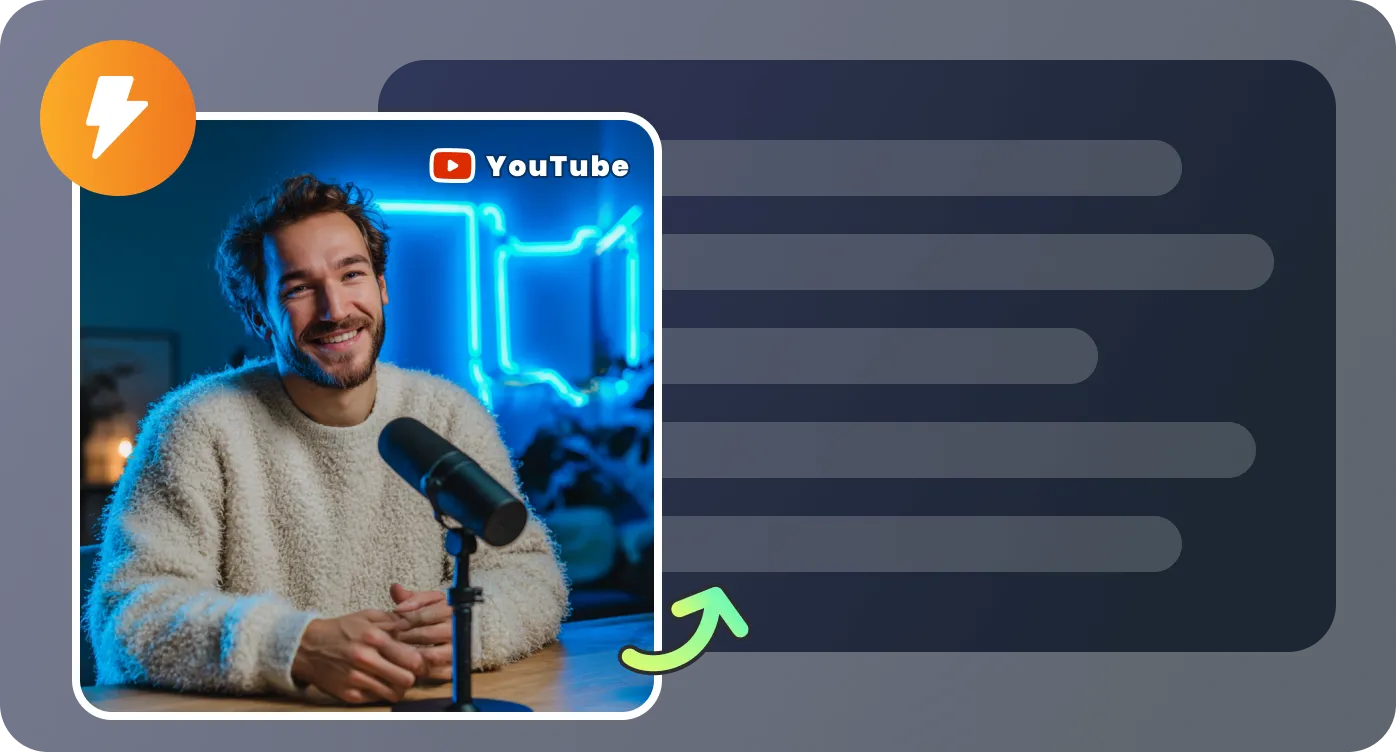
Convert youtube video to text for full-length interviews, lectures, or webinars in one go, keeping the flow intact without splitting files or losing meaning across sections.
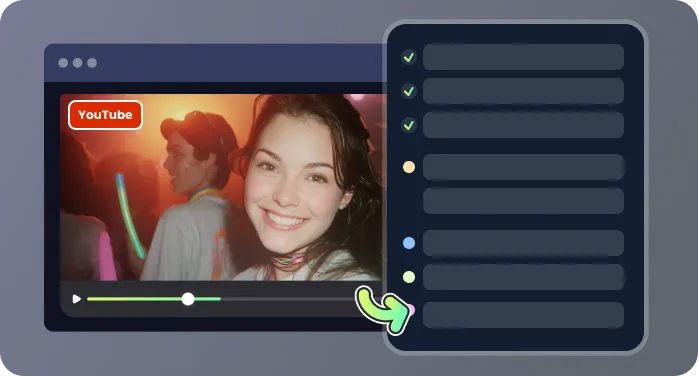
Each part of the youtube to text transcript includes timing references, making it easy to locate specific moments, refine wording, correct names, or trim sections before exporting.
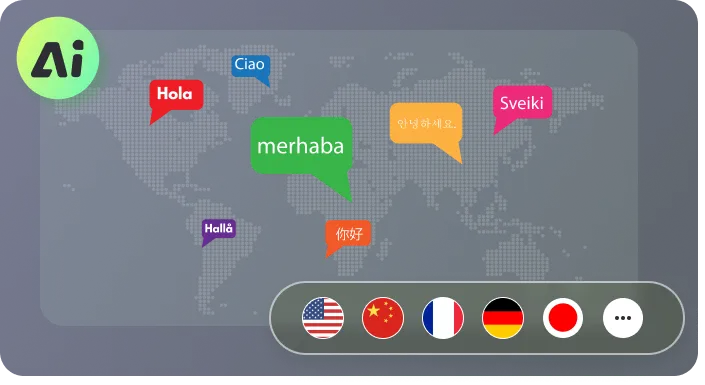
Download your transcript as TXT for notes or SRT for subtitles, all directly in your browser—no installs, no extra steps, just paste a link and get the text.
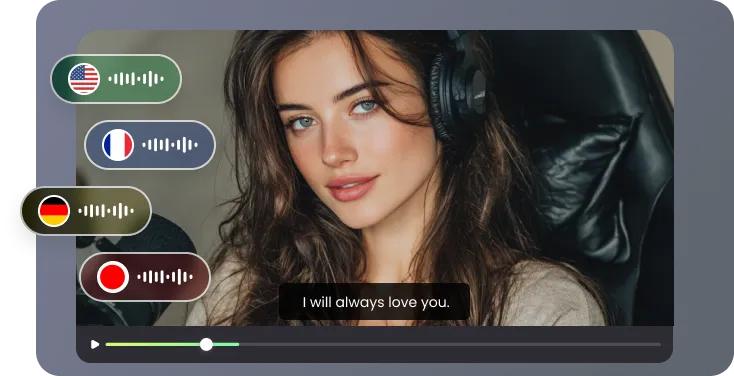
Real use cases where transcripts save time

I use this every week for my online lectures. Instead of replaying 2-hour recordings, I convert youtube to text and turn the transcript into structured study notes. The paragraphs are already clean, so I just highlight key concepts and add my own comments. It’s made exam prep much less stressful.

I work with recorded webinars and client presentations all the time. Being able to convert youtube video to text means I can quickly extract key talking points, clean up the wording, and send a polished summary within an hour. Before this, I had to either take notes manually or rely on messy auto-captions.

As a writer, I often pull quotes from interviews and panel discussions. The timestamps are extremely helpful—I can jump straight back to the exact moment in the video to double-check context. It saves me from scrubbing through timelines and helps me stay accurate when citing sources.

I needed something simple for internal product reviews—no downloads, no complicated setup. I just paste the link, get the transcript, and share it with my team. We use it to quickly review discussions and decisions without watching the full recording again.

Answers to common questions before you start

