
'%20stroke-opacity='0.2'%20stroke-width='2'/%3e%3cpath%20d='M3.11592%2019.2884C1.75802%2014.0938%204.86823%208.78202%2010.0628%207.42412L31.7476%201.75552C33.7413%201.23434%2035.8588%201.49254%2037.6689%202.47756L45.1886%206.5697C47.5462%207.85267%2049.2684%2010.0533%2049.9473%2012.6501L57.5913%2041.8917C58.9492%2047.0862%2055.839%2052.398%2050.6444%2053.7559L23.9954%2060.7222C18.8008%2062.0801%2013.489%2058.9699%2012.1311%2053.7754L3.11592%2019.2884Z'%20stroke='url(%23paint1_linear_54018_1330)'%20stroke-width='4'/%3e%3cpath%20d='M3.1208%2019.2884C1.7629%2014.0938%204.87311%208.78202%2010.0677%207.42412L31.7524%201.75552C33.7462%201.23434%2035.8636%201.49254%2037.6737%202.47756L45.1935%206.5697C47.5511%207.85267%2049.2733%2010.0533%2049.9522%2012.6501L57.5962%2041.8917C58.9541%2047.0862%2055.8439%2052.398%2050.6493%2053.7559L24.0002%2060.7222C18.8057%2062.0801%2013.4939%2058.9699%2012.136%2053.7754L3.1208%2019.2884Z'%20fill='%235B5B5B'/%3e%3cpath%20d='M31.7516%201.75597C33.7454%201.23478%2035.8633%201.49203%2037.6734%202.47705L45.1931%206.5696C47.505%207.82776%2049.2028%209.96938%2049.9079%2012.5007L41.6862%2014.6499C38.2233%2015.5551%2034.6819%2013.4821%2033.7765%2010.0193L31.625%201.78906L31.7516%201.75597Z'%20fill='%23CEFFD2'%20fill-opacity='0.3'/%3e%3cpath%20d='M38.6744%2029.5512C40.6539%2030.0946%2041.3029%2032.5771%2039.8425%2034.0198L31.0802%2042.6757C29.6198%2044.1184%2027.1453%2043.4391%2026.6261%2041.4531L23.5111%2029.5367C22.9919%2027.5506%2024.8174%2025.7473%2026.7969%2026.2907L38.6744%2029.5512Z'%20fill='url(%23paint2_linear_54018_1330)'/%3e%3cdefs%3e%3clinearGradient%20id='paint0_linear_54018_1330'%20x1='14.2197'%20y1='34.6499'%20x2='62.8873'%20y2='40.1141'%20gradientUnits='userSpaceOnUse'%3e%3cstop%20stop-color='%23D6FB72'/%3e%3cstop%20offset='1'%20stop-color='%2376F9B1'/%3e%3c/linearGradient%3e%3clinearGradient%20id='paint1_linear_54018_1330'%20x1='7.62353'%20y1='36.5319'%20x2='55.4562'%20y2='29.4896'%20gradientUnits='userSpaceOnUse'%3e%3cstop%20stop-color='%23D6FB72'/%3e%3cstop%20offset='1'%20stop-color='%2376F9B1'/%3e%3c/linearGradient%3e%3clinearGradient%20id='paint2_linear_54018_1330'%20x1='30.5755'%20y1='24.9296'%20x2='32.6408'%20y2='42.908'%20gradientUnits='userSpaceOnUse'%3e%3cstop%20stop-color='%23D6FB72'/%3e%3cstop%20offset='1'%20stop-color='%2376F9B1'/%3e%3c/linearGradient%3e%3c/defs%3e%3c/svg%3e)
Drag and Drop files to upload or
'%20stroke='%232D2D33'%20stroke-width='3'/%3e%3cpath%20d='M9.86621%2012.8366L13.9744%208.91127L18.1435%2012.8976M13.8403%209.92308L13.9134%2019.0781'%20stroke='%232D2D33'%20stroke-width='3'%20stroke-linecap='round'%20stroke-linejoin='round'/%3e%3c/svg%3e) Browse
BrowseBuilt for when you need more than “just text”

Paste Link
Drop in a YouTube URL to transcribe YouTube video content into a full transcript with time markers.
Refine Content
Clean up phrasing, fix names, and shape the transcript so it reads like written content—not subtitles.
Export with Timing
Download your YouTube transcript with timestamps preserved, making it easy to reference or convert into subtitles.
Designed for people who need structure, not just transcription.
Your transcript isn’t just text—it’s organized into clear sections with timestamps attached to each part. This makes it easy to read like a document while still being able to reference exact moments in the video when needed.
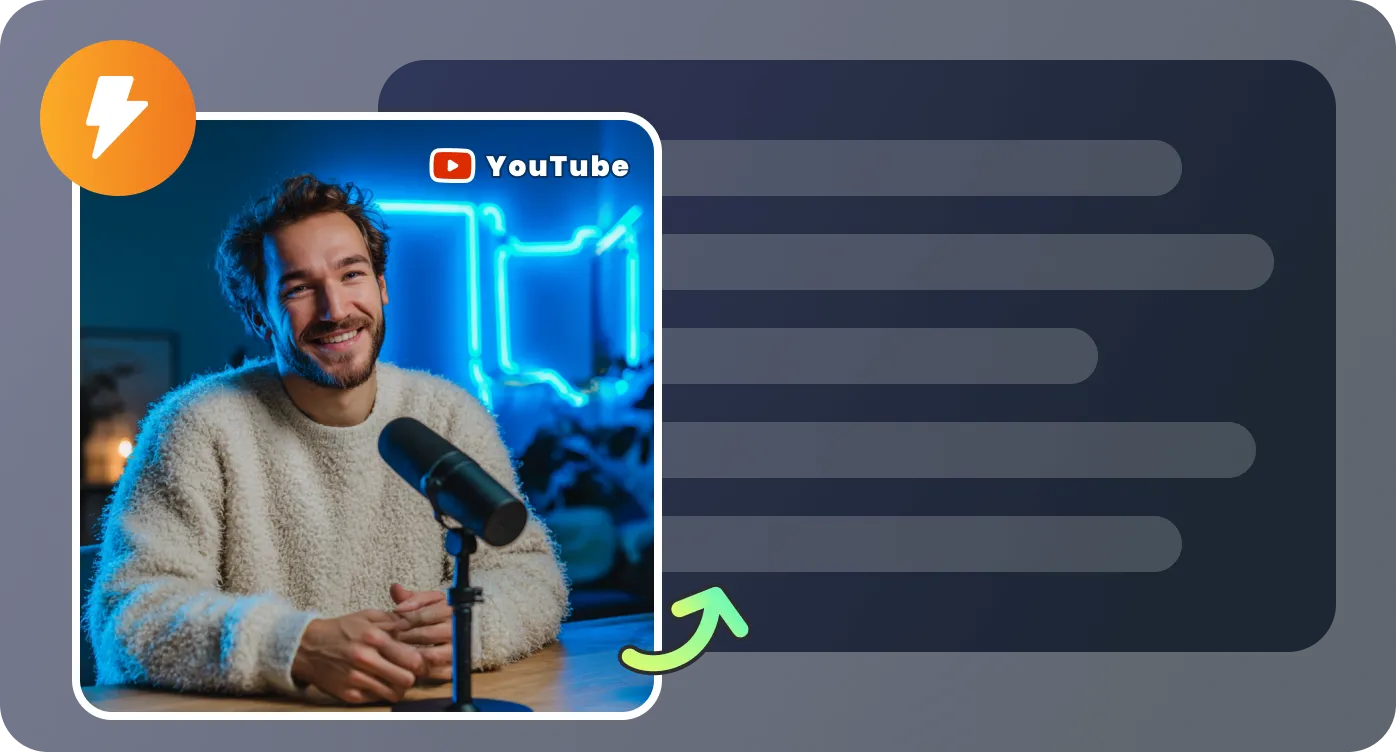
Instead of scrubbing through a timeline, you can search keywords directly in the transcript and jump to the relevant section instantly. Especially useful when working with long YouTube videos or trying to locate specific quotes.
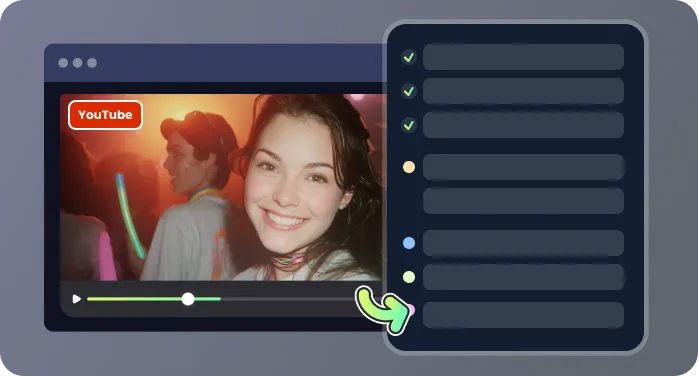
Clean up filler words, correct terminology, and reshape the text into something publishable or shareable. Whether you're creating notes, articles, or internal docs, the transcript is ready to be refined in one place.
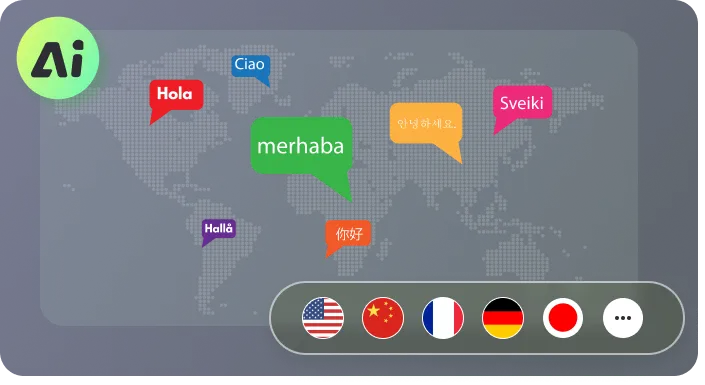
Export your transcript as TXT for reading or SRT for subtitles, and handle long-form content like lectures, interviews, or podcasts without splitting files. Designed for tasks that go beyond basic transcription.
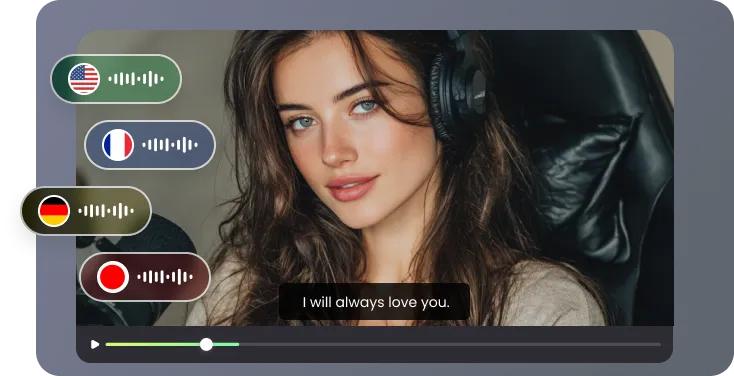
Real scenarios where structure and timestamps matter.

The timestamps are what make this useful. I regularly transcribe YouTube video interviews for articles, and being able to match each quote to an exact moment saves me from constantly replaying clips. I also like that the text is already structured, so I can quickly pull sections into my drafts without heavy rewriting.

Most tools give you a wall of text that still needs a lot of cleanup. This one gives me a YouTube to transcript output that’s already broken into readable sections. I can search for specific terms, jump to the right part of the video, and extract insights much faster when doing research.

I use it mainly for recorded lectures. Instead of rewatching full hour-long videos, I scan the transcript to find the exact section I need and jump straight to that part. During exam prep, this makes a huge difference because I can quickly revisit key concepts without wasting time searching manually. The timestamps and clean structure make it feel more like studying from notes than from video.

For podcast-style videos, I don’t just need text—I need something I can actually work with. This tool lets me transcribe YouTube video content into structured text, then edit it into summaries or scripts. It cuts down a lot of time compared to starting from scratch.

Focused on how transcripts are actually used

