
Paste a link and get structured notes from the transcript—no need to read it all.

Paste Link
Paste a YouTube URL. RecCloud retrieves the available transcript and prepares it for analysis. No manual copy-paste required.
Generate Summary
The YouTube transcript summarizer scans the full text, identifies key arguments, examples, and conclusions, and restructures them into readable sections.

Edit & Export
Refine the summary, copy it as clean text, or download it for use in documents, study notes, or content drafts.
Built for people who need usable notes—not vague overviews
RecCloud analyzes the full YouTube transcript, surfacing key terms, recurring ideas, and main themes. You won’t miss conclusions, late insights, or important examples, even in long lectures or interviews.
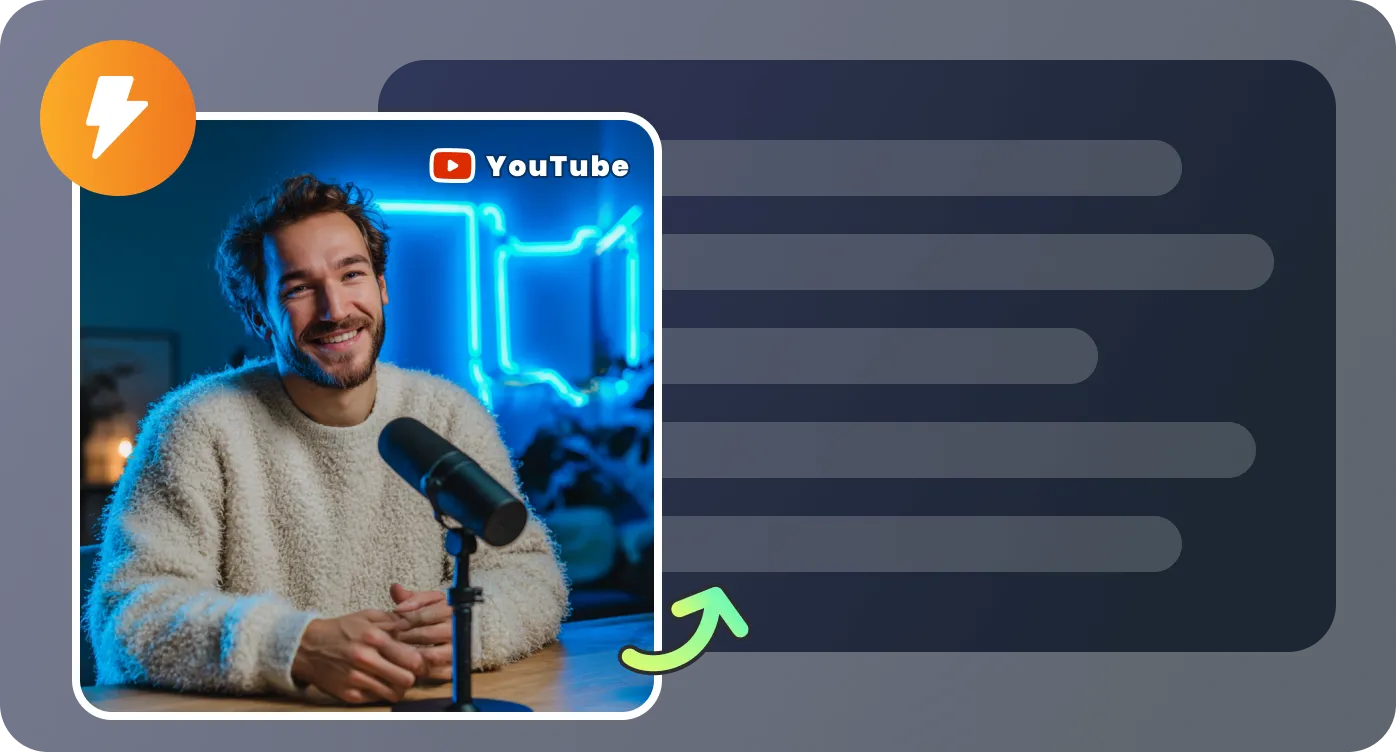
Instead of a single block of text, summaries are organized into clear sections with headings and bullet points—making it easy to review, study, or reference later.
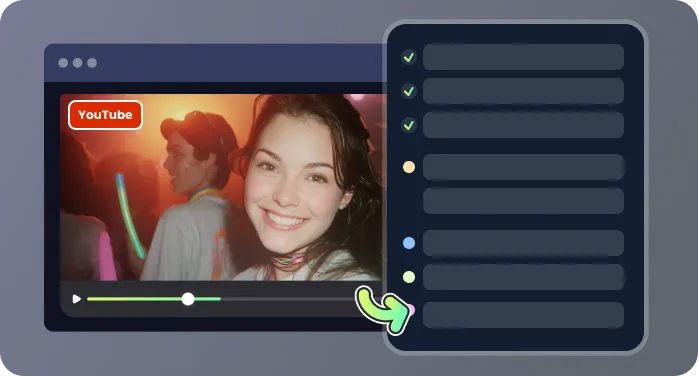
Handles short clips and hour-long videos alike, keeping the transcript’s structure intact. Ideal for lectures, panel discussions, podcasts, or interviews without losing context.

Export plain text for Google Docs, Notion, or Word, ready for immediate use. Summaries can be repurposed for blog posts, reports, email briefings, or study notes without rewatching the video.
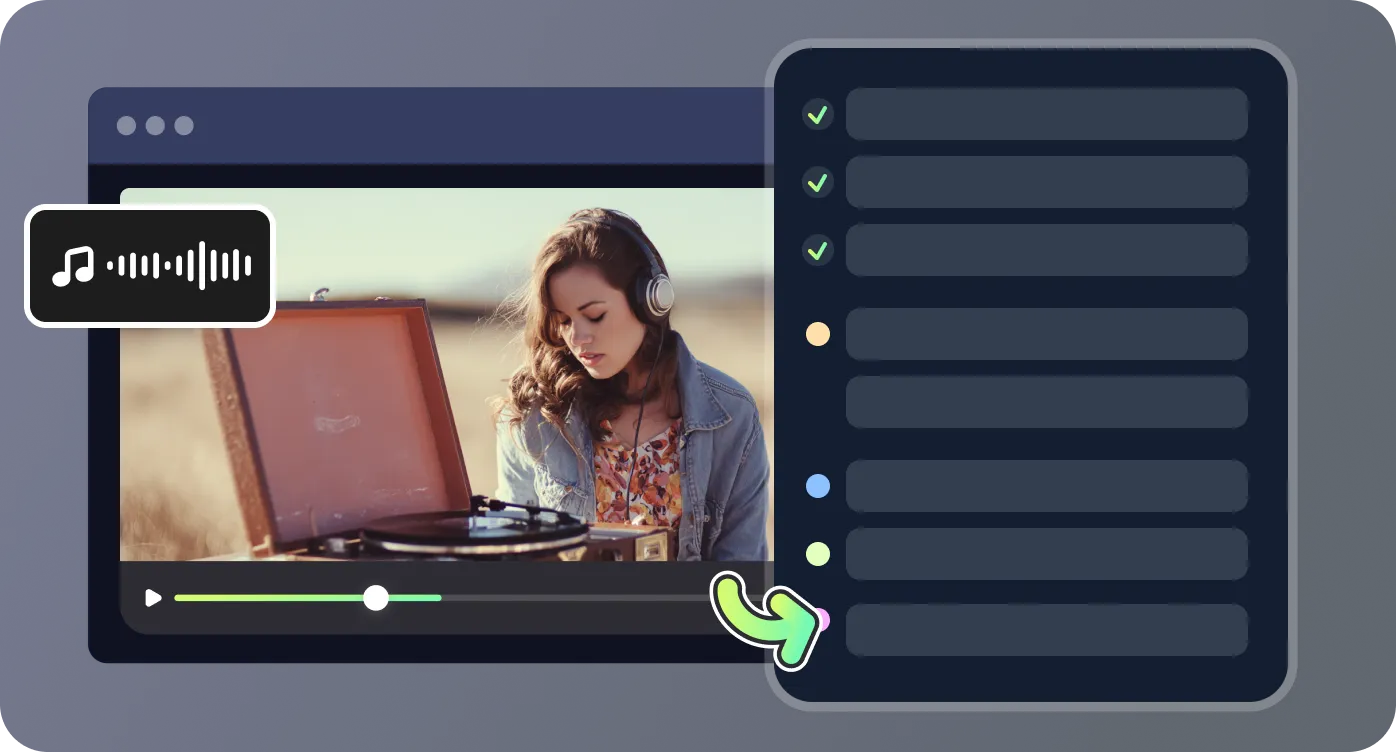
Turn YouTube transcripts into actionable notes, insights, and summaries for study, work, or content creation.

The summaries are structured like real notes. I used the YouTube Transcript Summarizer to review policy lectures, and it captured even the closing arguments most tools miss. The timestamp references and bullet points made it easy to organize my study folder.

I analyze industry interviews weekly. Using RecCloud, I can paste a YouTube link and get an organized transcript summary, highlighting key points and recurring themes. It saves hours compared to manual review, especially for multi-speaker panels.

As a curriculum designer, I rely on clear outlines. This tool converts long webinar transcripts into actionable lesson summaries with headings, bullets, and key topic extraction, so I can draft teaching plans faster and more accurately.

I run a small media team. RecCloud’s YouTube Transcript Summarizer lets us summarize competitor videos quickly, pulling out insights, examples, and talking points. We use these summaries in content strategy meetings and internal reports without watching full videos.

Answers to common questions about summarizing YouTube transcripts

